

Lead
💡 What is Lead process means ?
In sales, the "lead process" refers to the series of steps and activities that sales professionals undertake to convert potential customers (leads) into paying customers. This process typically involves several stages designed to nurture and qualify leads, guiding them through the sales funnel until they make a purchase.
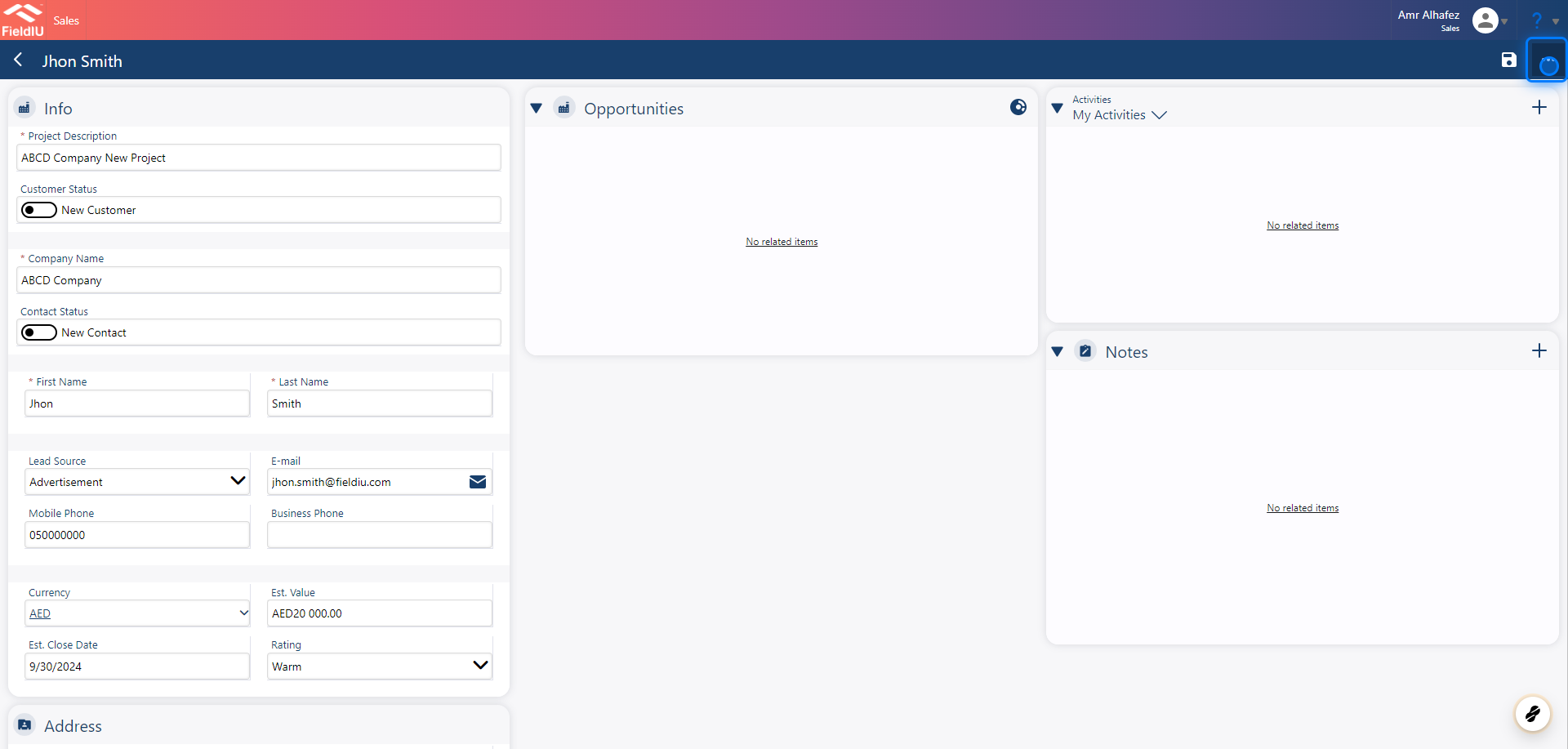
1. Fill The Lead Information
The lead name is simply a placeholder for the topic of the lead. Please fill it in along with the rest of the information.
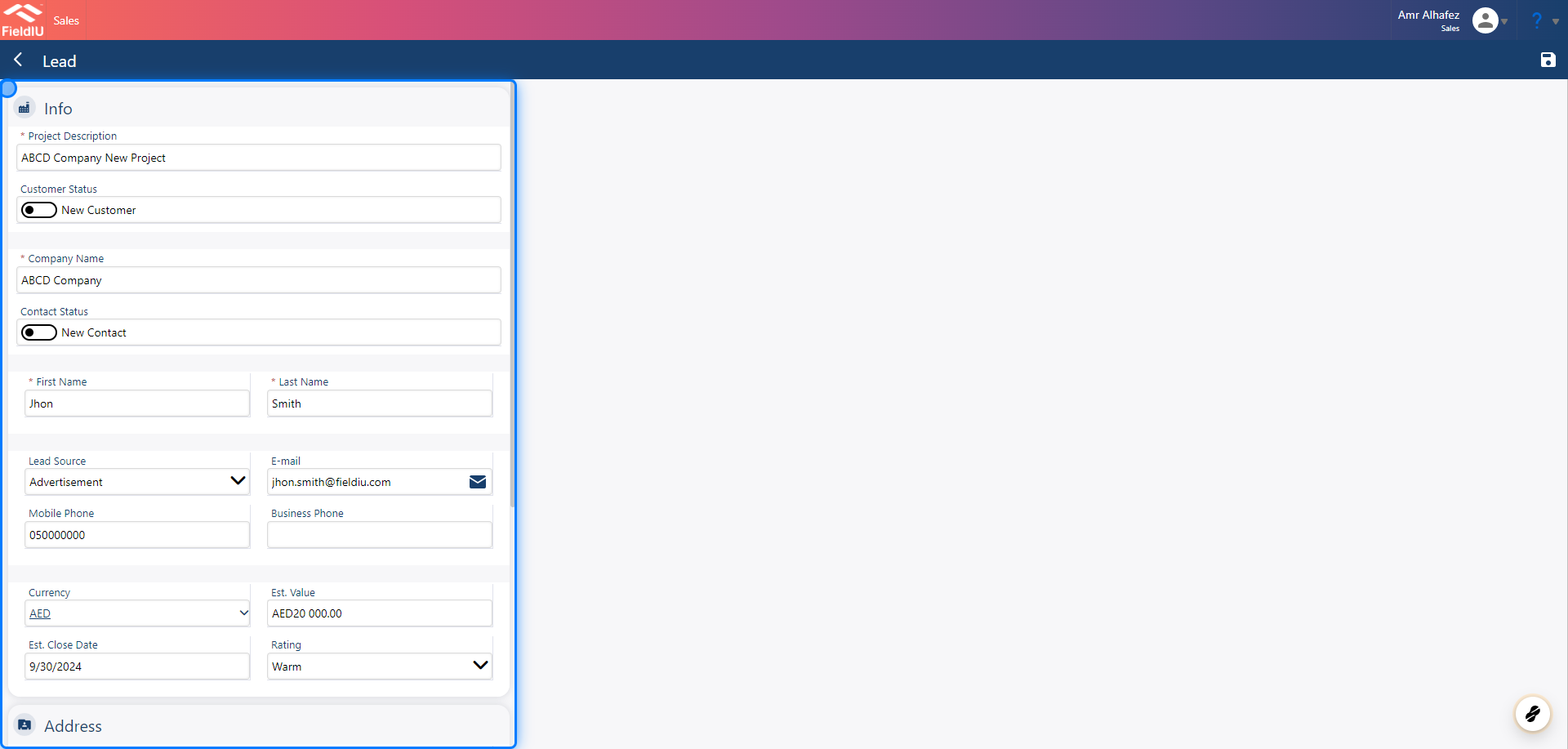
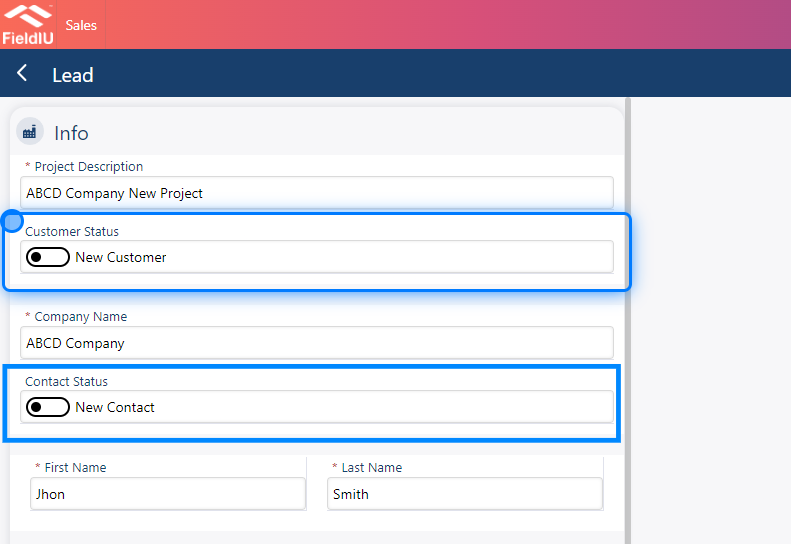
2. Customer & Contact
For the customer and contact sections, you can either fill in details for a new customer or click on the status to change it to "existing customer" or "existing contact." Then, select the appropriate option.
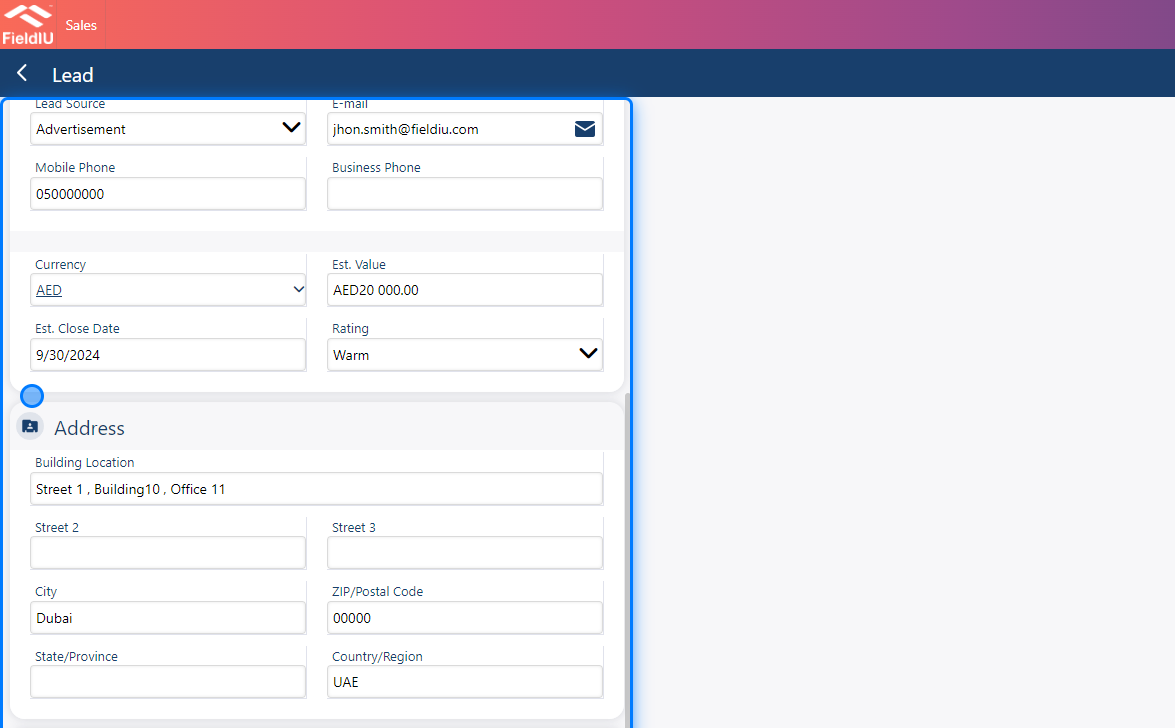
3. Fill The Fields
Just continue filling in the details.
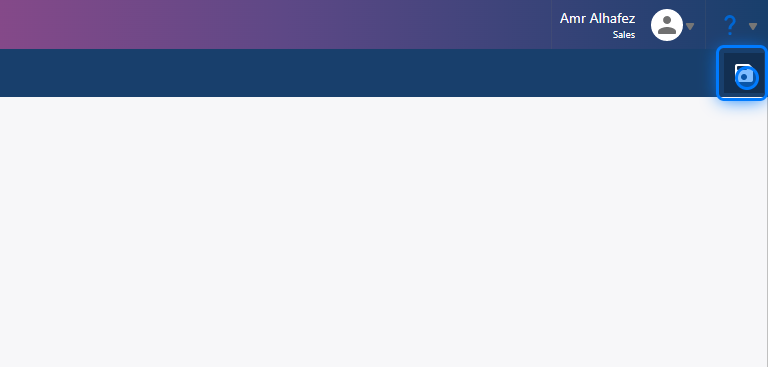
4. Save!
5. Other Informations
After the lead has been saved, additional sections will appear, including Activities, Notes, and Opportunities.
💡 Activity & Notes
You can add any additional activities or actions you want to take for this lead, such as phone calls, appointments, or tasks.
In the Notes section, you can also add files and images related to this lead
For further information, please refer to the activity and notes documentation.
6. Qualification
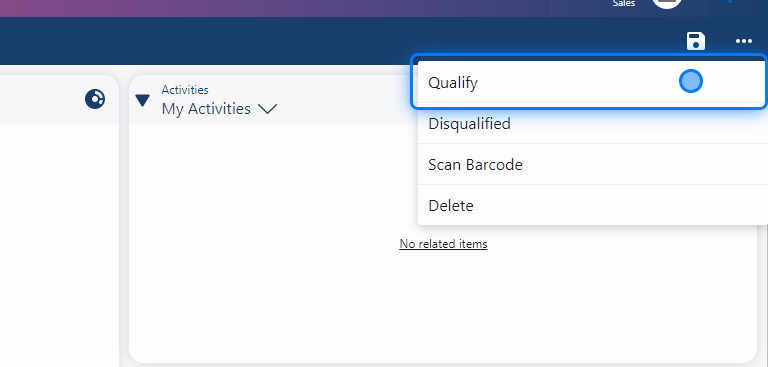
After the sales team reviews the lead, they can determine whether to qualify it. If it qualifies, it will move to the next step, which is Opportunity. If it does not qualify, it will remain in the system as a draft lead for potential future use.
💡 Scan Barcode
If the salesperson is using the Fieldiu mobile app, they can scan a customer or contact's business card by clicking on "Scan Barcode." Additionally, this feature can be integrated with the CamCard app (business version only).�����������������������