

Work Orders & Bookings
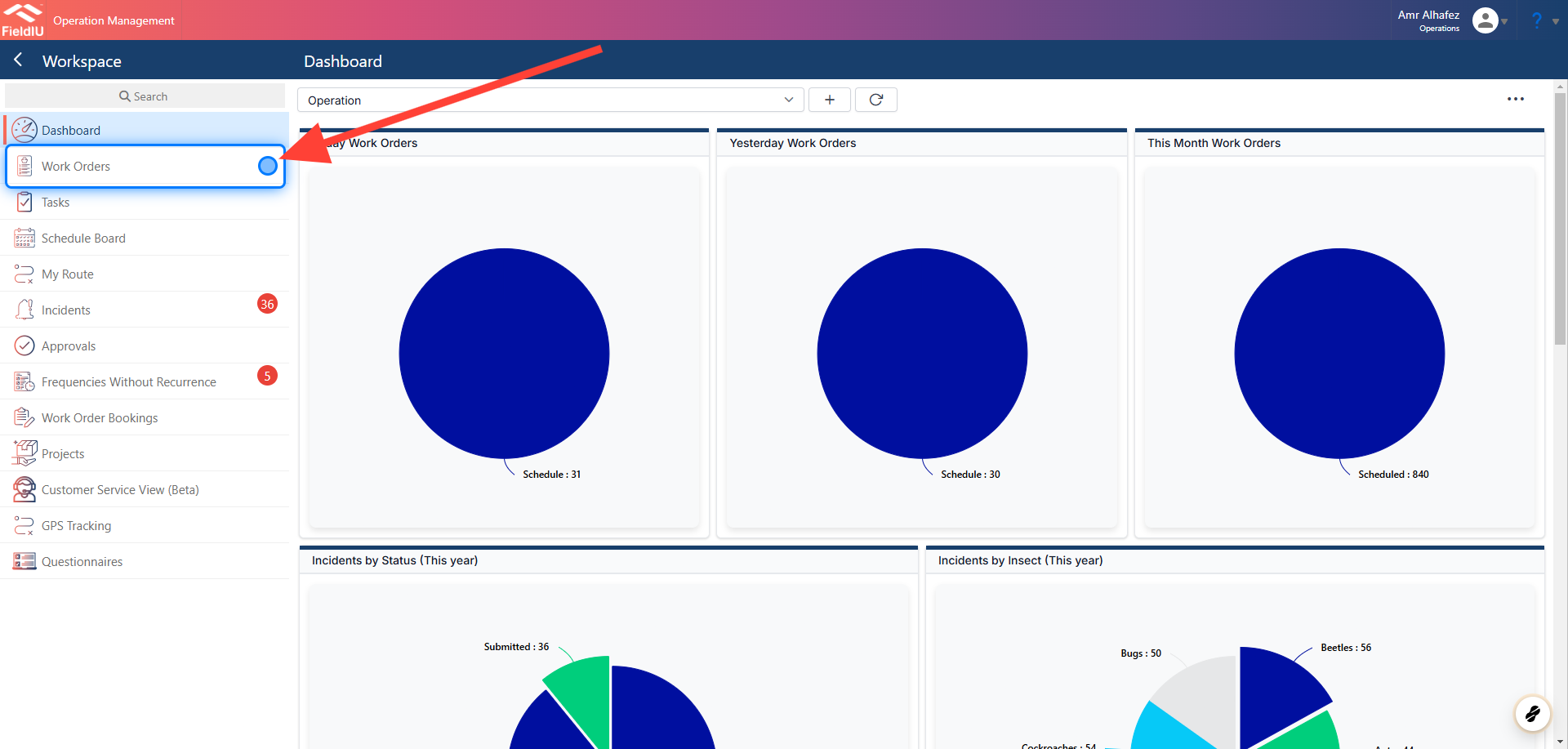
1. Accessing Work Orders
You can access all the work orders from the sidebar menu by clicking on the 'Work Orders' tab.
2. Main Information
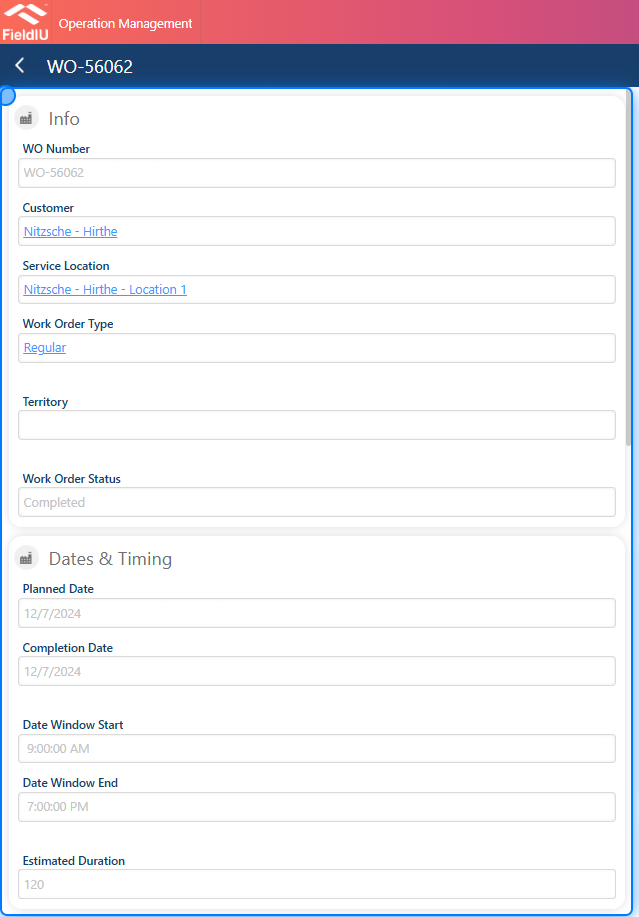
You will find the main information and details on the left side, including:
-
Work Order Number
-
Customer
-
Service Location
-
Work Order Type
-
Territory
-
Work Order Status
-
Dates & Timing
3. Details & Cancelation
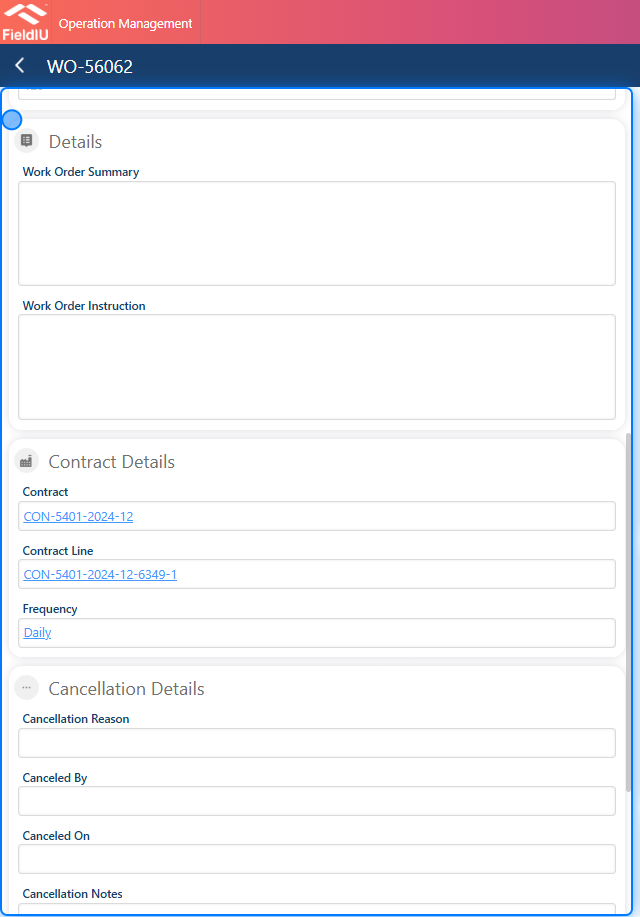
Additionally, we have sections to insert a summary and instructions, as well as a section for cancellation details in case you need to cancel the work order.
💡 Let’s take a look at the other sections
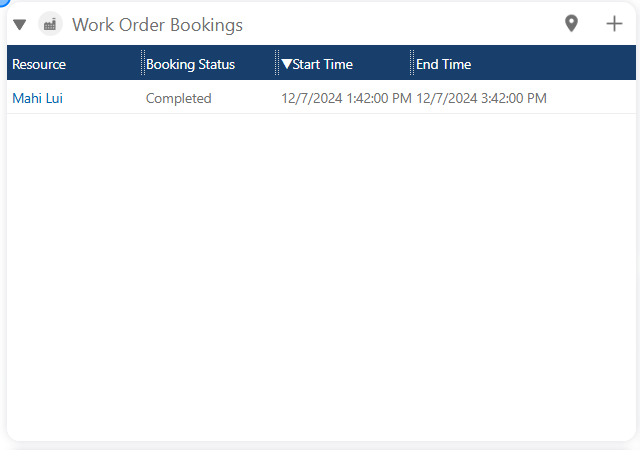
4. Bookings
Here, you can view all the visits made for the work orders.
5. Services & Consumables
We can see the services performed and the products used during all visits.
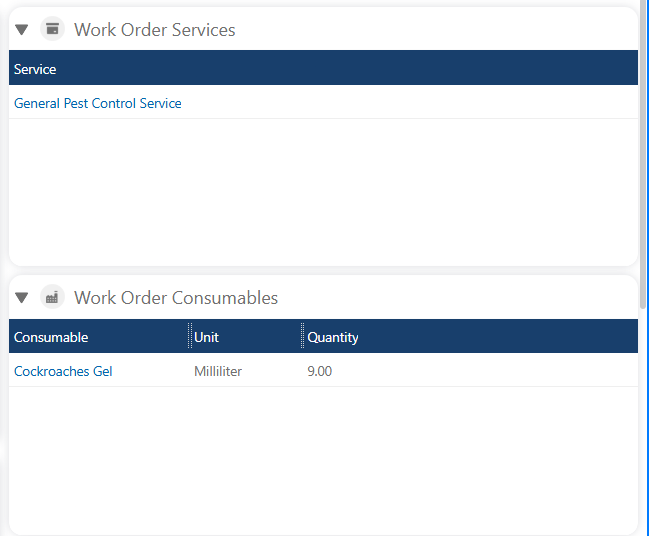
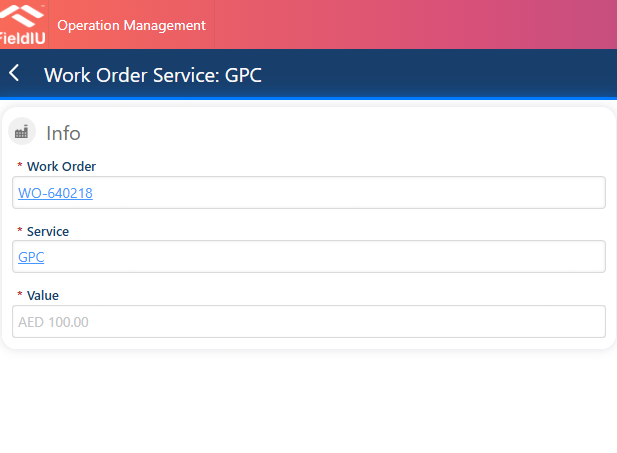
6. Work Order Services
For the work order services, once you select a service, you will see the value for that service.
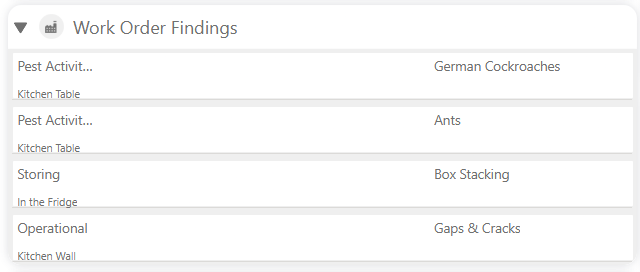
7. Findings
In this section, we can see all the findings from the visits.
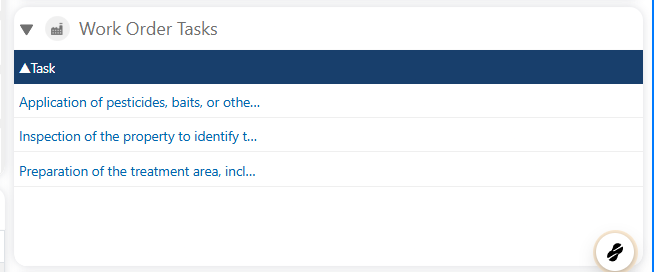
8. Tasks
Here, we can find the assigned tasks to the work order.
9. Readings
In this section, we can see all the readings for the monitoring points.
Bookings
💡 Let’s go through the bookings (Visits) and see what’s inside
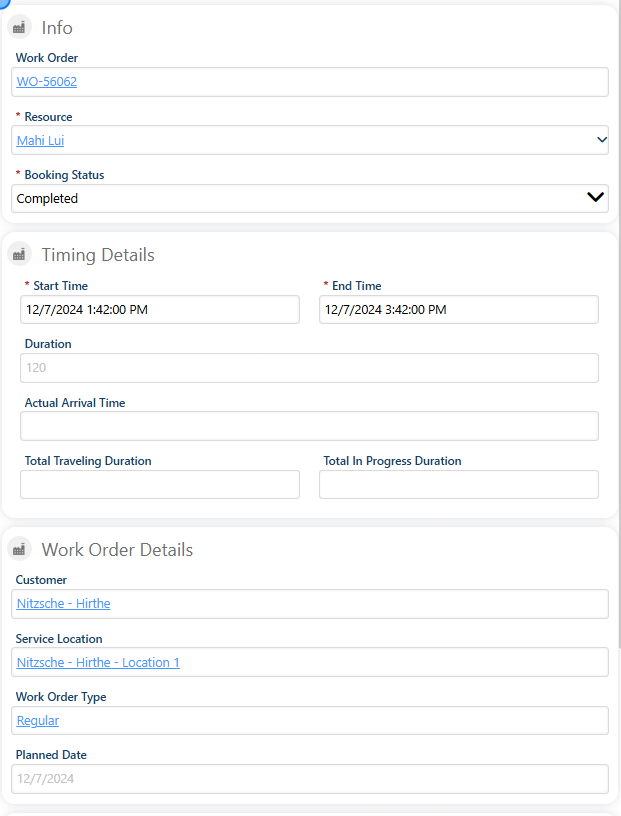
10. Main Information
Once we select the booking, we will find the main information for the visit, such as:
-
Name : Booking Name
-
Resource : The technician who made the visit
-
Booking Status : Whether it was completed, in progress, etc.
Timing Details :
-
Start Time / End Time
-
Duration
-
All timing details
Work Order Details :
-
Customer
-
Service Location
-
Work Order Type
-
Planned Date
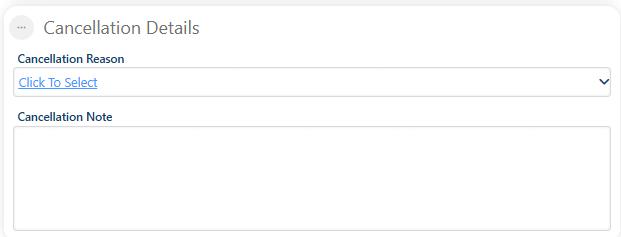
11. Cancelation
We have a section for booking cancellation details.
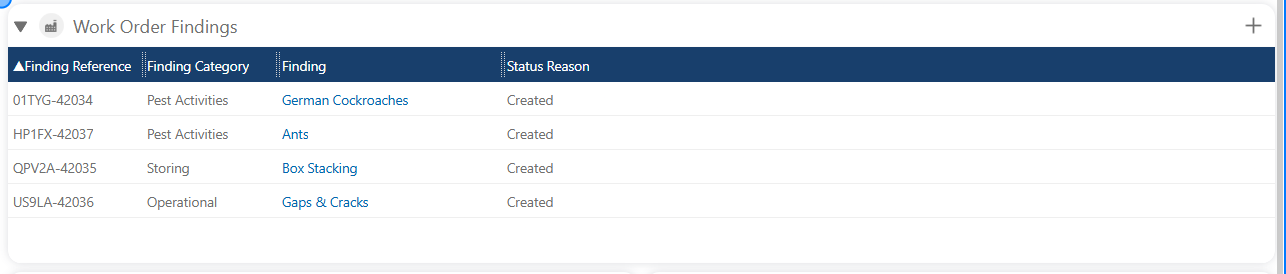
12. Findings
The findings section will display the findings discovered at the service location during the visit.
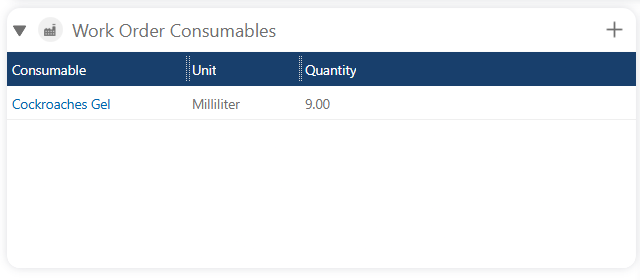
13. Consumables
The consumables section will display the products used during the visits.
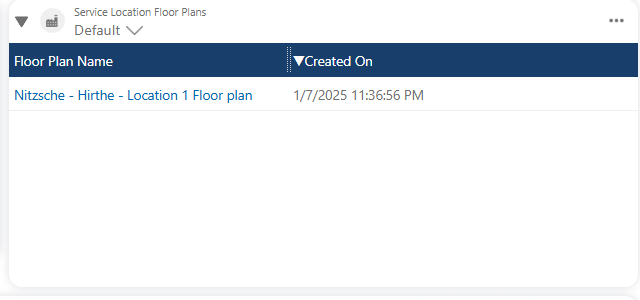
14. Floor Plans
Additionally, we have a floor plans section
15. Supportive Photos
We have a section for supporting images, which includes all the photos taken by the technician.
16. Monitoring Points
In Monitoring Points section we can see all the monitoring points at the service location.

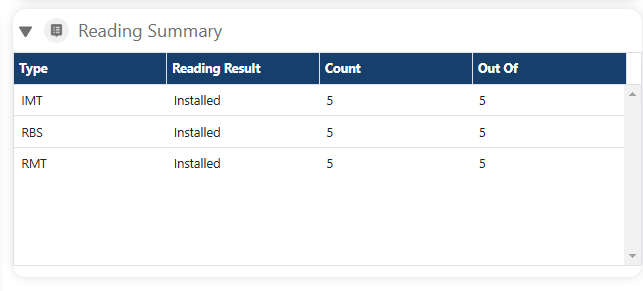
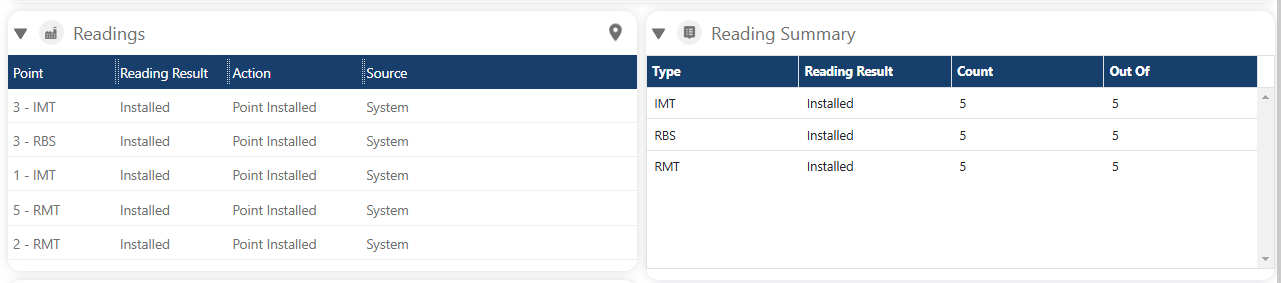
17. Readings
We have a section for all the readings taken during the visit, as well as a section for the summary
 �����������������������