

Inventories
1. Inventory
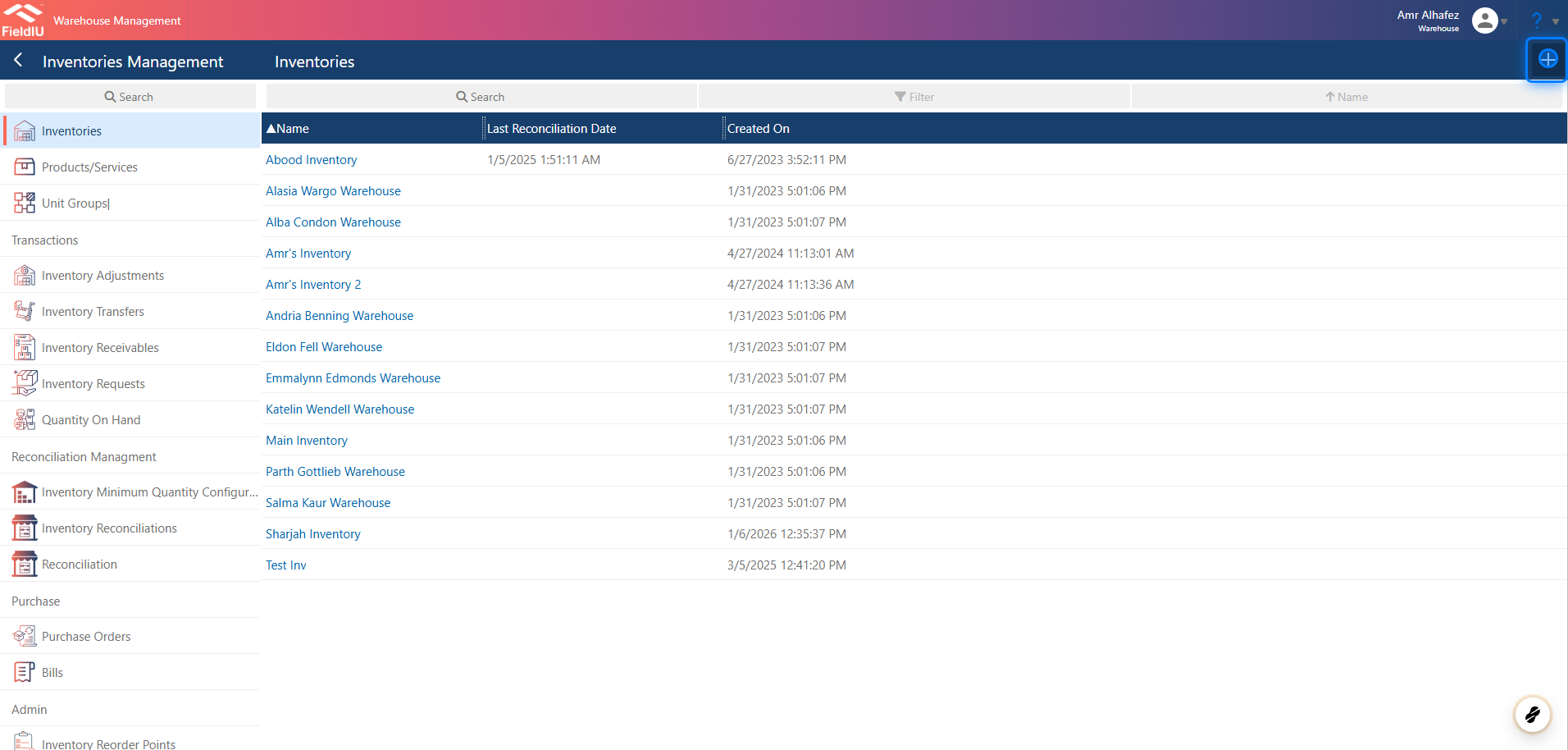
You can access it from the Warehouse app. From the side menu bar, click on Inventory Management —you will find it at same menu.
You can create a new Inventory by clicking the + button, or edit any existing record by clicking on it.
2. Main Details
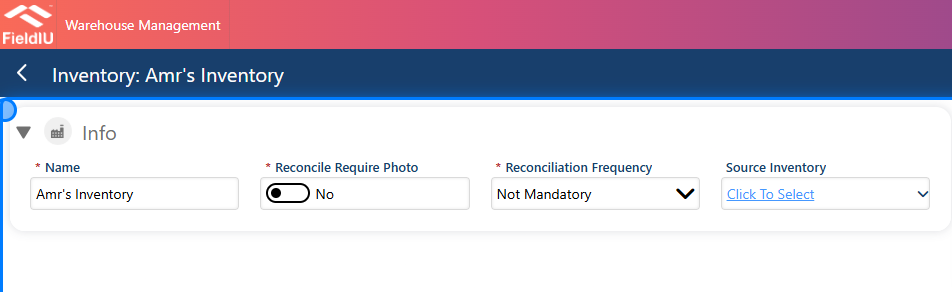
Once you create a new inventory, you need to enter the inventory name and choose whether you want to reconcile with images or not. Also, select the reconciliation frequency, and optionally choose a source inventory if available.
3. Inventory Minimum Quantity Configuration
You can choose the Inventory Minimum Quantity Configuration from this section.
Read more in the Inventory Minimum Quantity Configuration documentation.

4. Inventory Adjustment
You can create a new Inventory Adjustment from this section.
Read more in the Inventory Adjustment documentation.

5. Transfers & Quantites
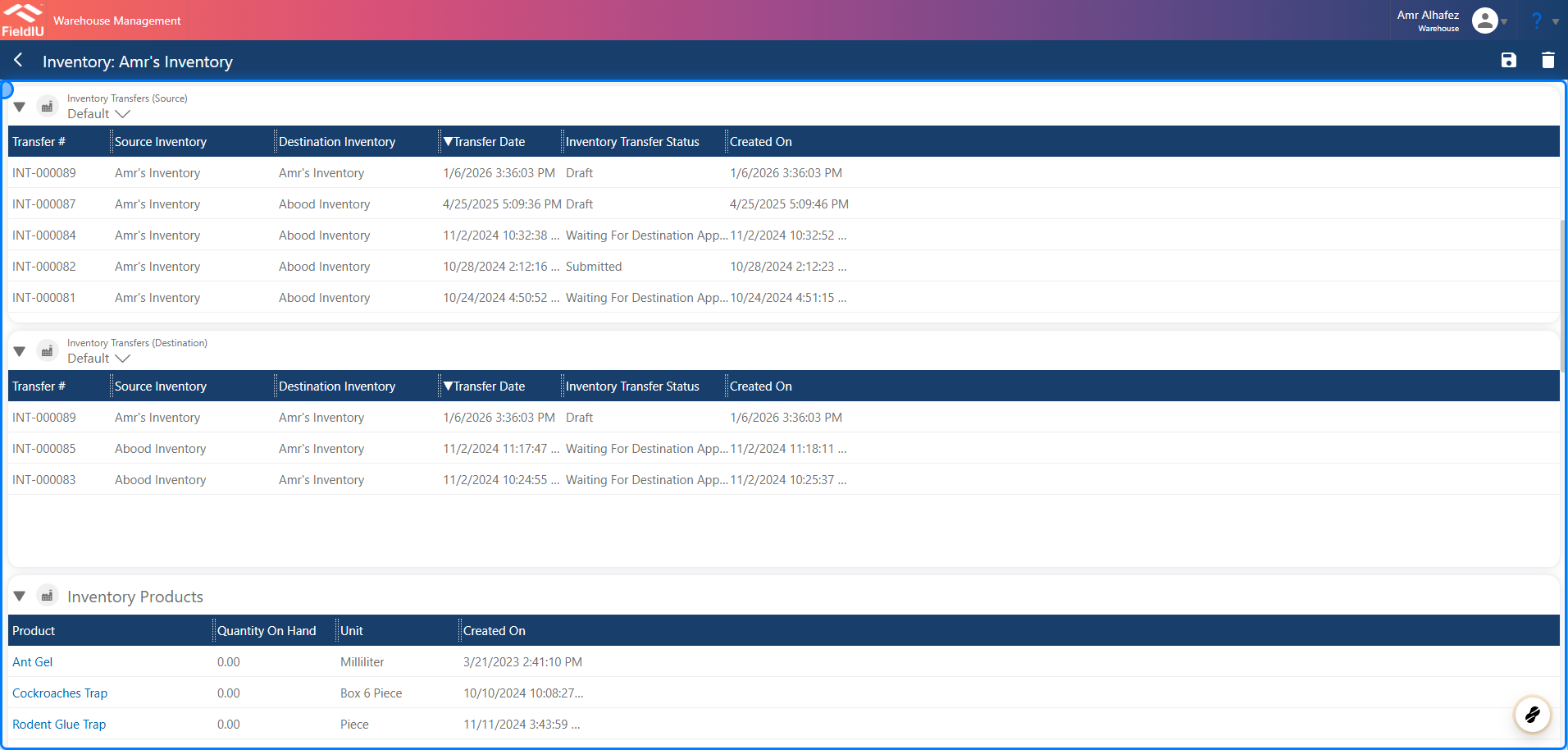
You can also see all the transfer records and the product quantities
6. Journals
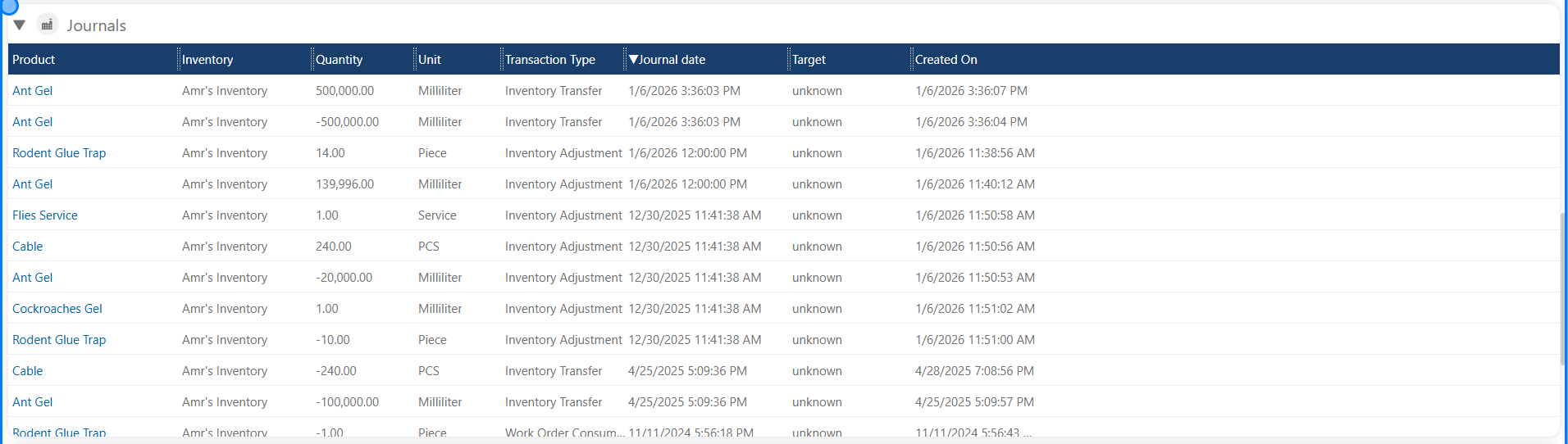
In this section, you will see all the journals for all products related to the inventory.
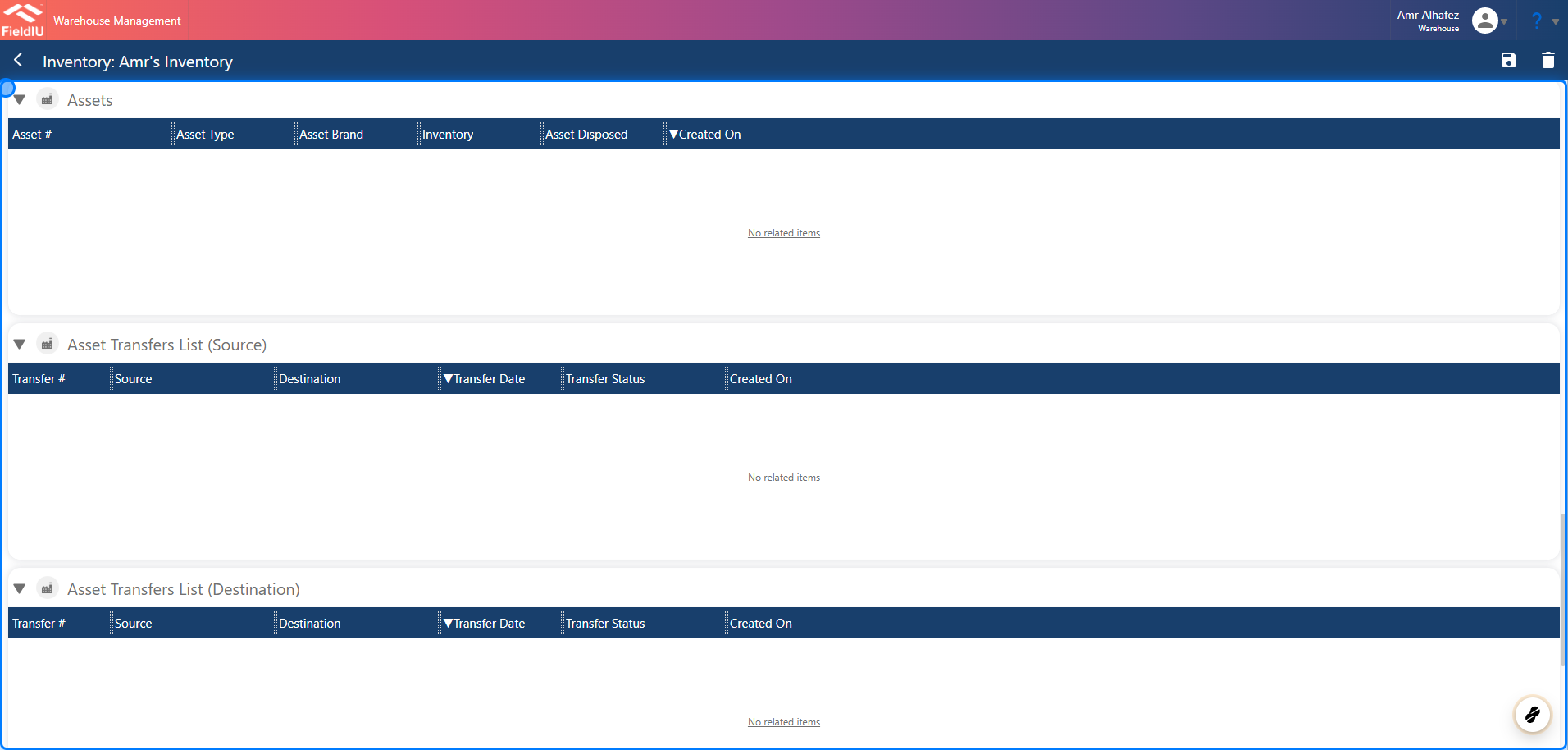
7. Assets
The same section is available for assets.
 �����������������������