

Warehouse
Inventory Minimum Quantities
Inventory Minimum Quantities is used to set the minimum quantities for linked inventories.
1. Minimum Quantity Configurations
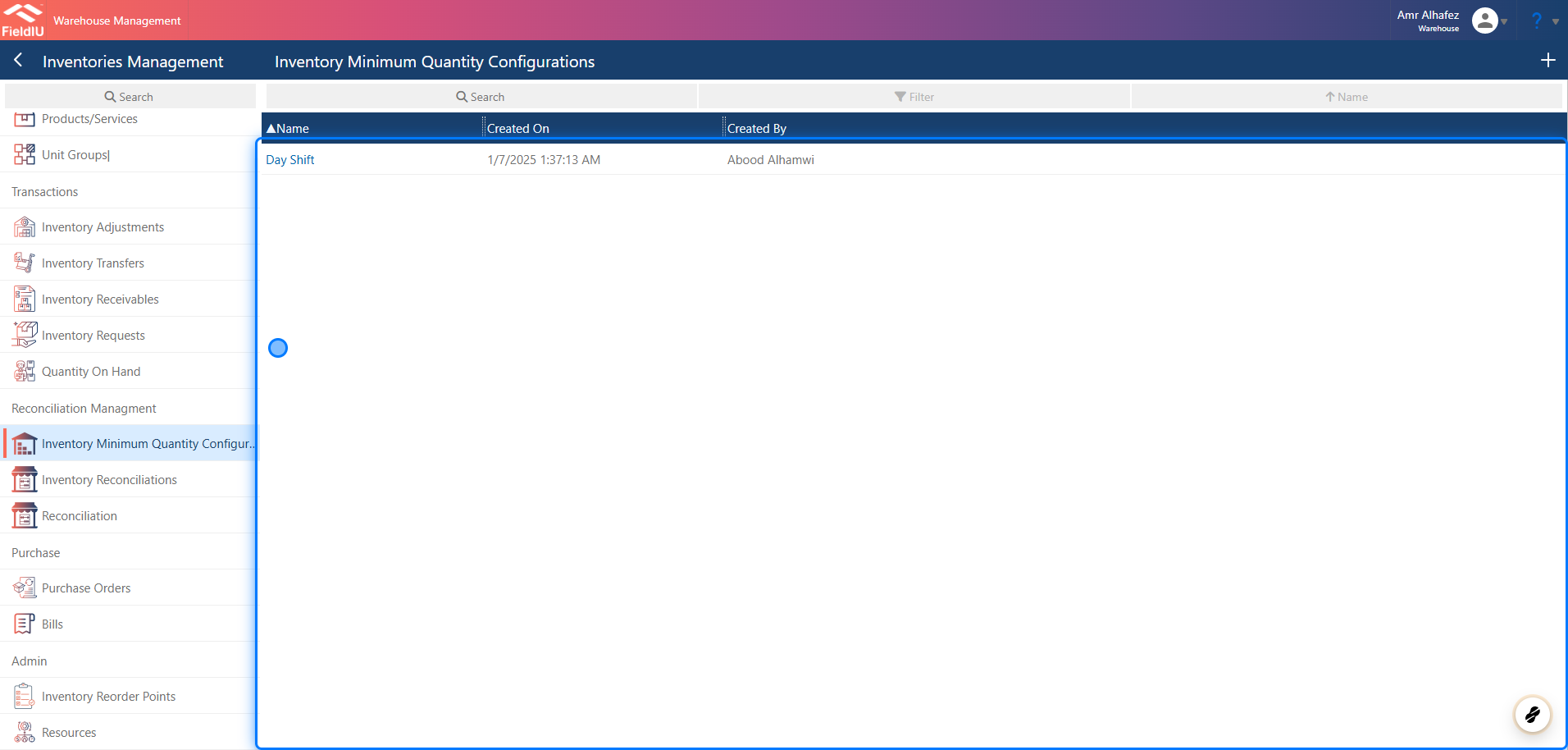
You can find the Inventory Minimum Quantities configuration in the Warehouse app. From the side menu, click on Inventory Management —it is located within the same menu.
You can create a new configuration by clicking the + button, or edit any existing record by clicking on it.
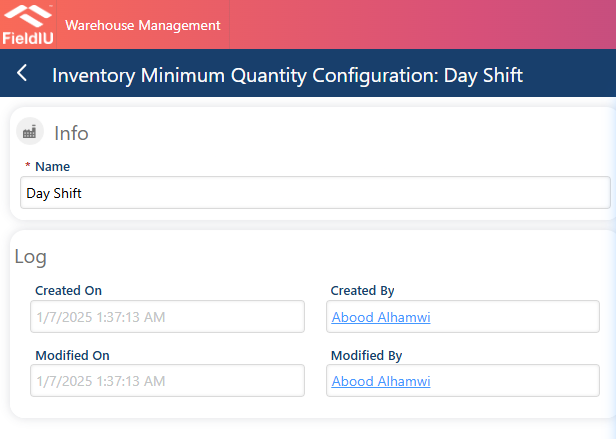
2. Enter a configuration name and save.
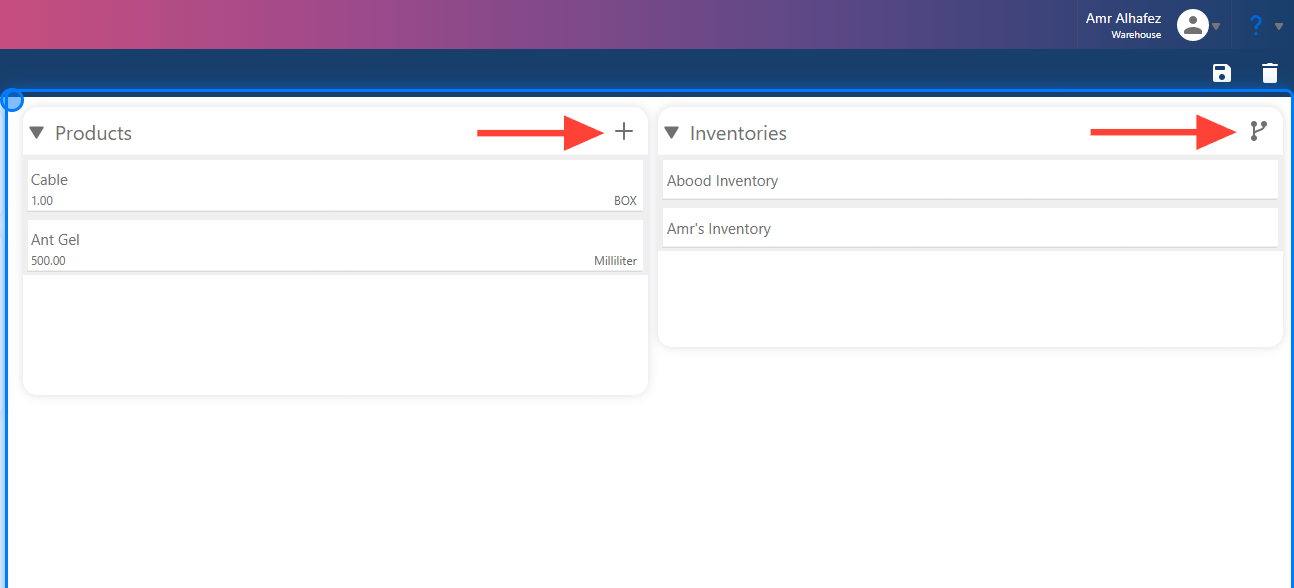
3. Setting it up
Once you save, you can add products and their quantities in the Products section, and link inventories in the Inventories section.
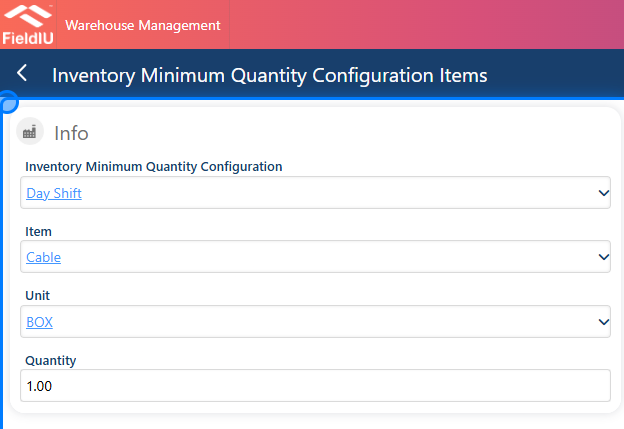
4. Adding Product
Simply fill in the details and save.
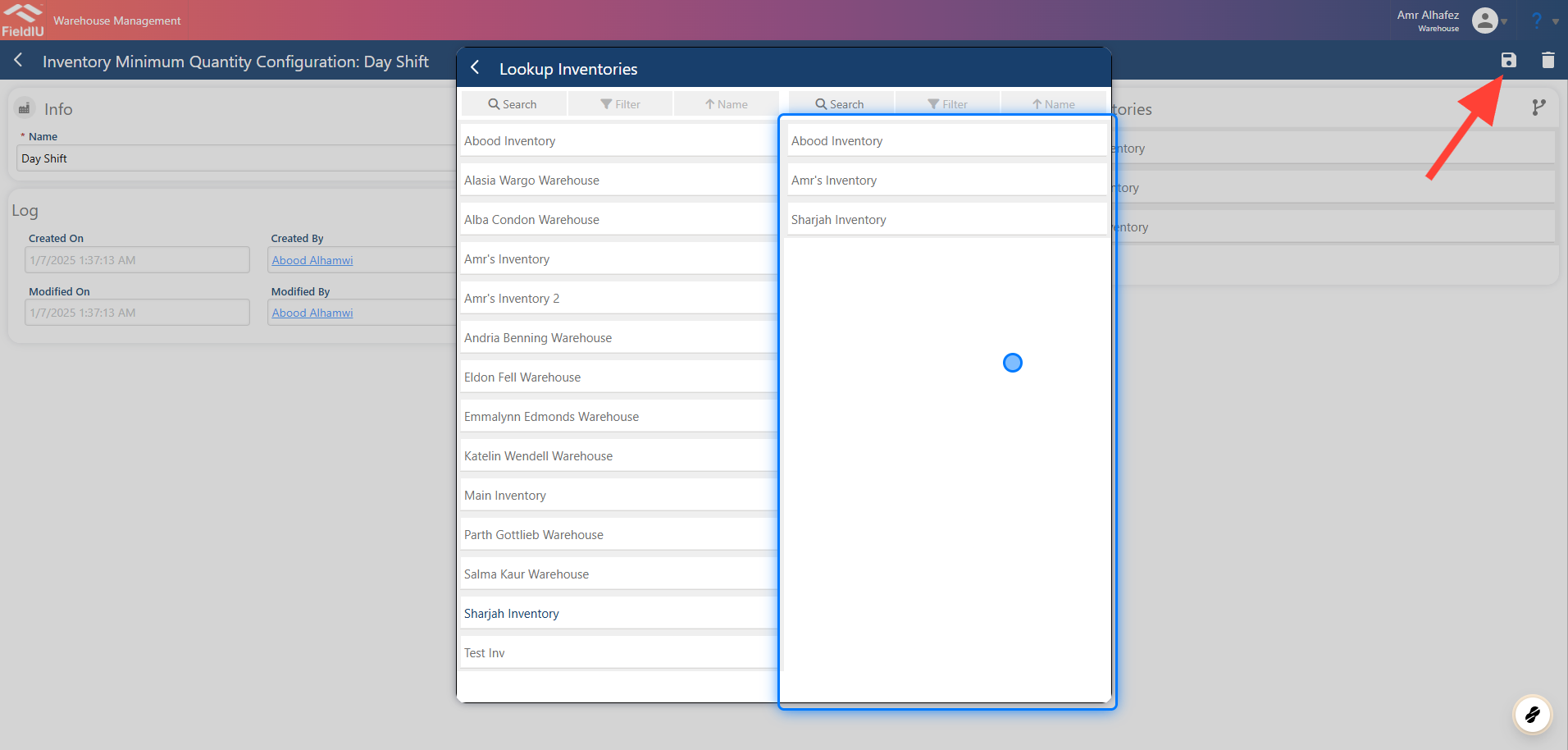
5. Link Inventories
Select the inventory, go back, and then save.
 �����������������������