

Additional Details
💡 What is it ?
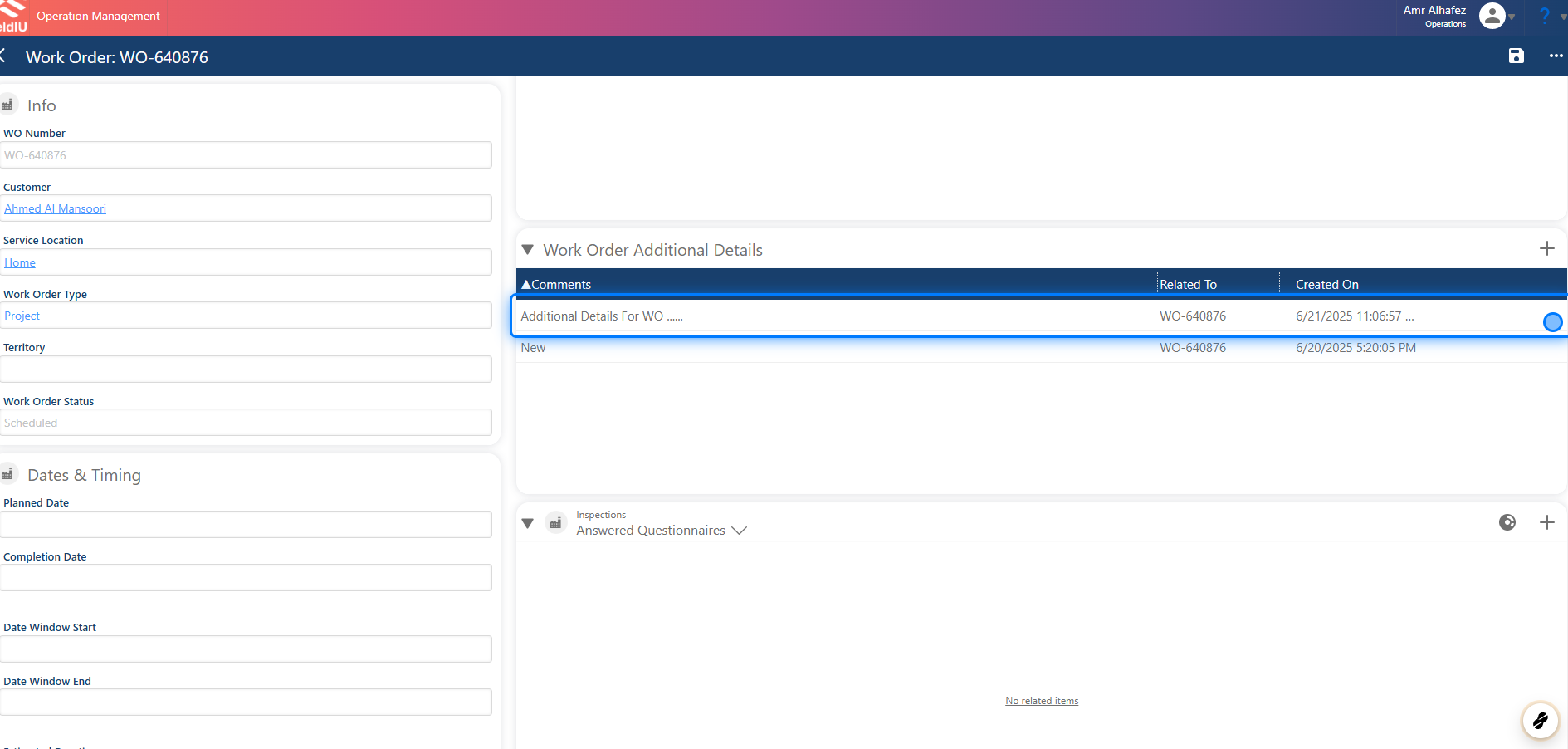
The Additional Details feature allows you to insert any information related to a Work Order, Service Location, or Account.
There are several ways to add this information—let's take a look.
💡 Why we are using it !?
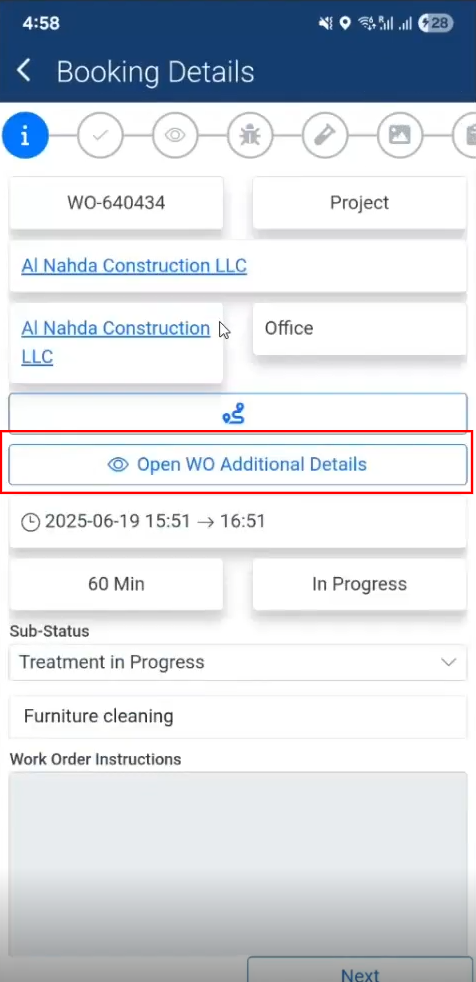
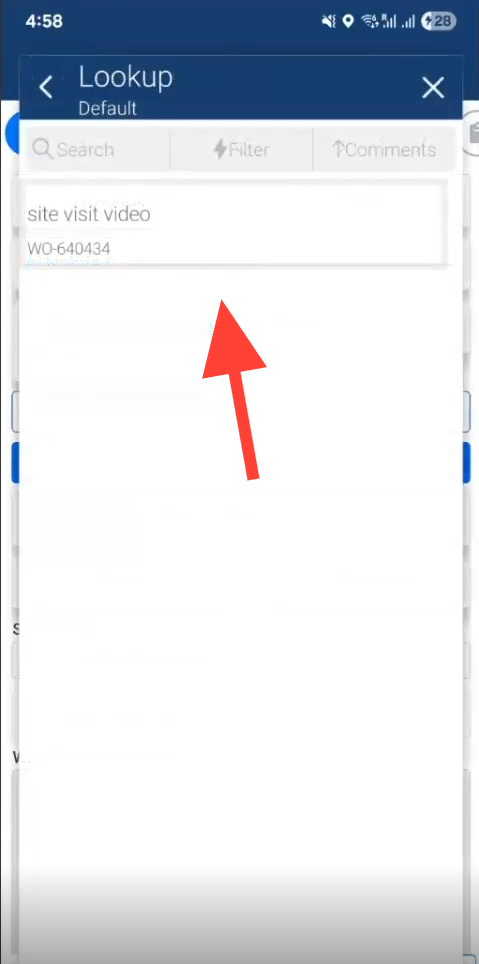
Whenever a field staff member opens a Work Order that includes Additional Details, the comment will be visible in the Work Order details.
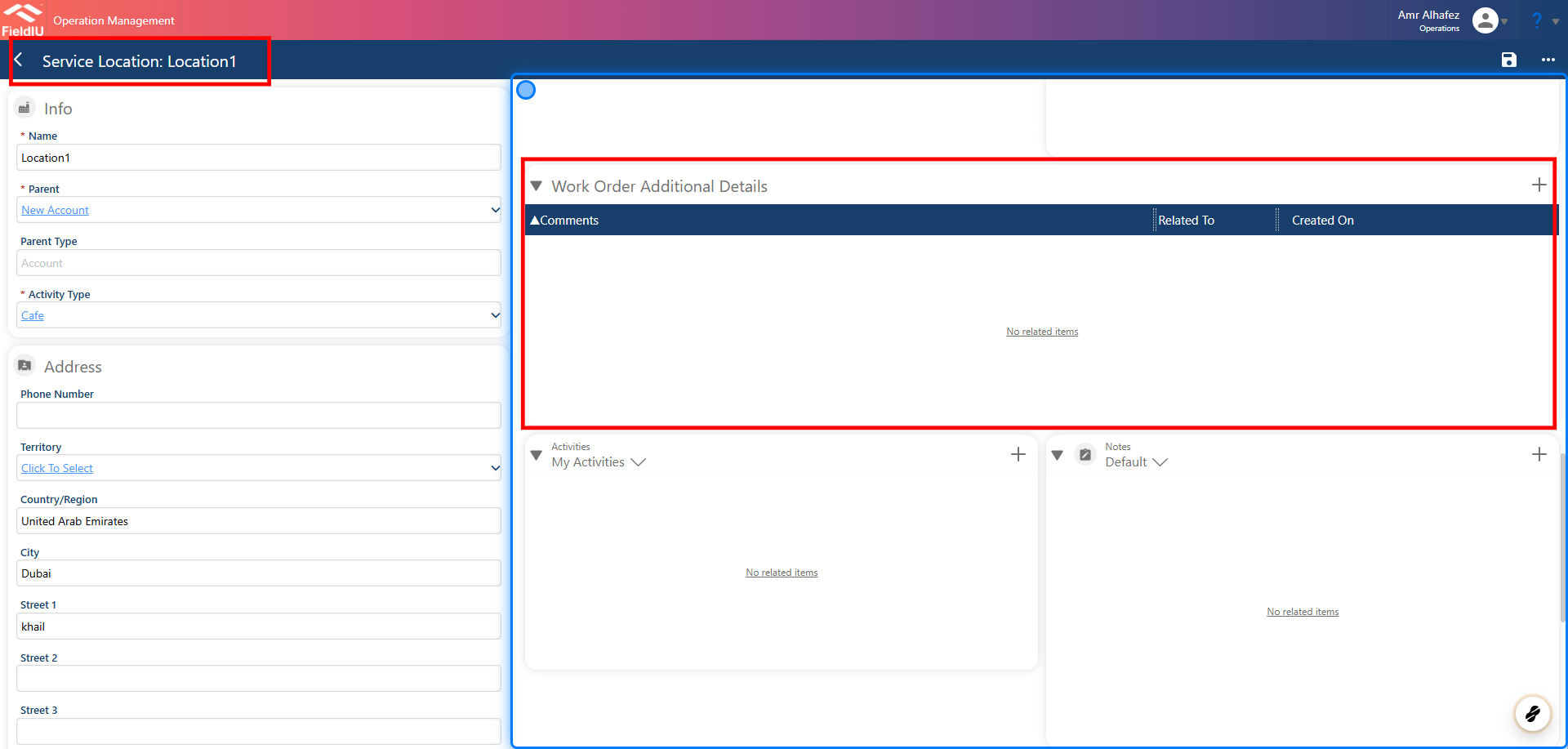
The same applies to Service Locations—if the Work Order is related to a Service Location with Additional Details, the associated comment will appear in the Work Order details.
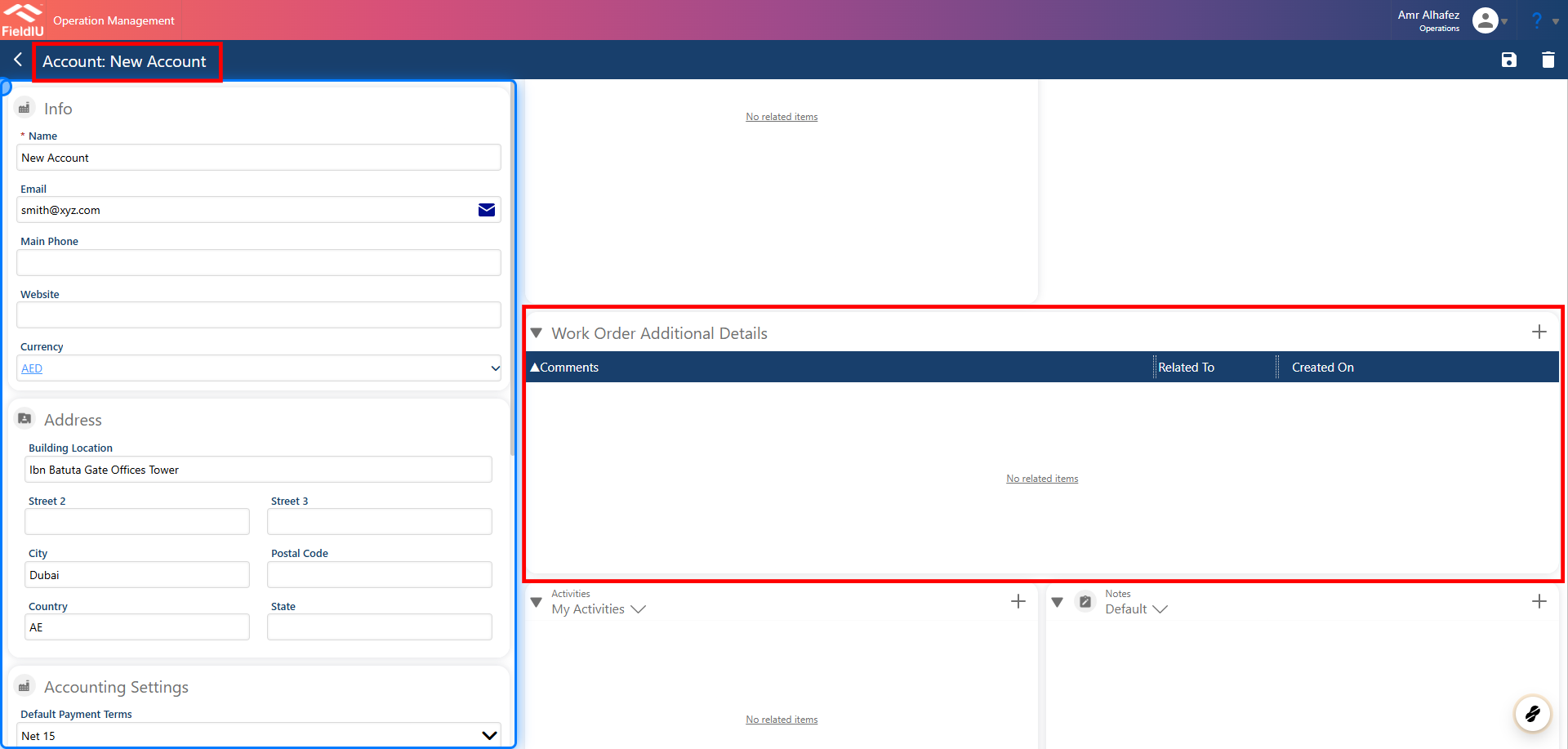
This also applies to Accounts. When a Work Order is linked to an Account with Additional Details, the corresponding comment will be displayed within the Work Order details section.
1. In Work Orders
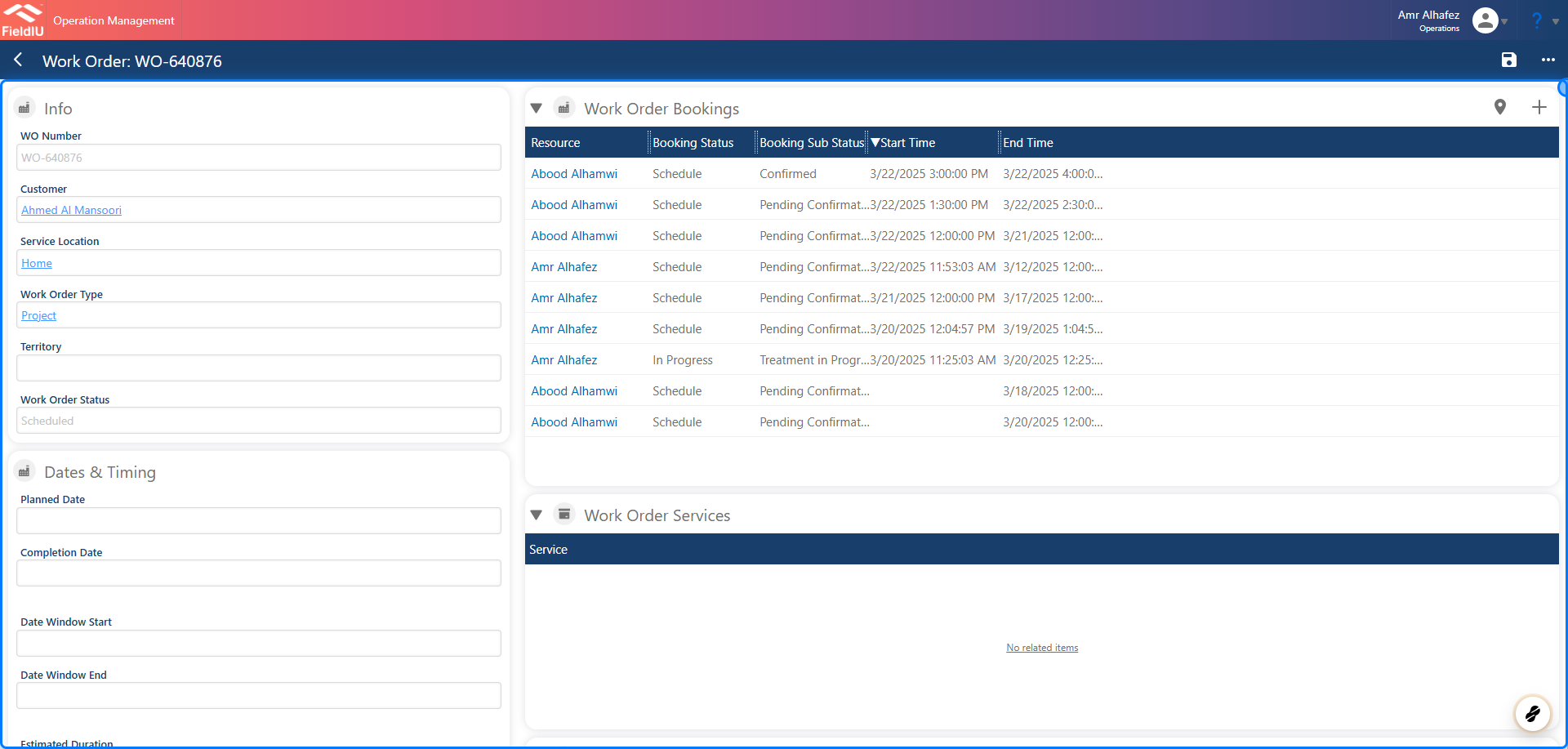
2. Work Order Additional Details Section
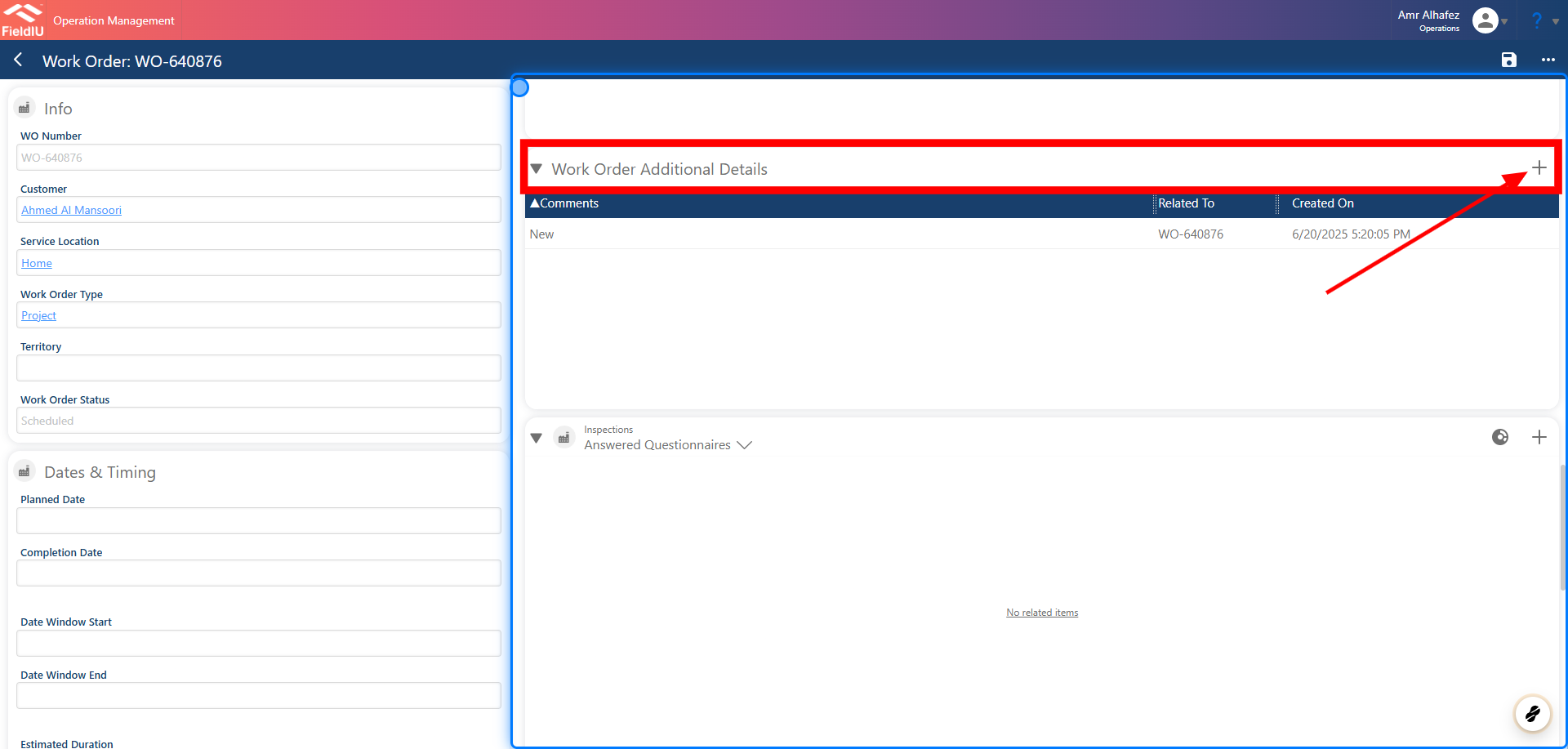
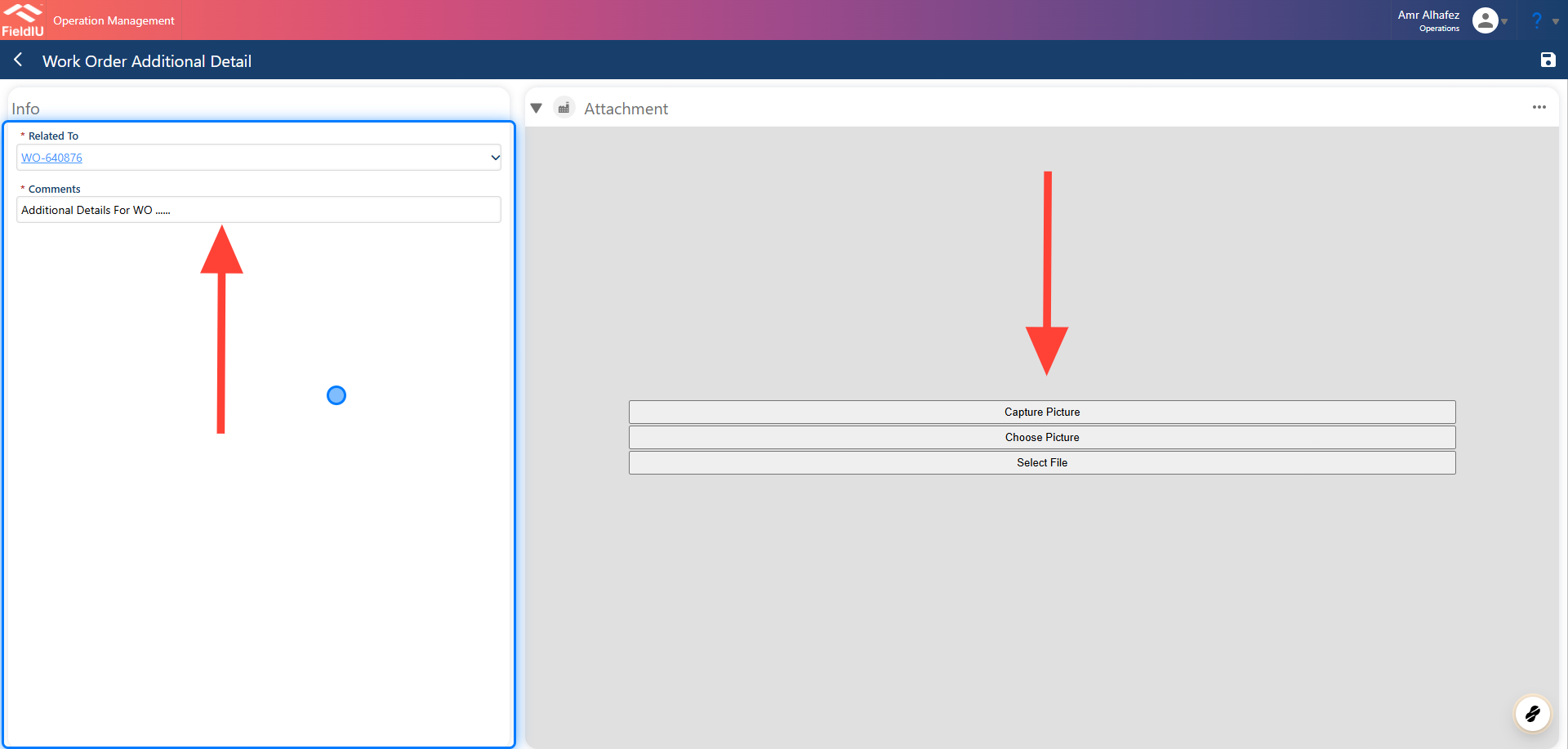
3. Insert Comment
Once a new Additional Detail is created, a comment must be added. You can also upload images, videos, PDFs, or any other files you wish to include with the comment.
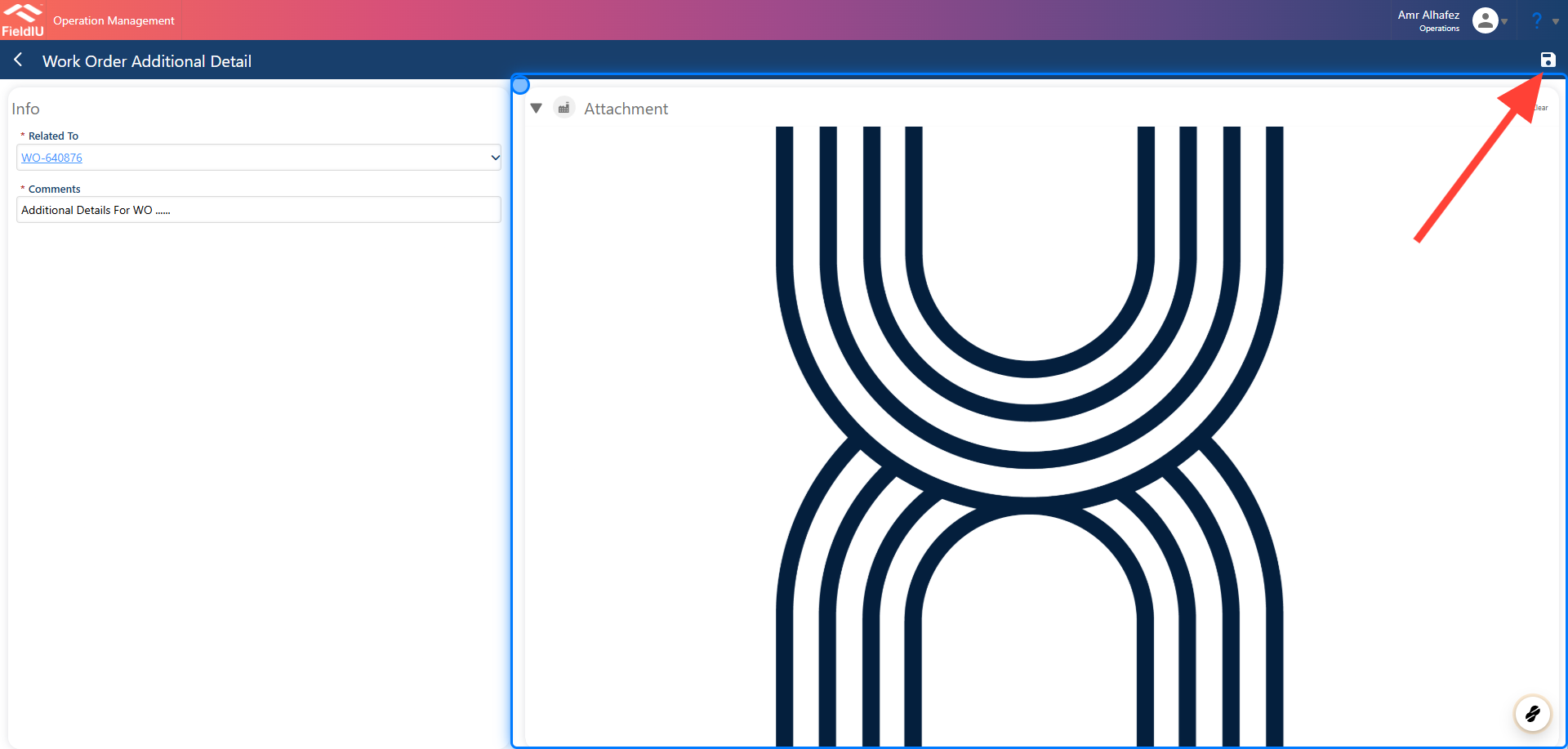
4. Image Uploaded Example
Don't Forget to Save !
5.
💡 Service Location Additional Details
This section can also be found on the Service Location page.
6.
💡 Accounts Additional Details
7.
Field Stuff Mobile View
8.
9.
 �����������������������