

Operations
Work Order Workflow
1. Request Details
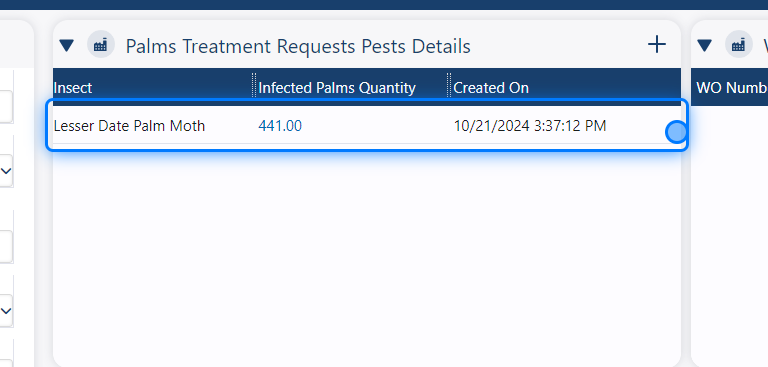
When the request has been imported, you can see the count of infested palms and animals. Based on this information, you can decide how many work orders you need to create.
2. Creating Work Orders
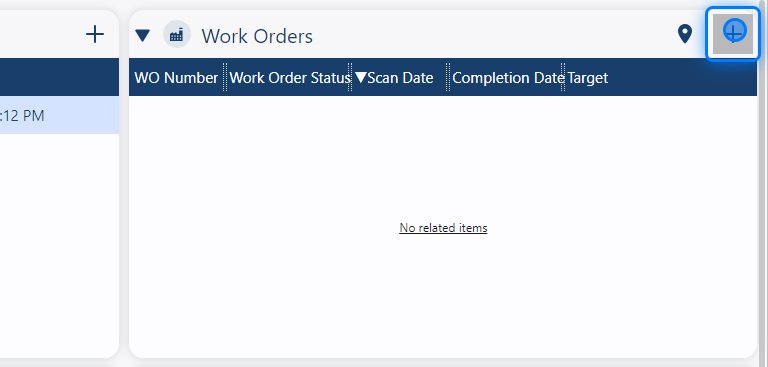
By clicking the + button in the work order section, a work order will be created automatically for you.
3. Unscheduled Work Orders
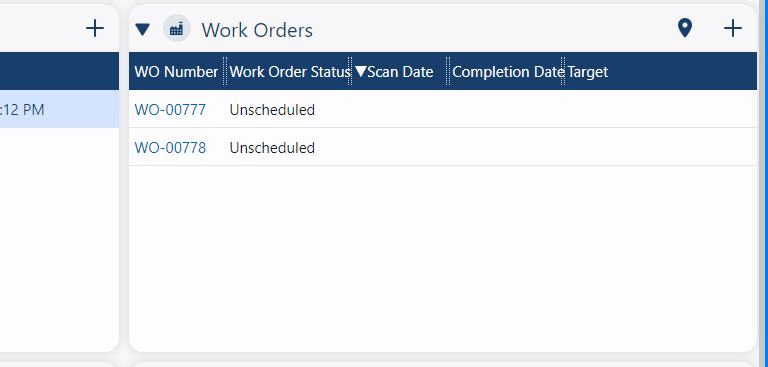
The newly created work orders will not be scheduled.
4. Schedule The Work Orders
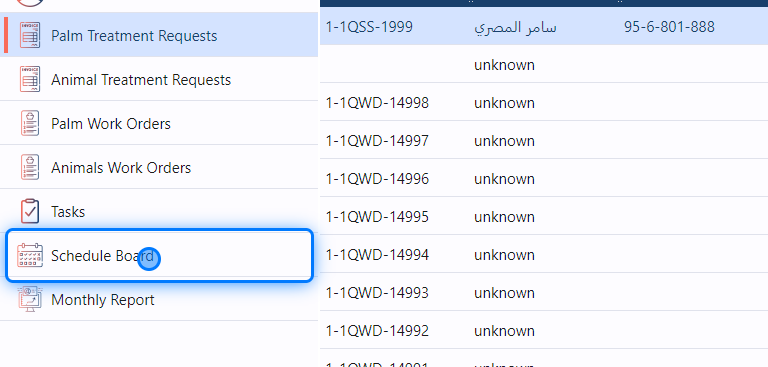
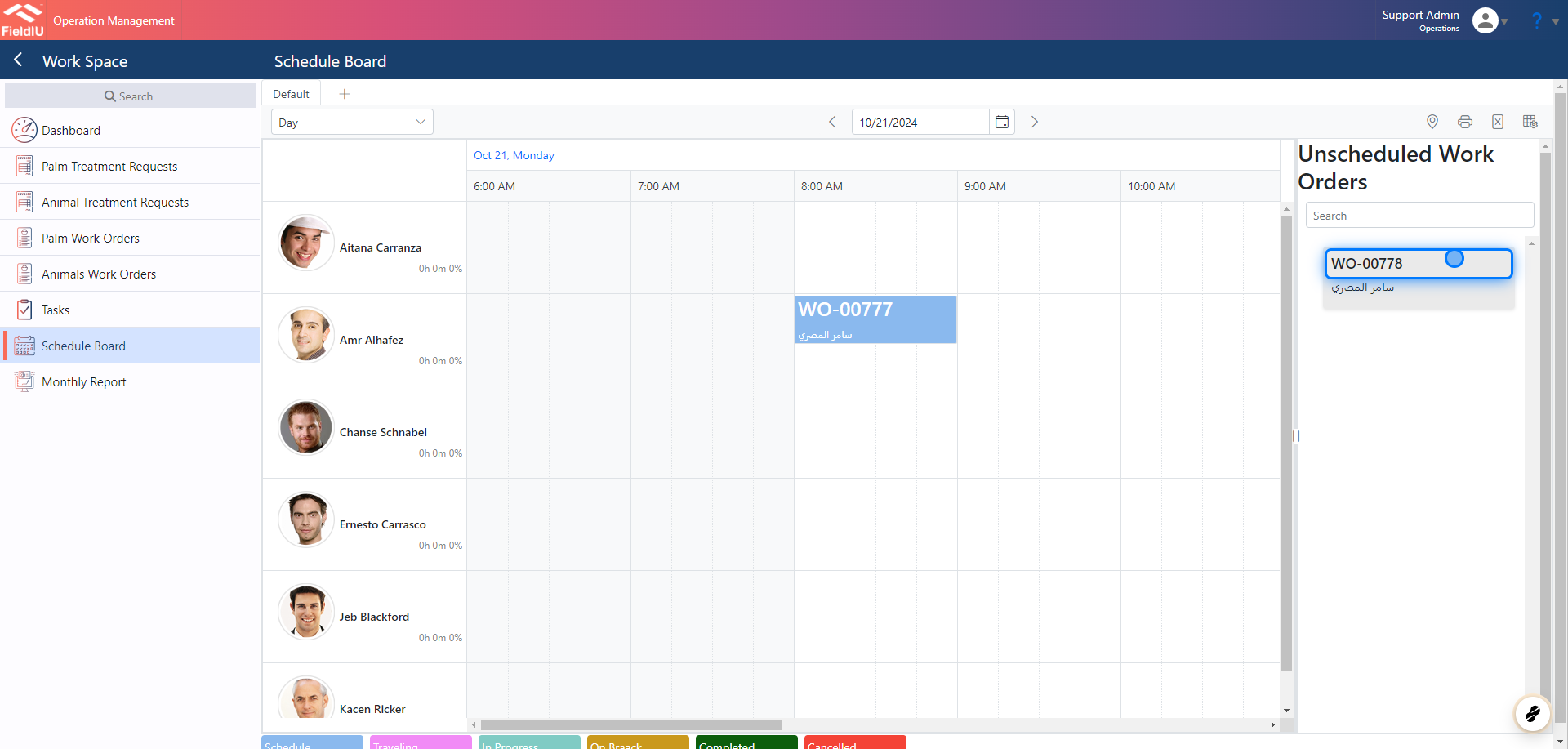
To schedule the work orders, you need to go to the Schedule Board in the side menu.
5. Drag & Drop
On the right side, you will find the unscheduled work orders. You can easily drag and drop them to the desired time on the dashboard.
 �����������������������