

Contact Line
1. Contract Lines
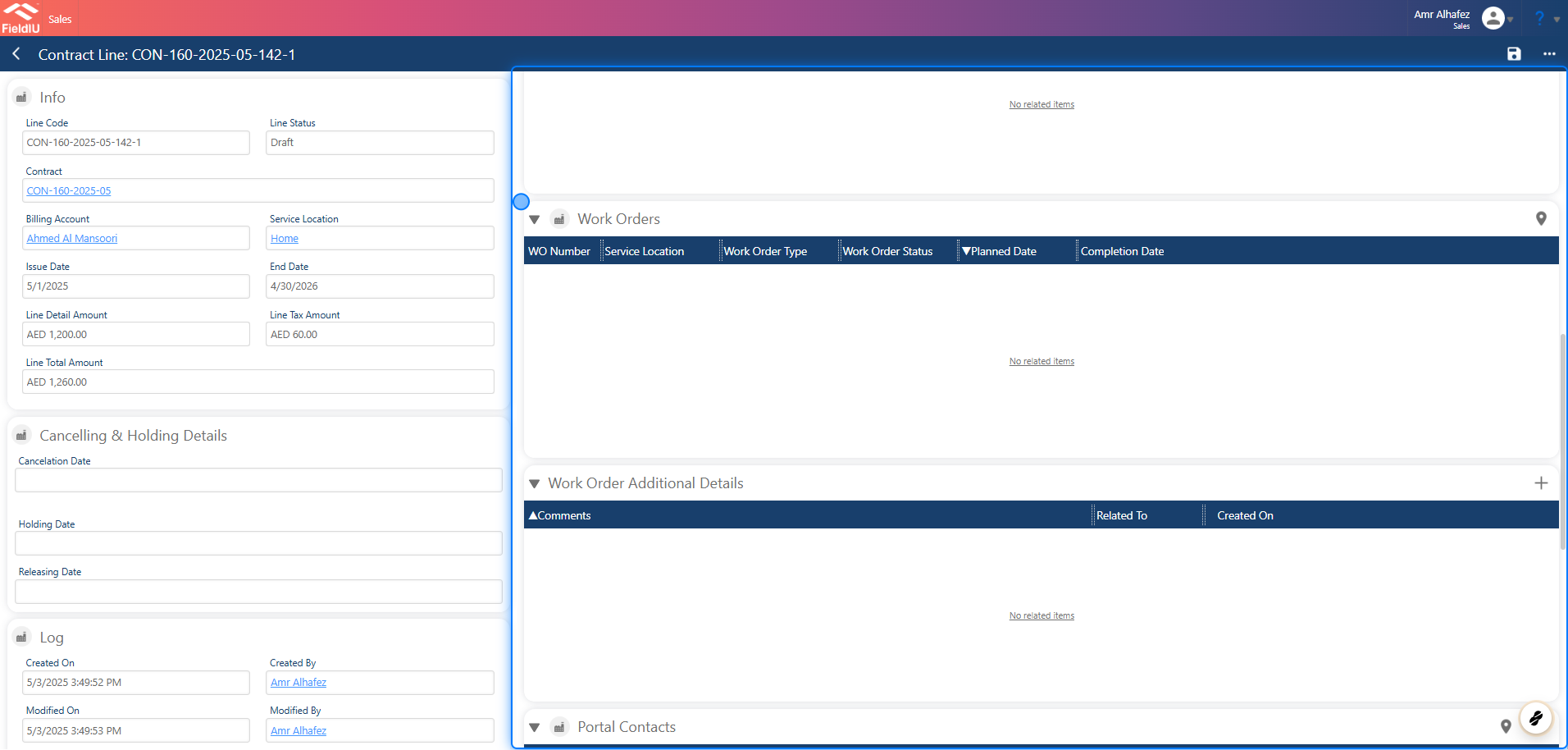
The Contract Line is used to manage a single location within a contract.
It allows you to manage frequencies, monitoring point definitions, services, related work orders, portal contacts, etc.
The Contract Line is generated automatically when the contract is created.
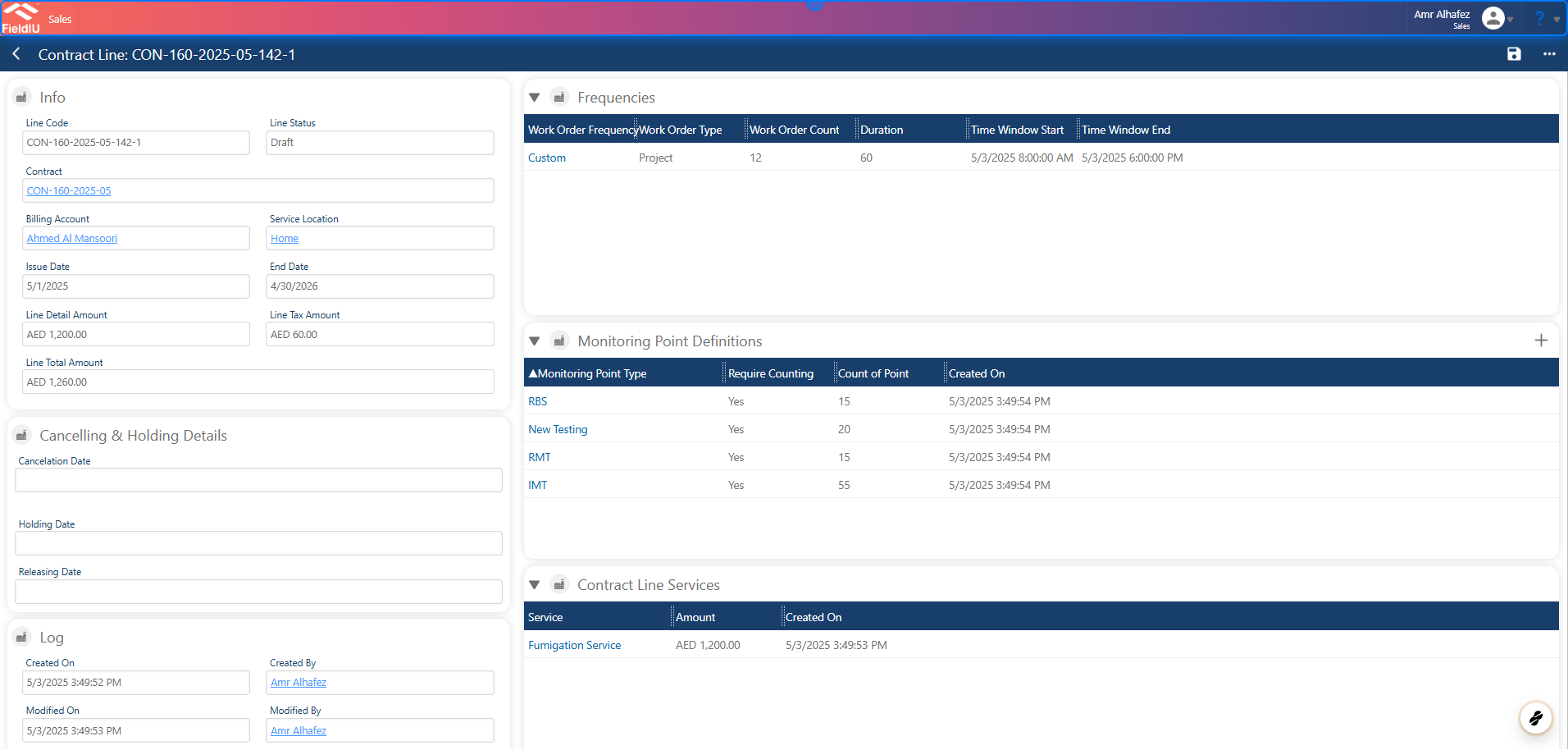
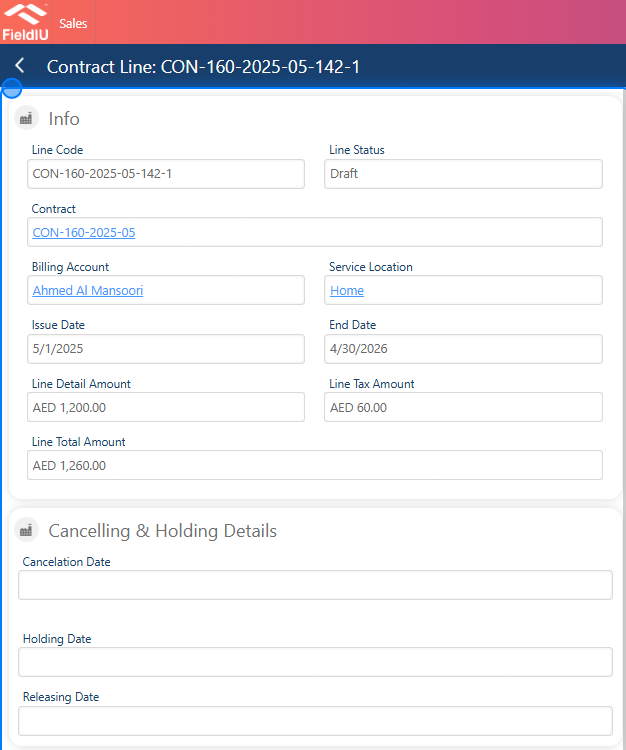
2. Main Details
In the Info section, you will find the main details for the line, including:
Line Code, Contract Number, Billing Account, Issue Date, End Date, Line Detail Amount, Total Amount, and Tax Amount.
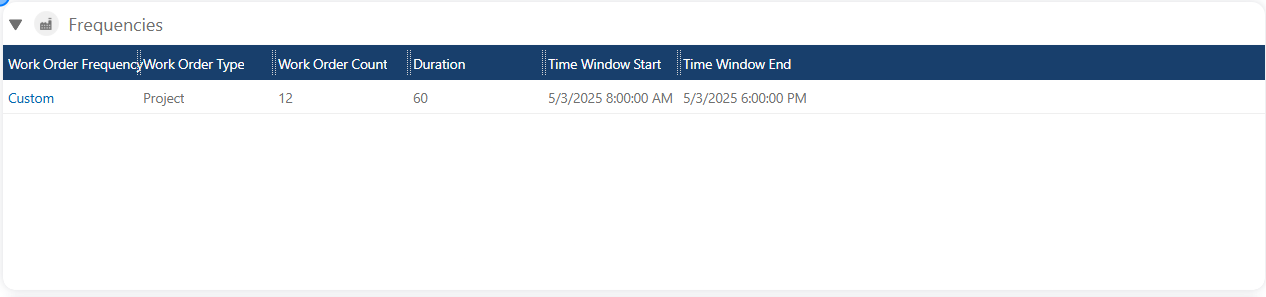
3. Frequencies
In Frequencies , you can manage the frequencies for each service at the same location.
For more information, see the Frequencies documentation.
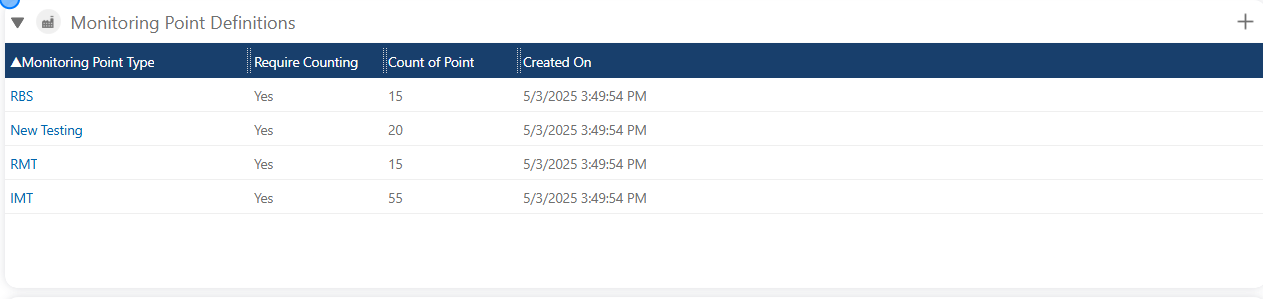
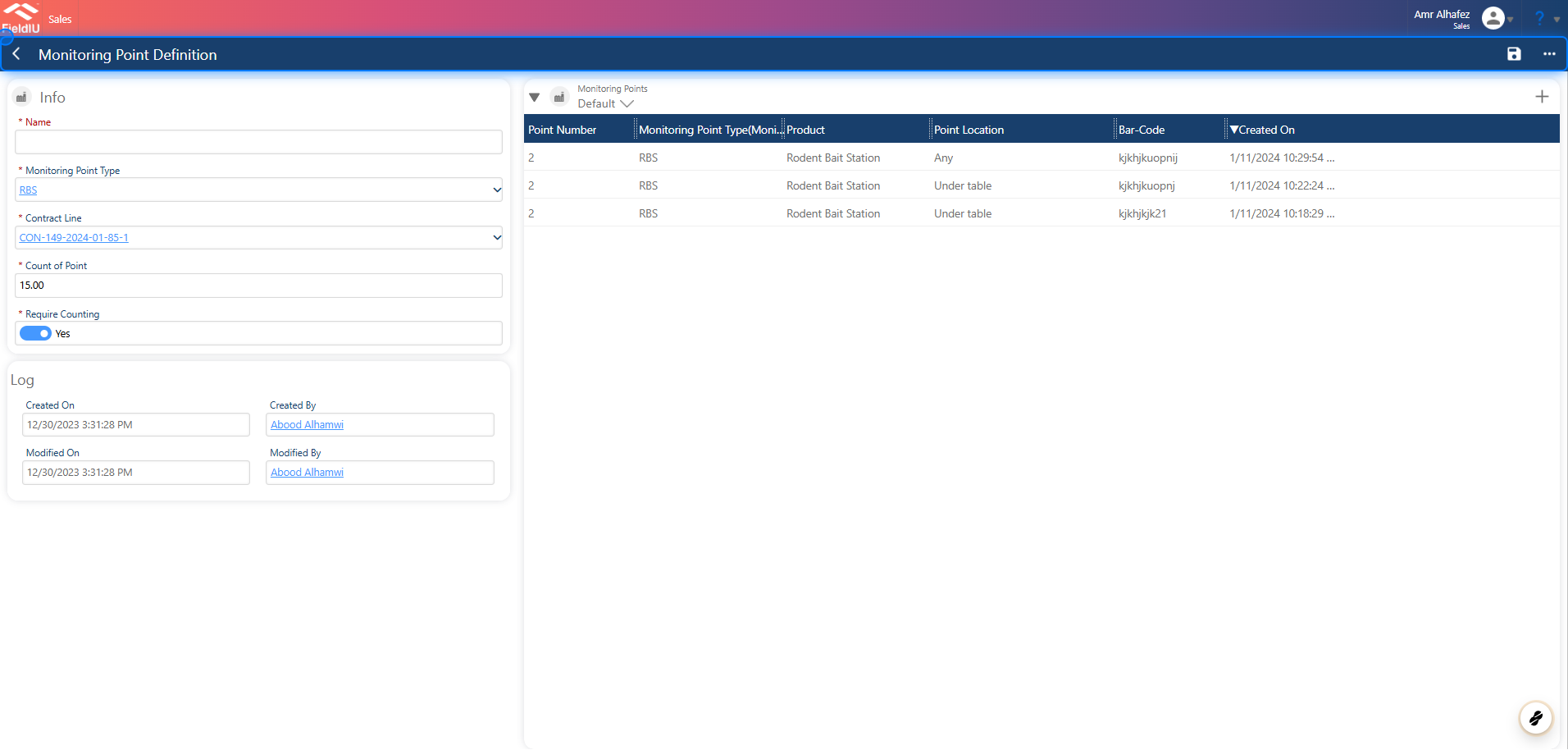
4. Monitoring Points Definition
The Monitoring Points Definition section displays the monitoring points that were defined during contract creation.
You can manage these monitoring points or review the already defined points.
5.
6. Contract Line Service
This panel displays the services for the location and their details.

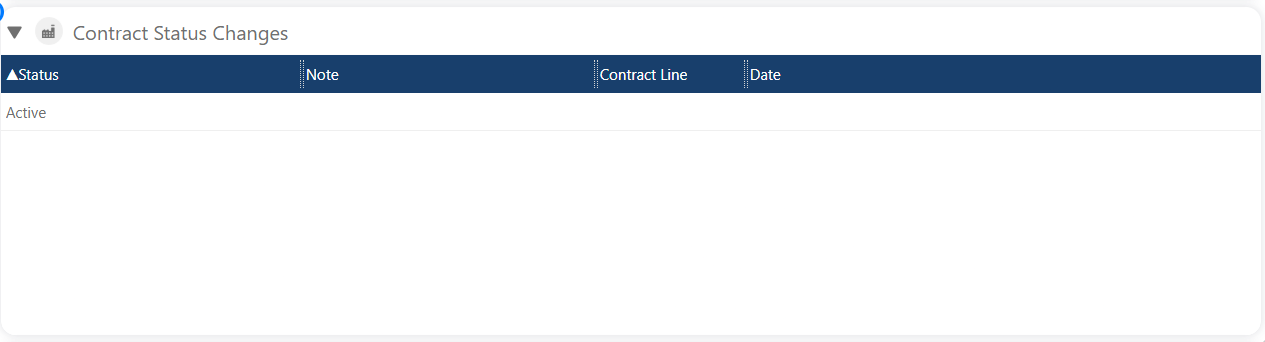
7. Contract Status Changes
This section displays the history of status changes for the contract.
8. Work Orders
9. Portal Contacts
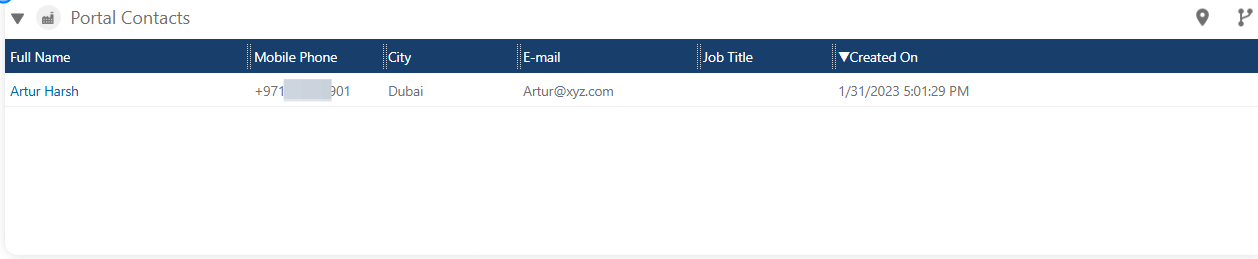
In this section, you can manage the contract line manager in the portal.
For more information, see the Portal documentations.
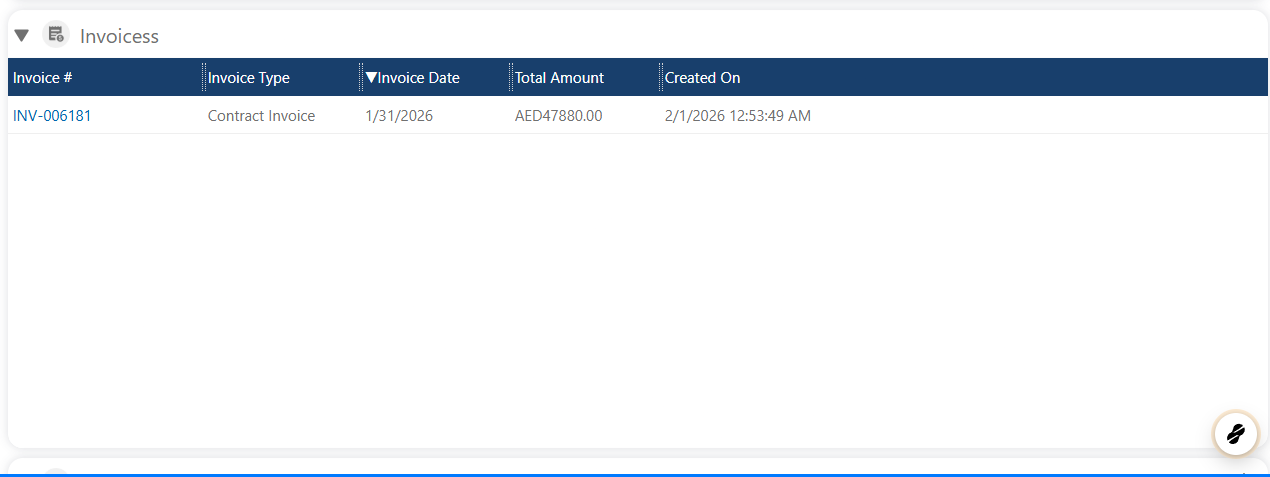
10. Invoices
In this section, you will find all invoices related to the contract line.
11. Required Questionnaires
This section allows you to link and manage questionnaires associated with the contract line.
 �����������������������