

Managers
User Invitation
1. Open Portal
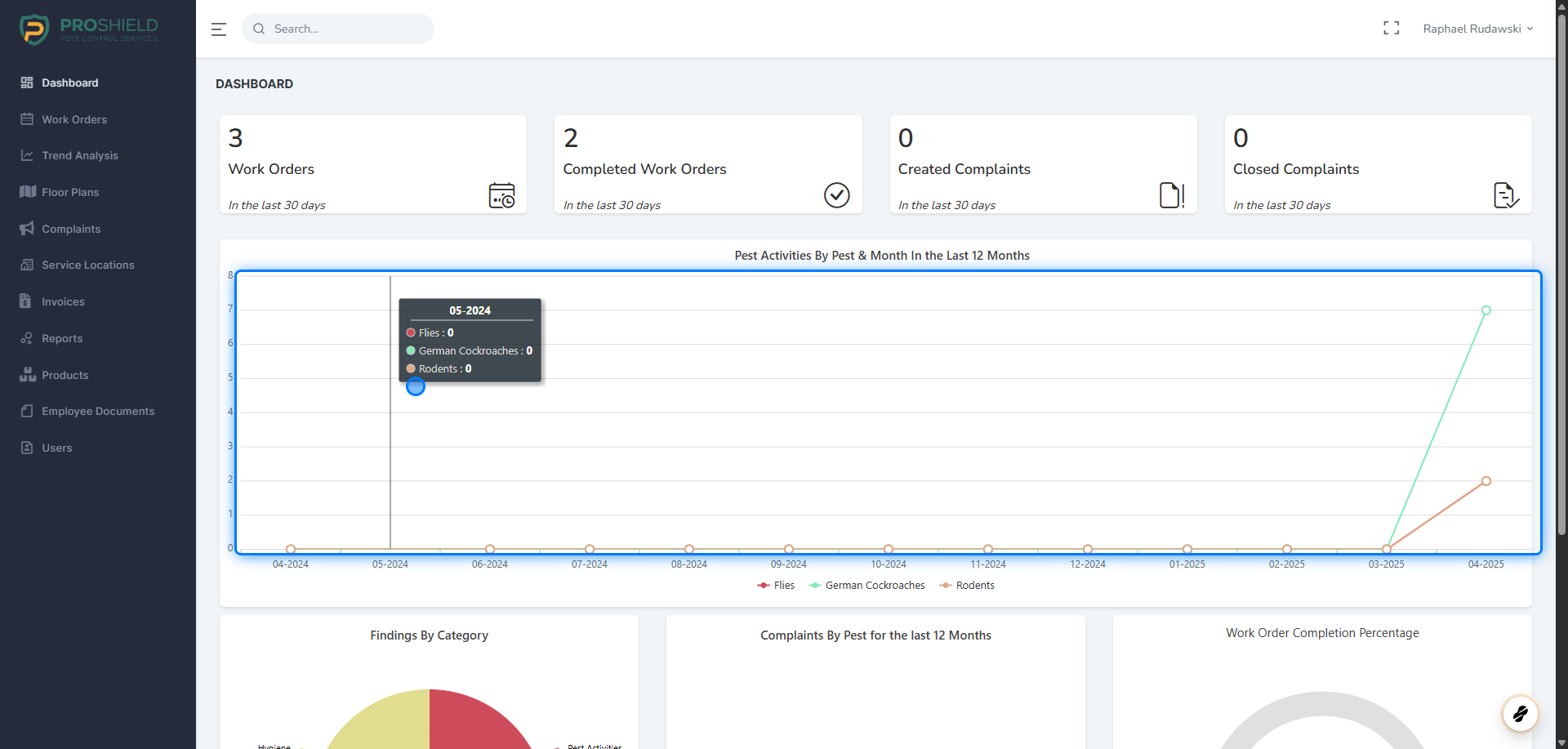
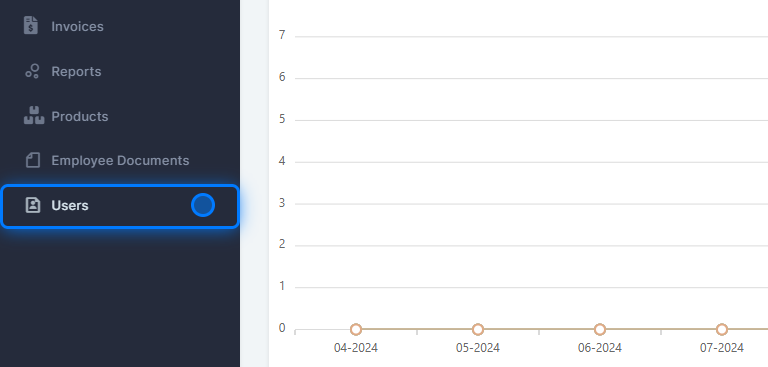
2. Click on Users
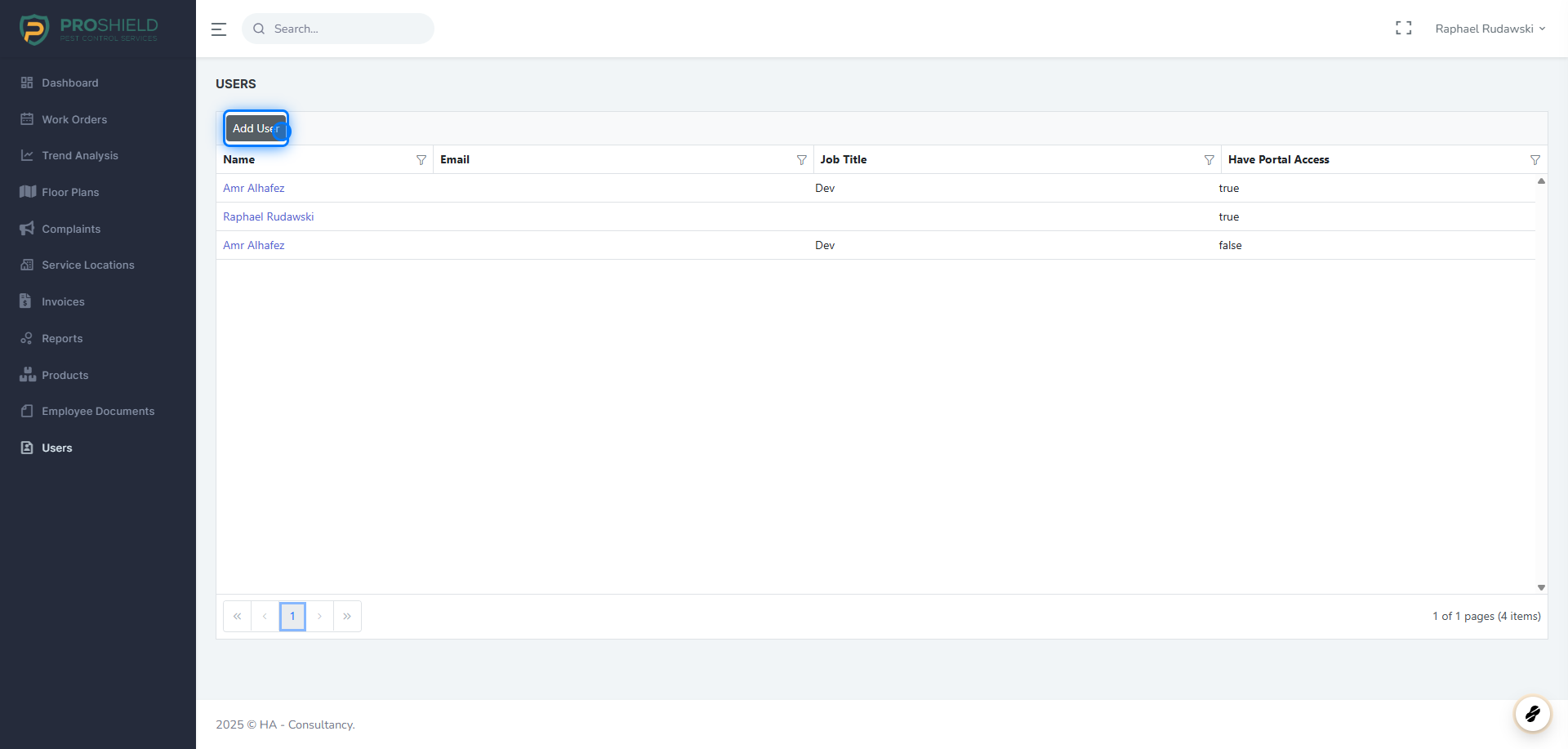
3. Click on Add User
4. Fill the fields
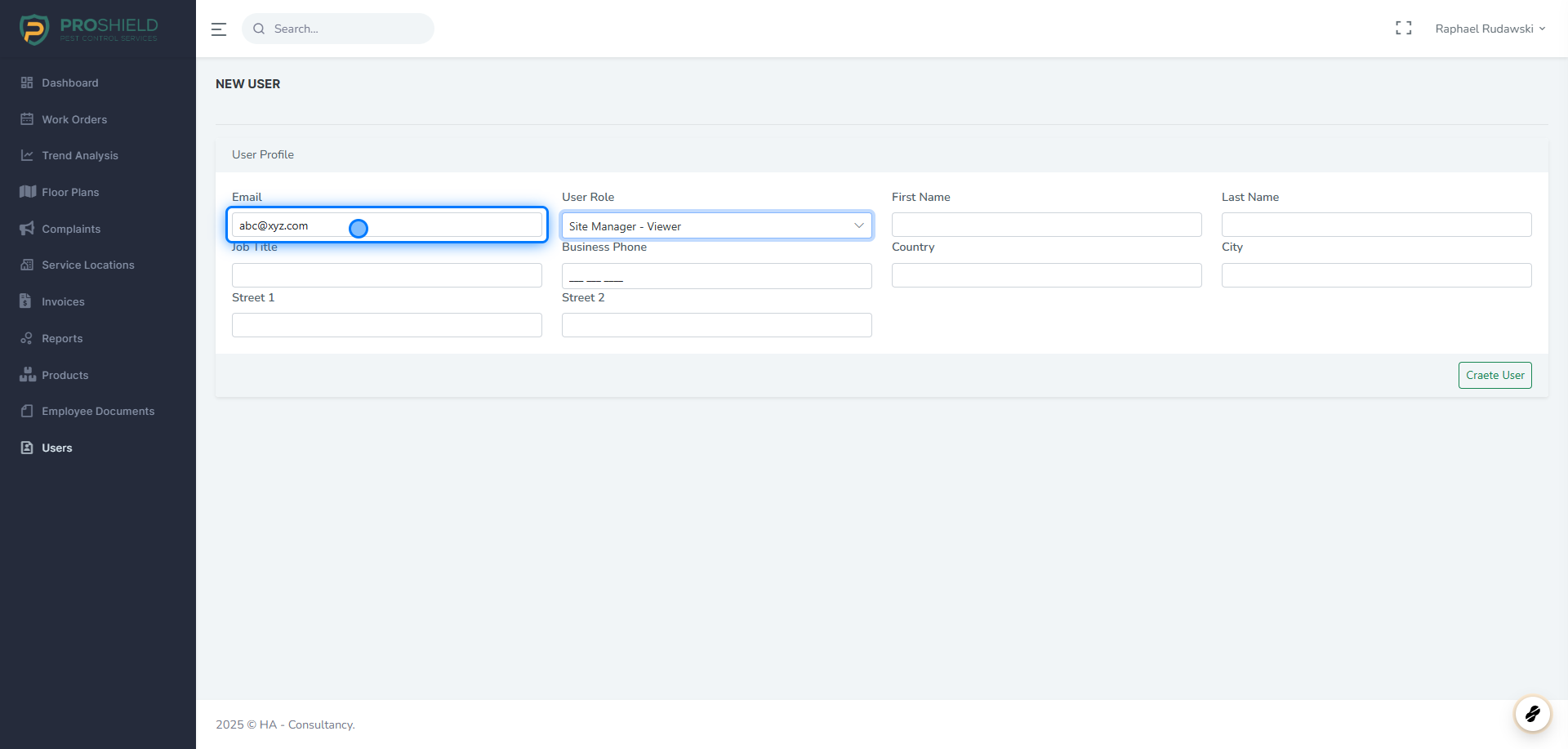
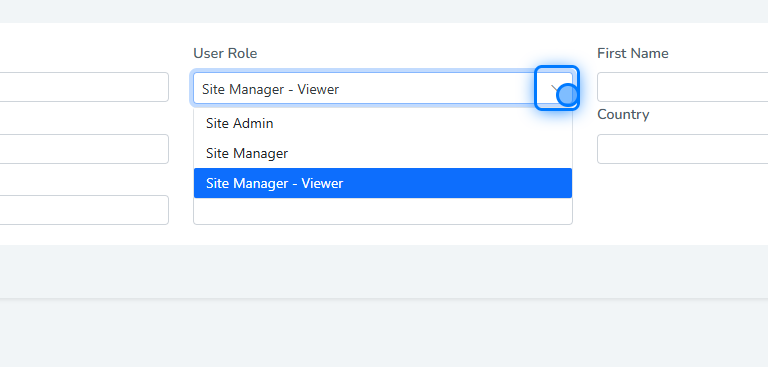
5. Select Role
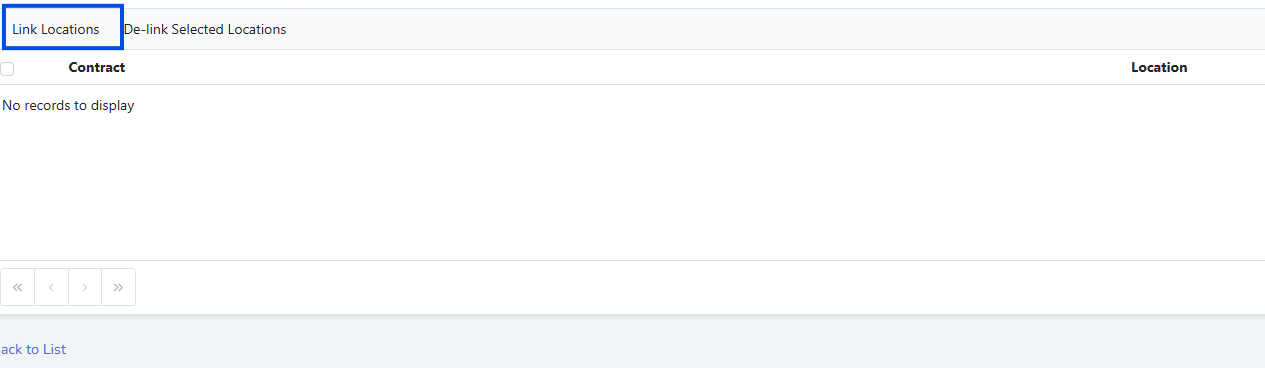
6. Click on Link Locations
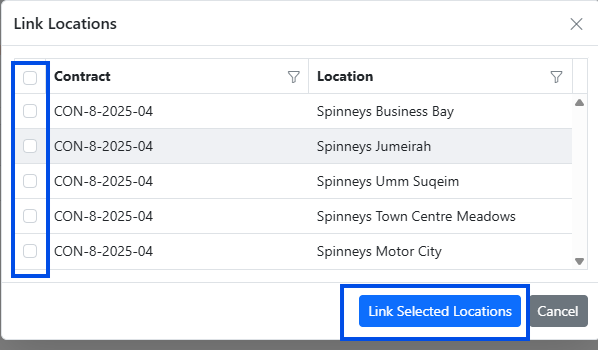
7. Select the Locations
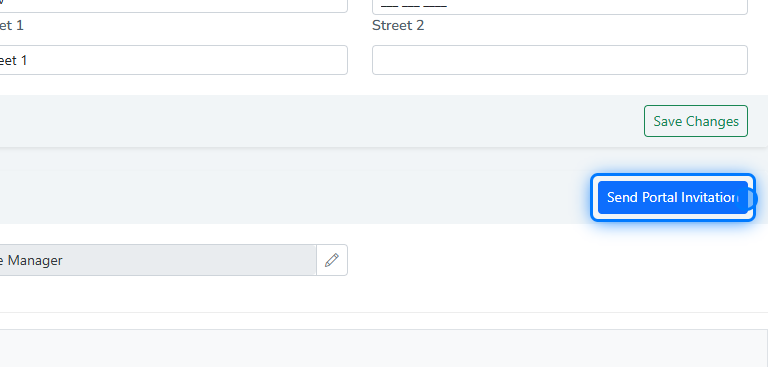
8. Send Invitation
After that you can Send the Invitation
⚠️ Assosiate the User With Locations
Before sending invitation to the user, don't forget to associate the user with the locations that the user can view/manage�����������������������