

Managers
Admin Console - Importing/Exporting records
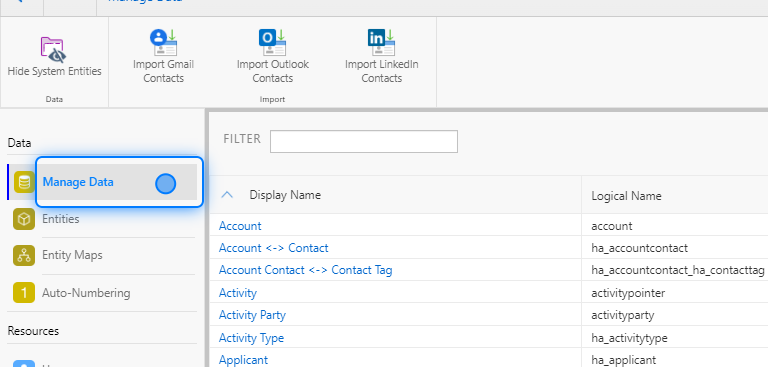
1. Click on Manage Data
2. Search & Access
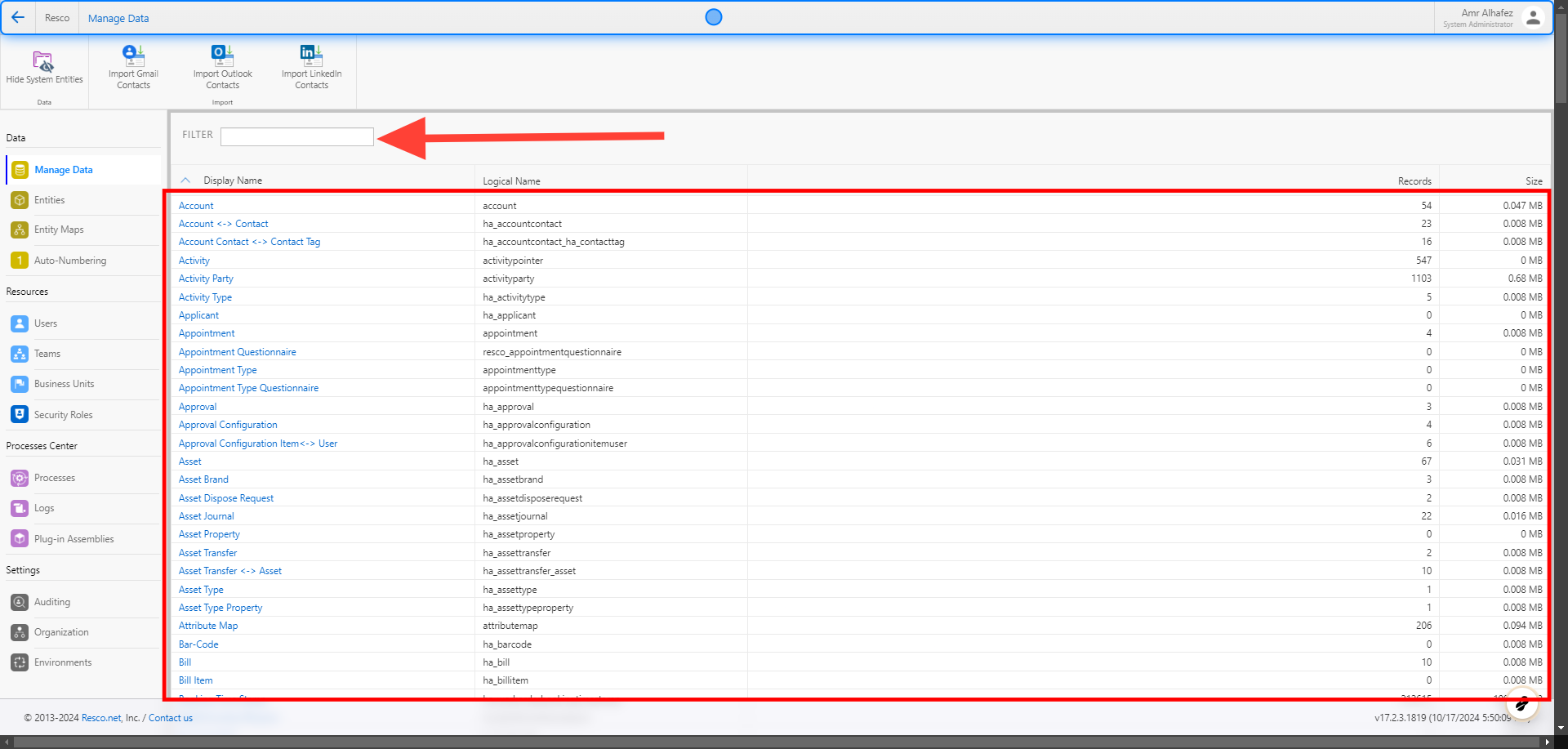
Here, you can find all the entities. You can search for the entity you want and click on the one you need.
3. Click on Show System Fields
Once you’re inside, the grid displays only the main data. To view all the data, such as ID, Created On, Created By, etc., click on 'Show System Fields.'

4. Pagination
Under the grid, you will find pagination arrows to navigate between the records. Additionally, the total number of records is displayed.

5. Import & Export
To import or export records, you’ll find a button for each function in the toolbar. When you click on one, a new window will open, allowing you to select where to save the file if you’re exporting, or which file to import if you’re importing.
 �����������������������