

Advanced Find
💡 What is Advanced Find ?
The Advanced Find tool allows you to create custom reports according to your needs. It provides the ability to aggregate, group, and filter data as required.
What's inside The Advanced Find ?!
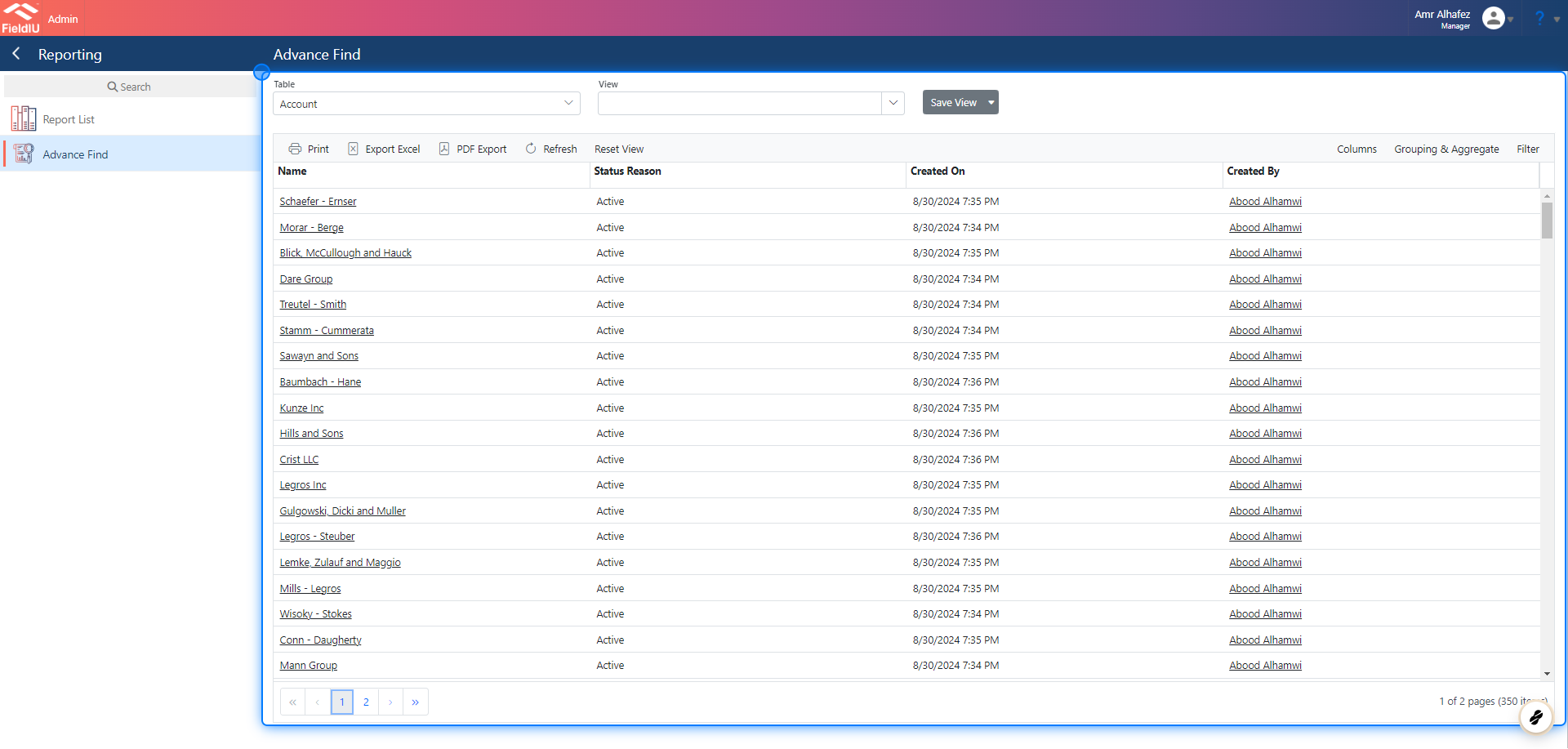
1. Advanced Find Main Screen
The Advanced Find main screen features various buttons and selectors designed to help you generate your reports.
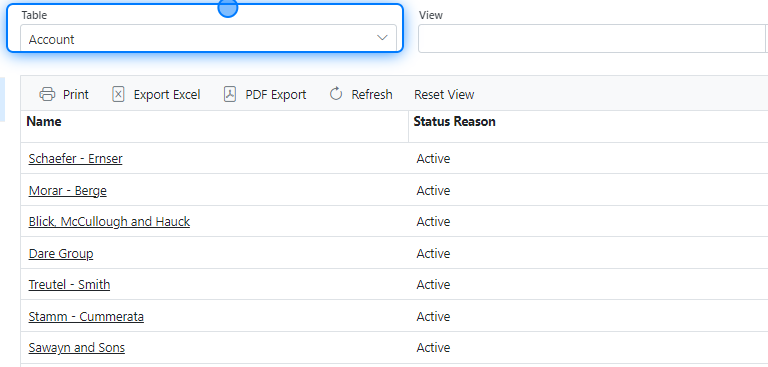
2. Table List
The Table List allows you to select the data that you want to include in your report.
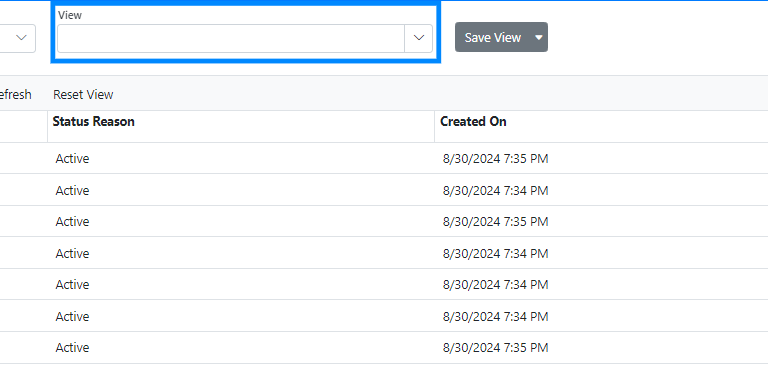
3. View List
The View List is where you can find the reports you have previously saved.
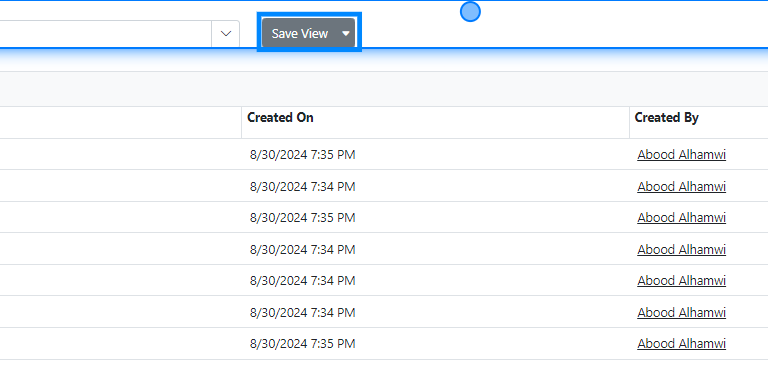
4. Save View Button
The Save View button allows you to save the report you’ve generated, so you don’t have to rebuild it each time you need it.
5. Tools Bar
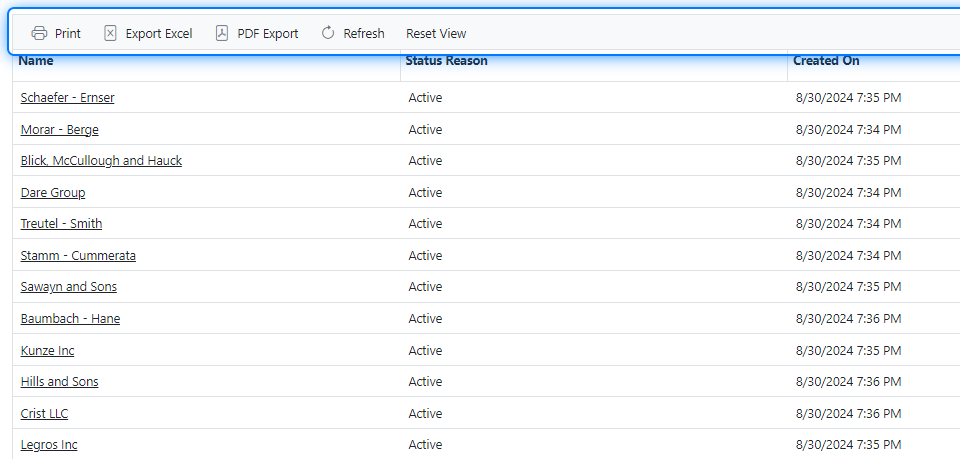
In the Tools Bar , you will find several helpful functions, including Print , Export to Excel , Export to PDF , Refresh View , and Reset View .
6. Tools Bar Data Tools
On the right side of the Tools Bar, you'll find buttons that assist you with selecting columns, grouping data, and filtering data.
7. Columns
The Columns Bar displays the columns for the data you have selected.
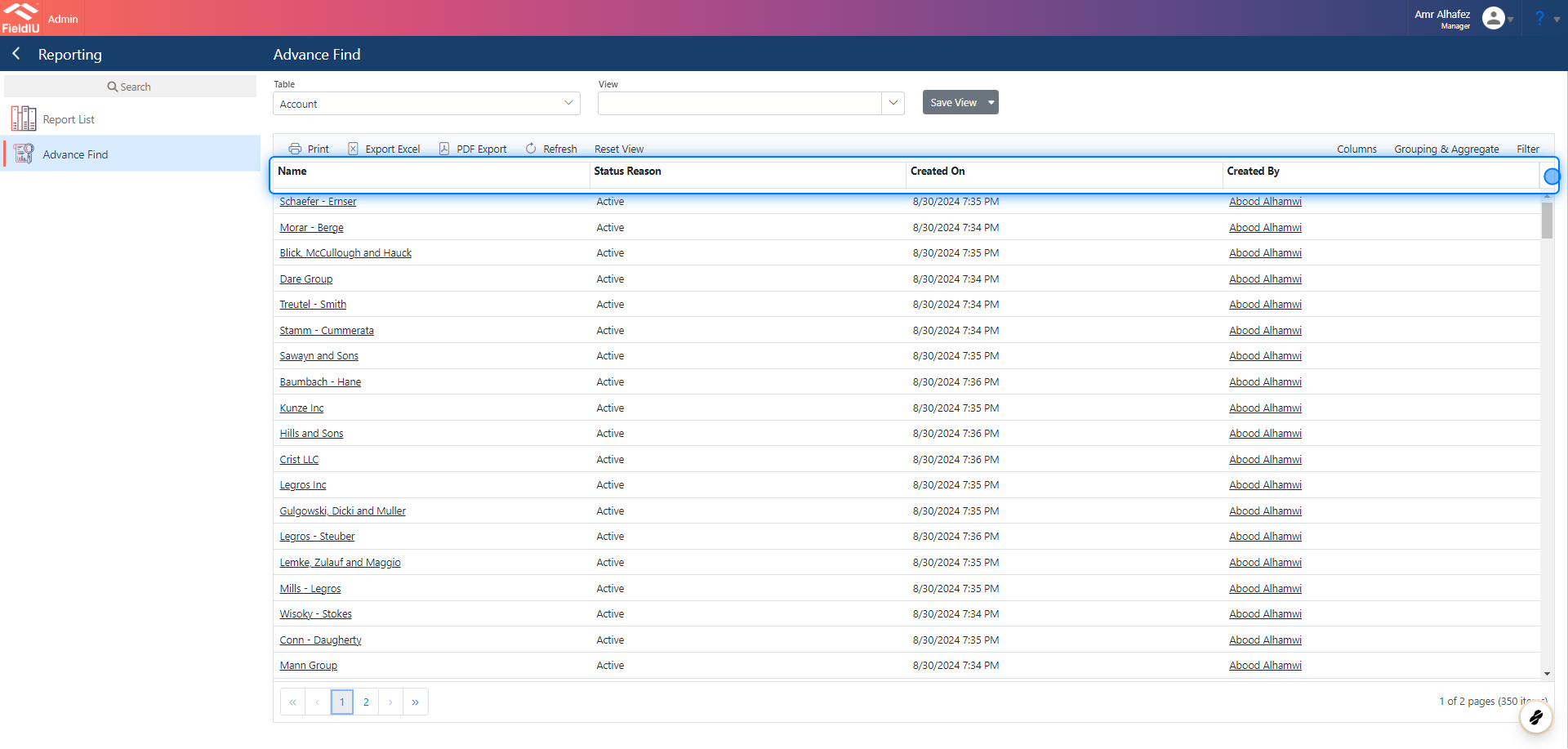
💡 You can move the Columns as you want
Simply Drag and Drop
8. The Data Grid
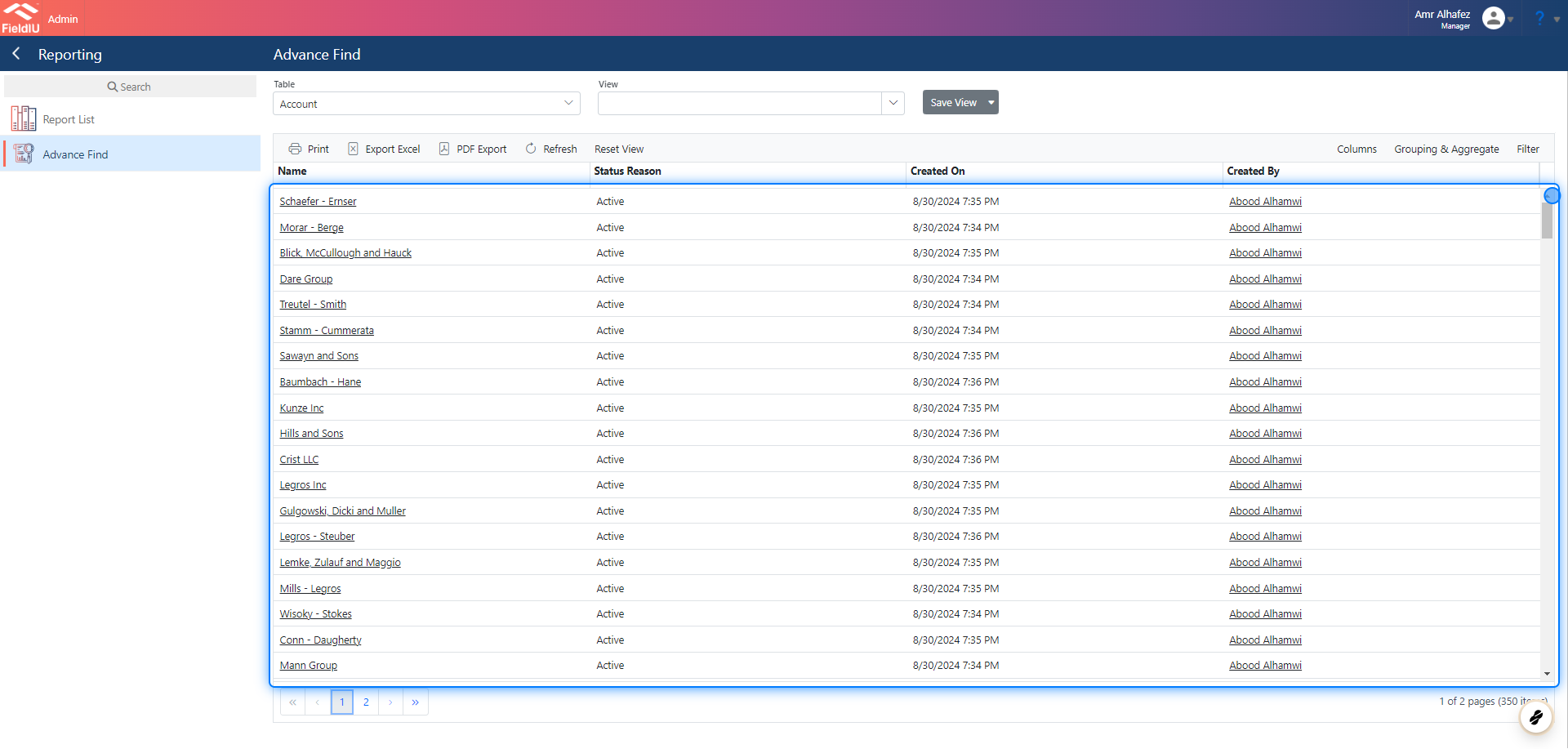
The Data Grid displays the data for the columns you have selected and filtered.
 �����������������������