

Customer Portal
Customer Portal Work Orders
The Work Order Displays detailed information about all work orders.
1. WORK ORDERS
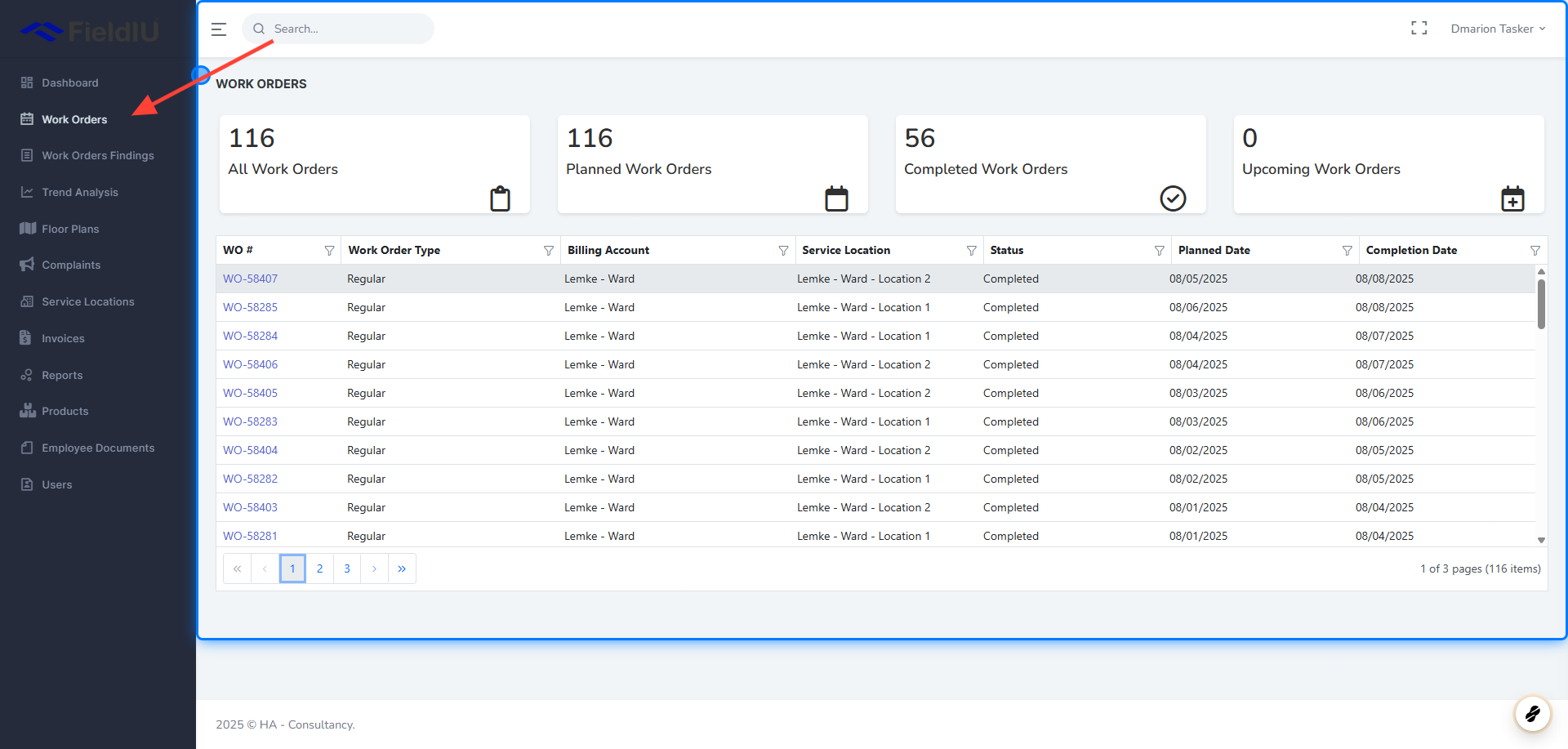
2. Main Window
In the Work Orders main window, you can view all work orders created for the customer. At the top, summary cards display key metrics, including:
-
Total Work Orders
-
Planned Work Orders
-
Completed Work Orders
-
Upcoming Work Orders
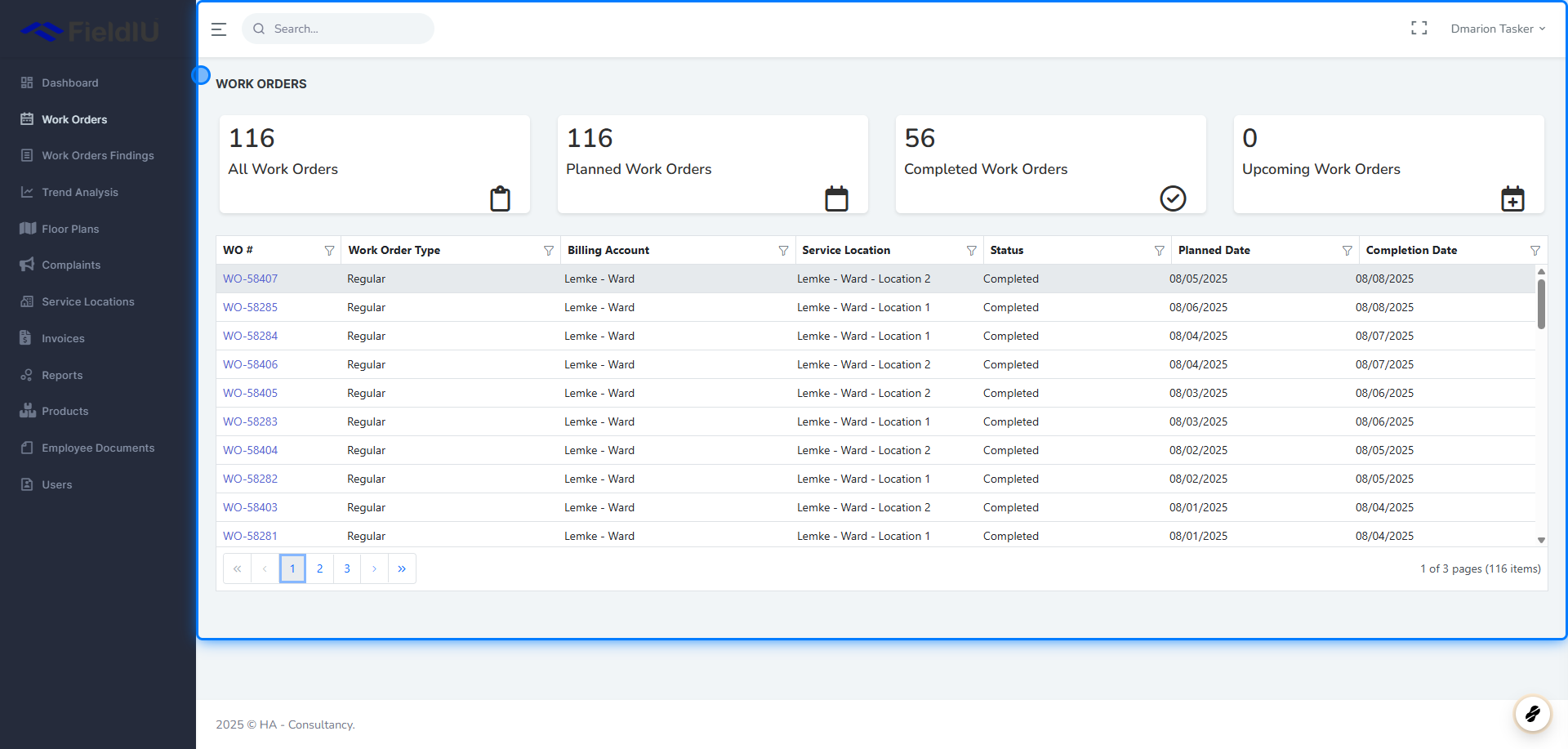
3. View Work Order
You can view the details of a selected work order by clicking on its work order number.
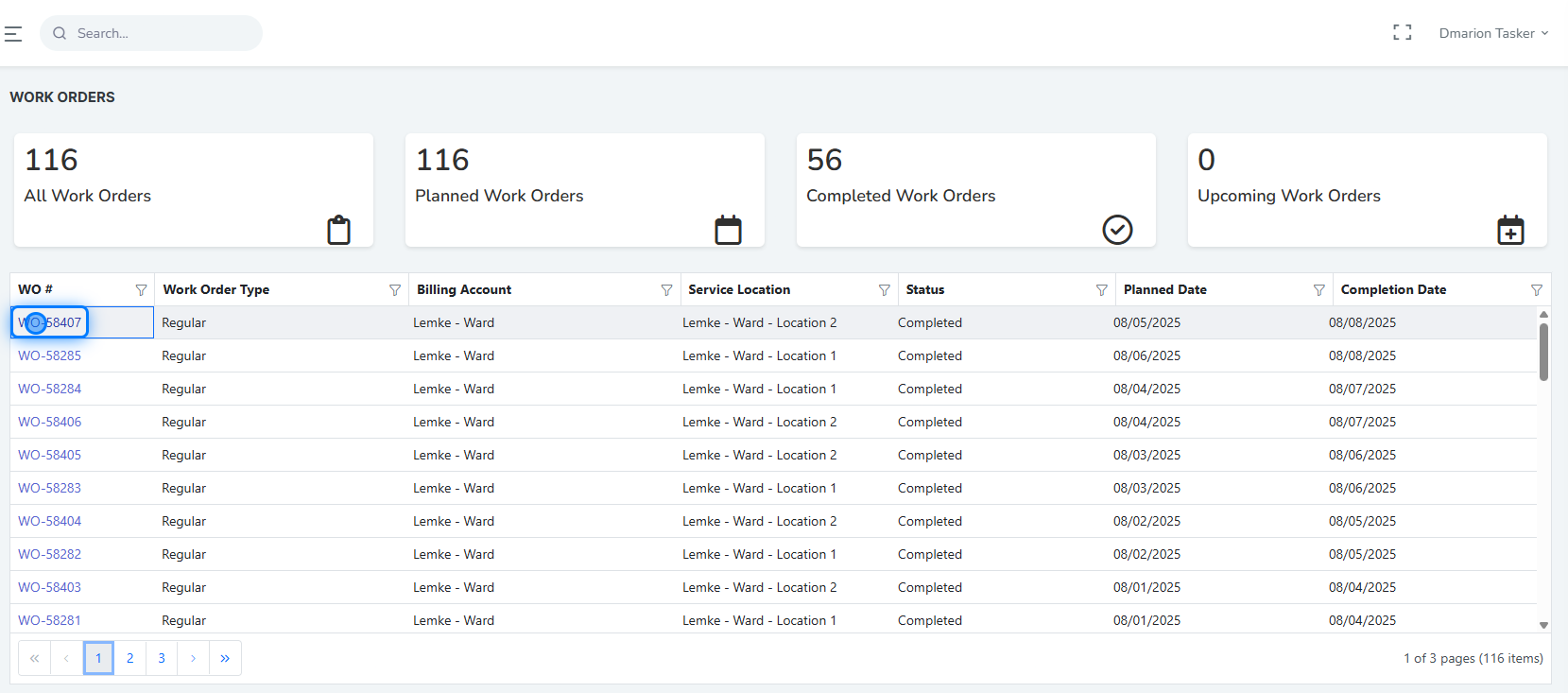
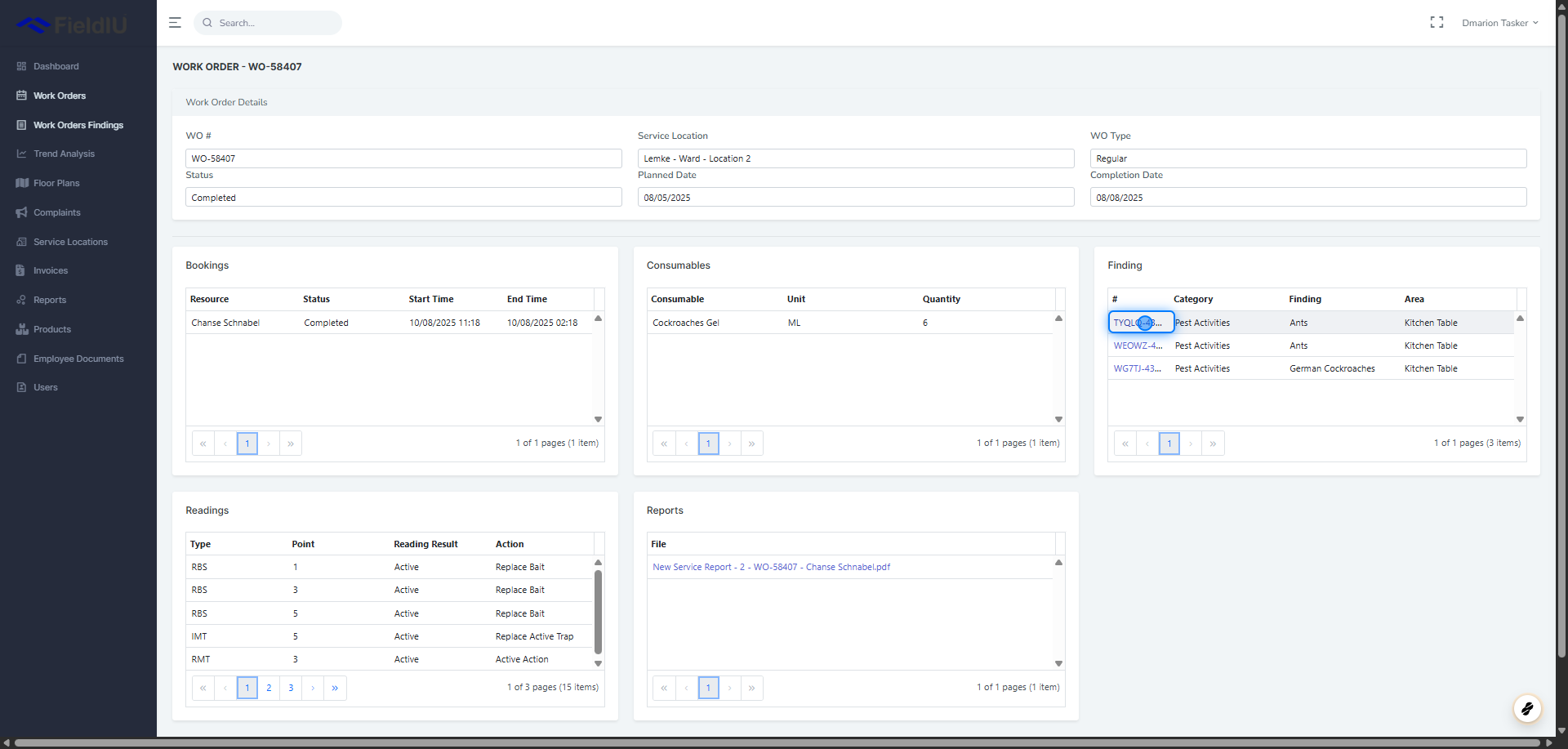
4. Work Order Details
Inside the work order details view, you will find all information related to the selected work order, including:
-
Service Location
-
Status
-
Planned Date
-
Completion Date
-
Bookings
-
Consumables (products used in the work order)
-
Findings
-
Readings
-
Reports
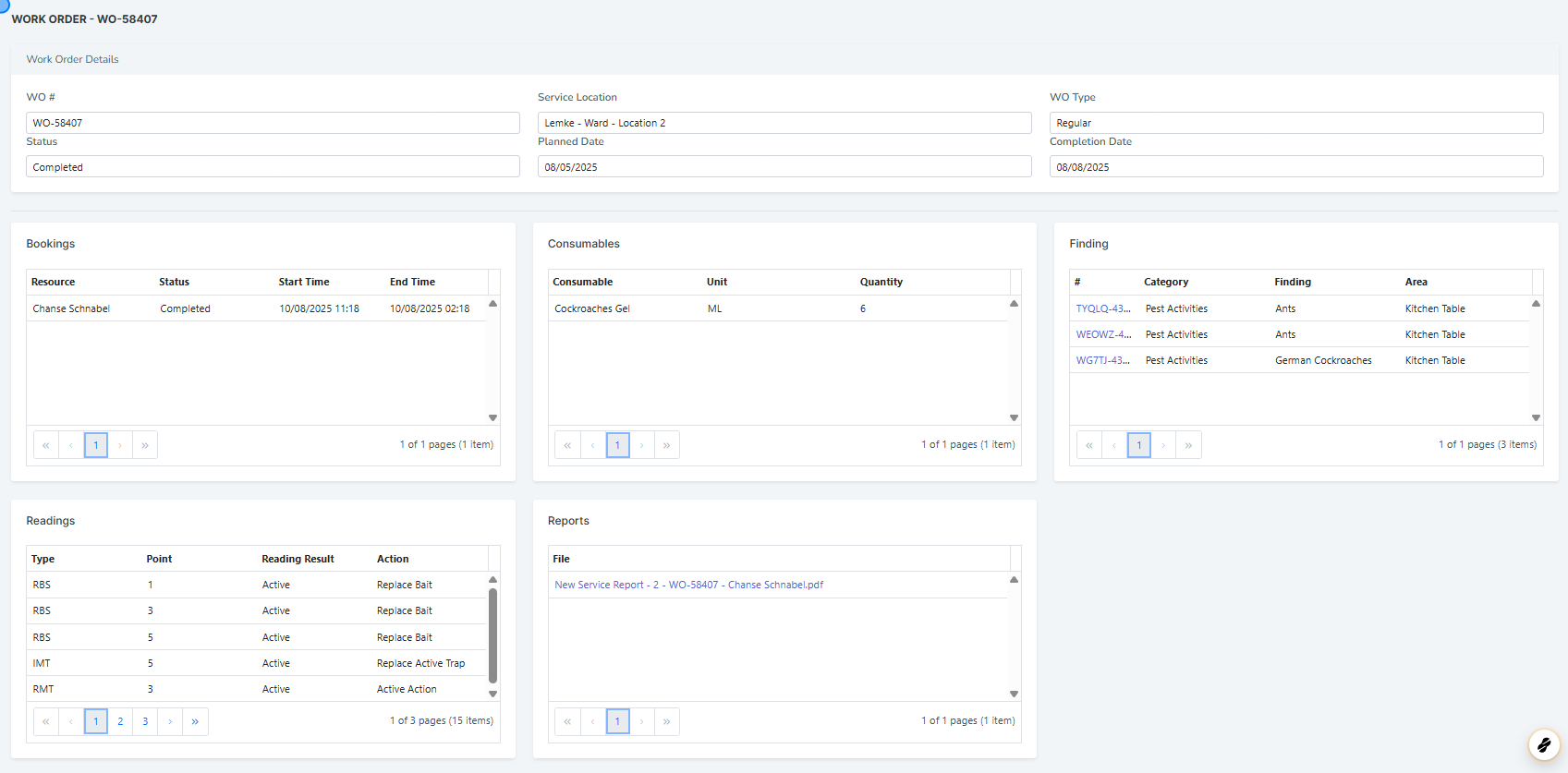
5. Findings
You can click on the finding number to view detailed information about that specific finding.
 �����������������������