

Customer Portal
Customer Portal Floor Plans
Allows you to view floor plans and readings points in the floor.
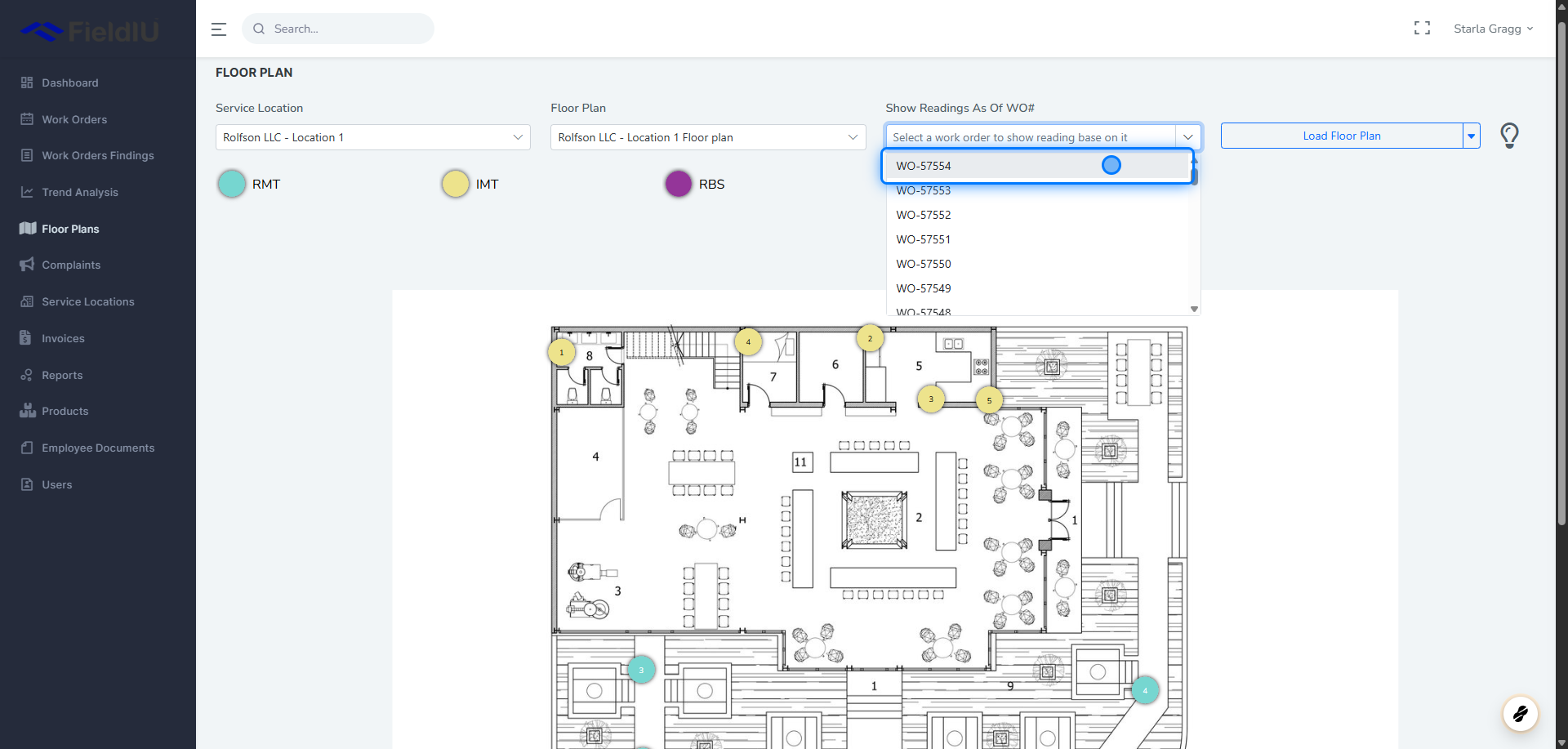
1. Get Readings
Simply fill in the required inputs — Service Location , Floor Plan , and Work Order — then press the Load Data button.
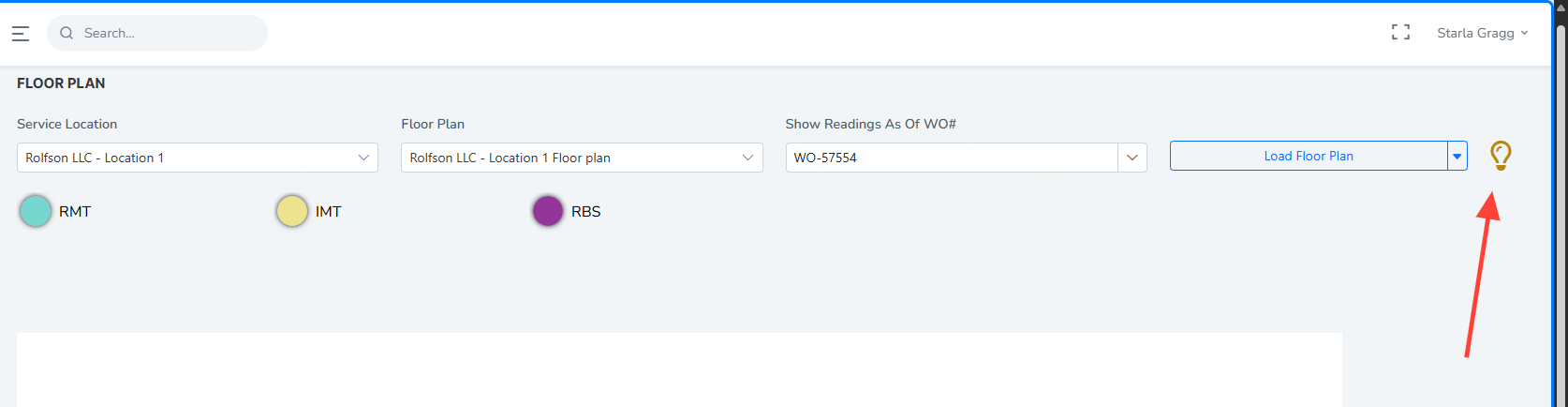
2. The Bulb Icon
When you click on the bulb icon , the monitoring points on the floor plan that have readings will start flashing. This makes it easier to identify which points have recorded data.
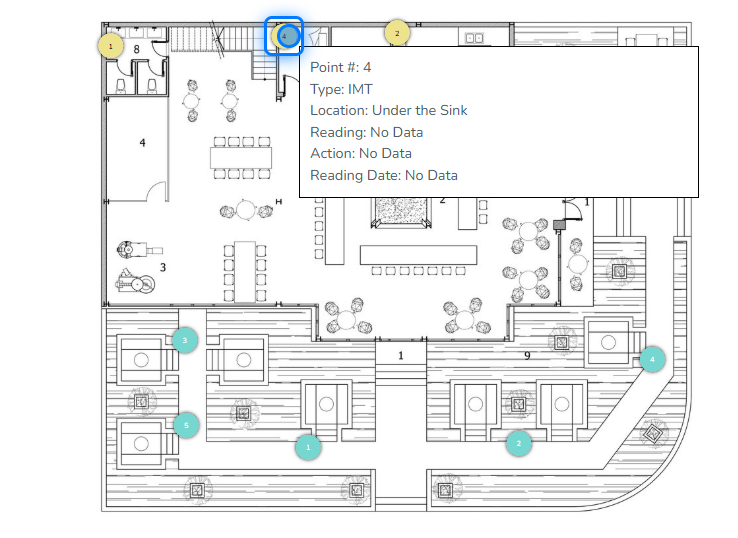
3. Hover On The Point
When you hover over a point on the floor plan, you’ll see key information—if a reading exists for the selected work order. This includes:
-
Point Number
-
Type
-
Location
-
Reading Value
-
Action Taken
-
Reading Date
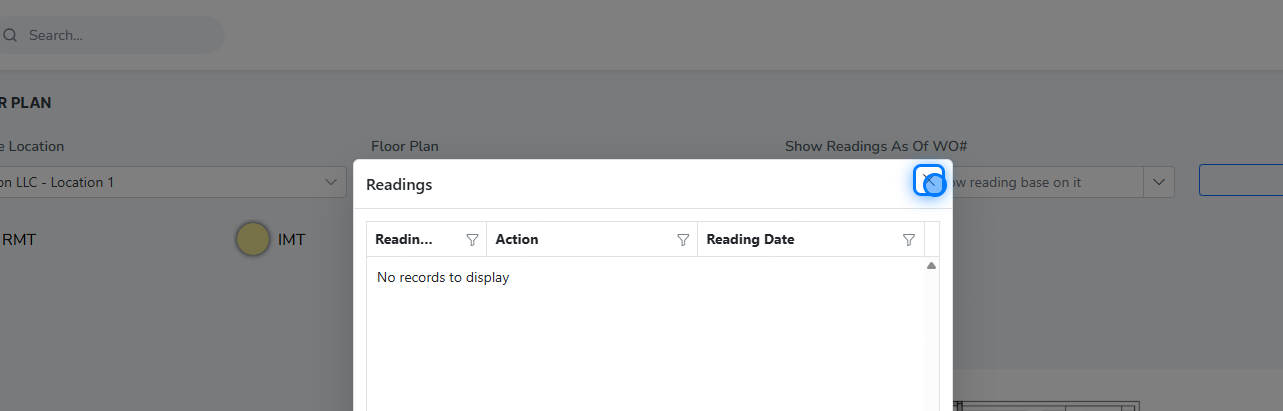
4. Click On The Point
Clicking on a point will open a list of all readings recorded for that specific monitoring point.
 �����������������������