

Customer Portal
Customer Portal Service Location
Enables tracking of all service locations and the work orders associated with them.
1. Main Window
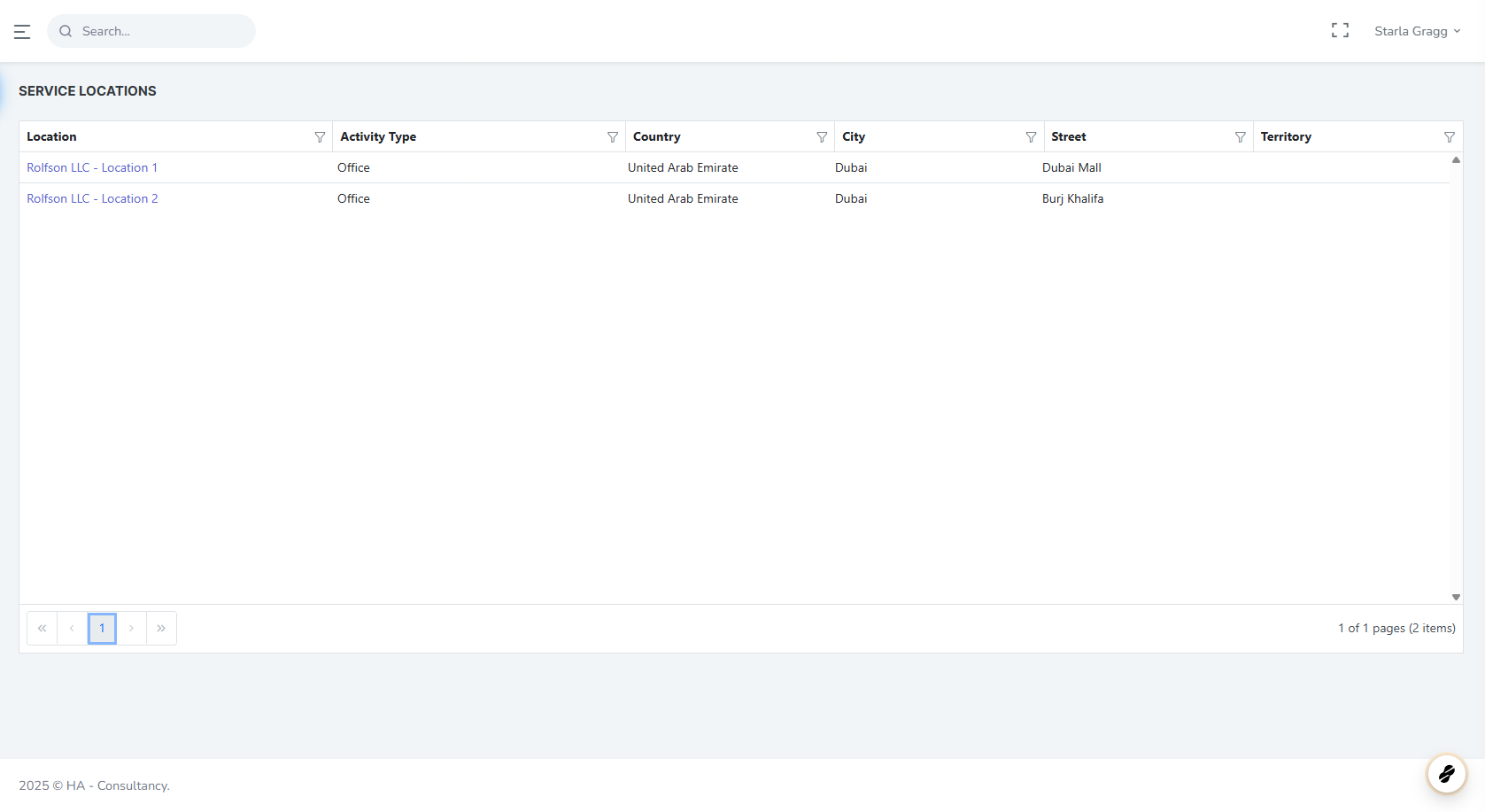
In the Service Locations main window, you will see a list of all service locations.
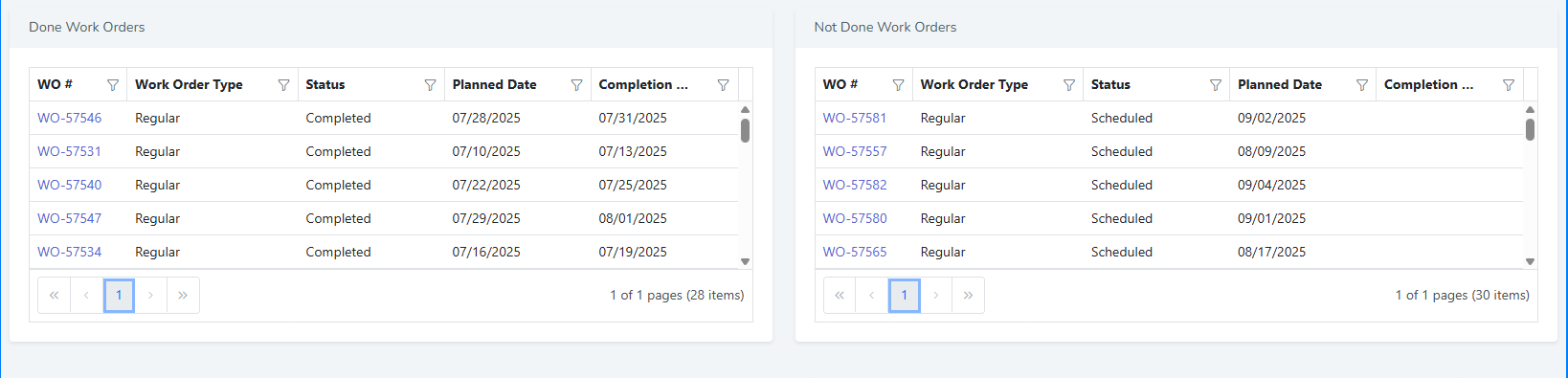
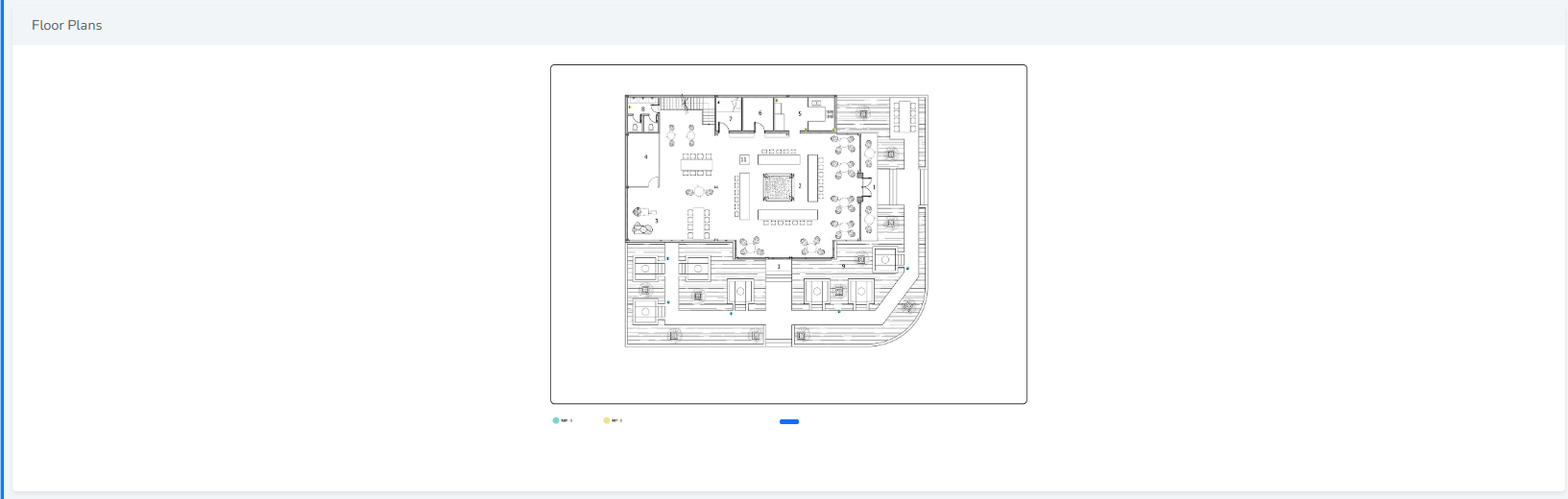
You can select any location to view all related data, including work orders, floor plans, and more.
2. Main Details
For each service location, the following key information is displayed:
-
Location Name
-
Activity Type
-
City

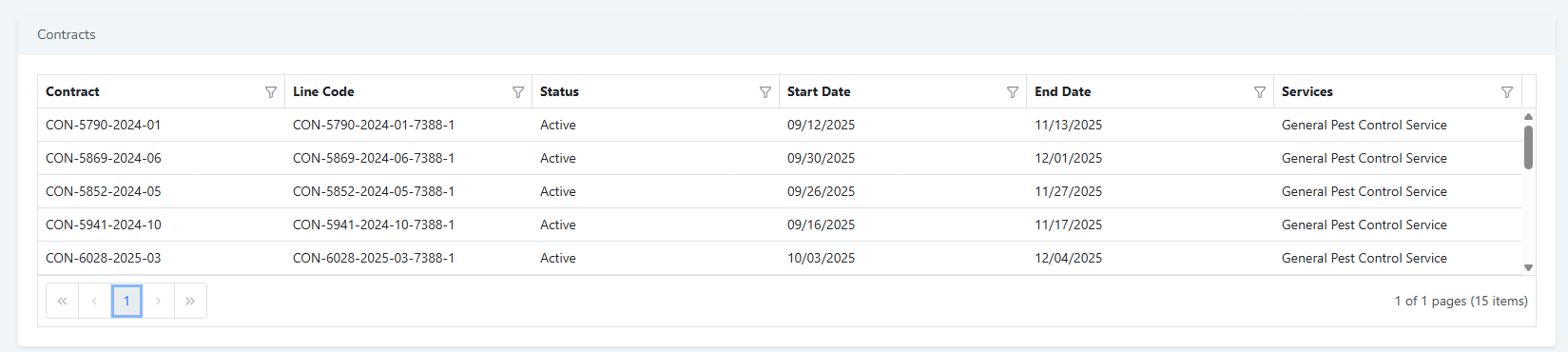
3. Contracts
4. Work Orders
5. Floor Plans
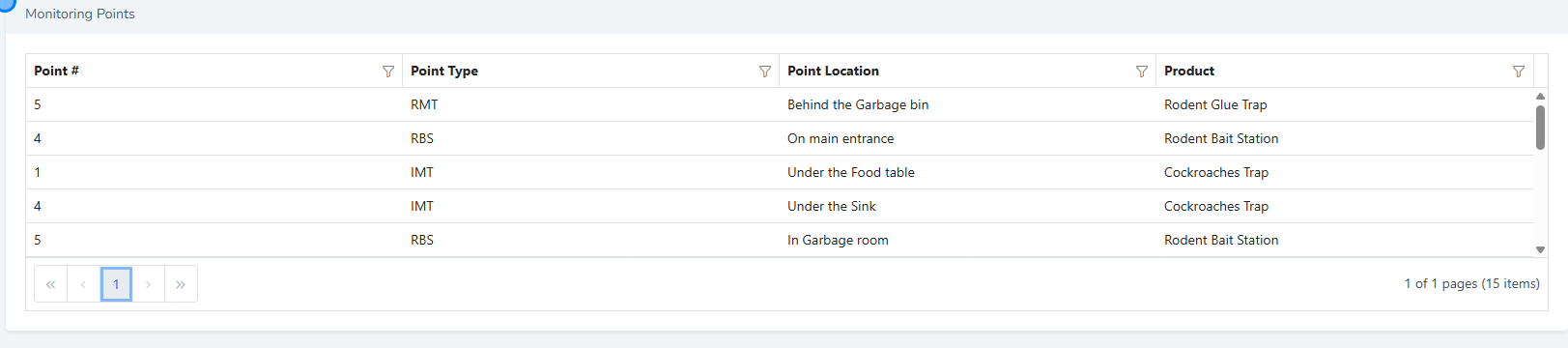
6. Monitoring Points
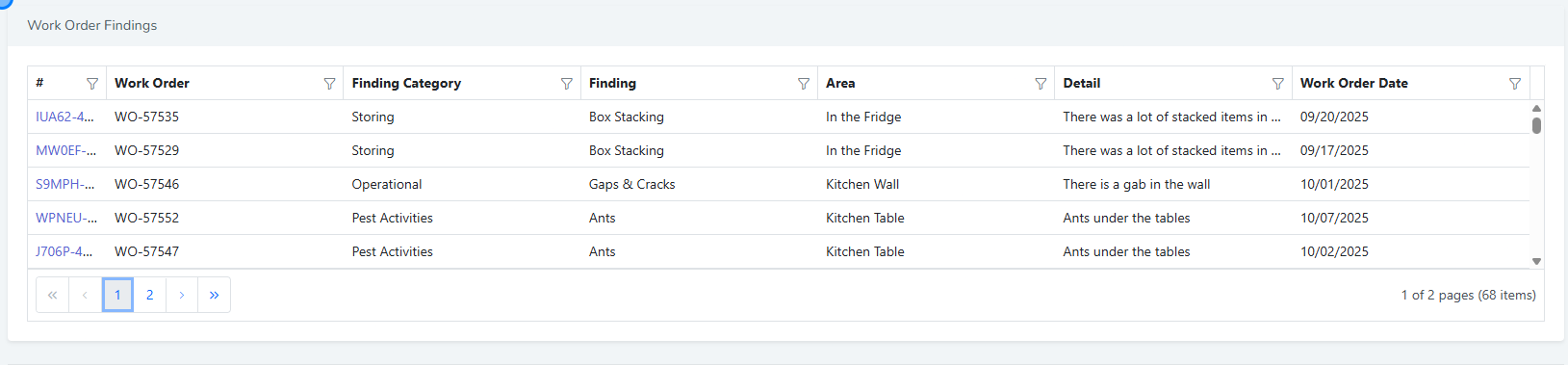
7. Work Order Findings
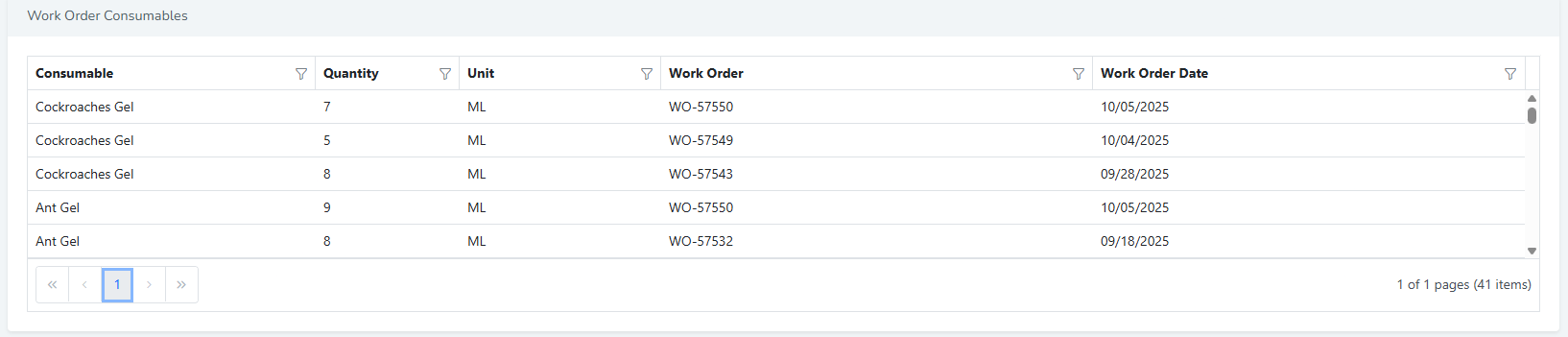
8. Work Order Consumable
 �����������������������