

Customer Portal Users
Manage all users who have access to the customer portal.
1. Main Window
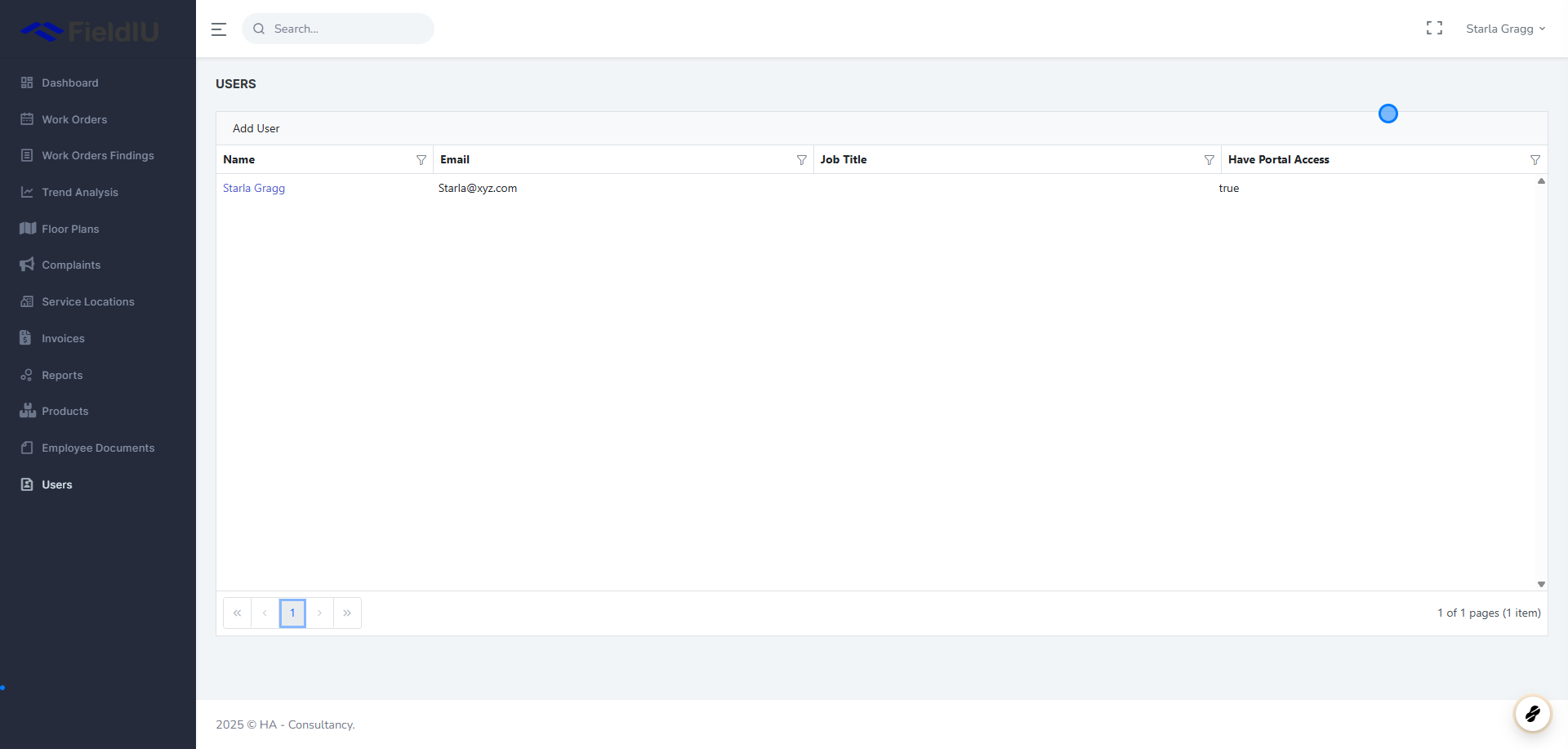
In the main window, you will see a list of all users who have access to the portal.
You can manage a user’s details and permissions by clicking on their name.
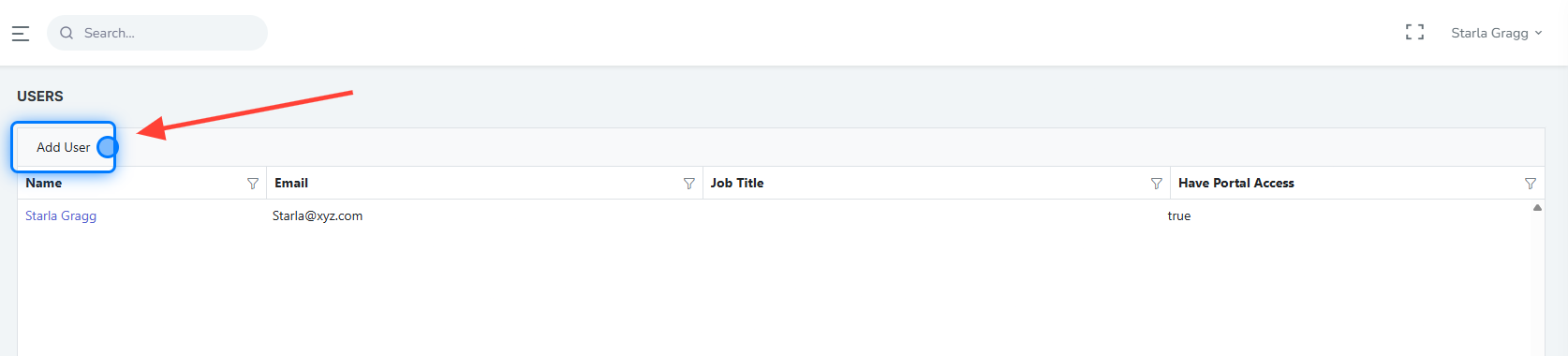
2. Adding User
3. User Details
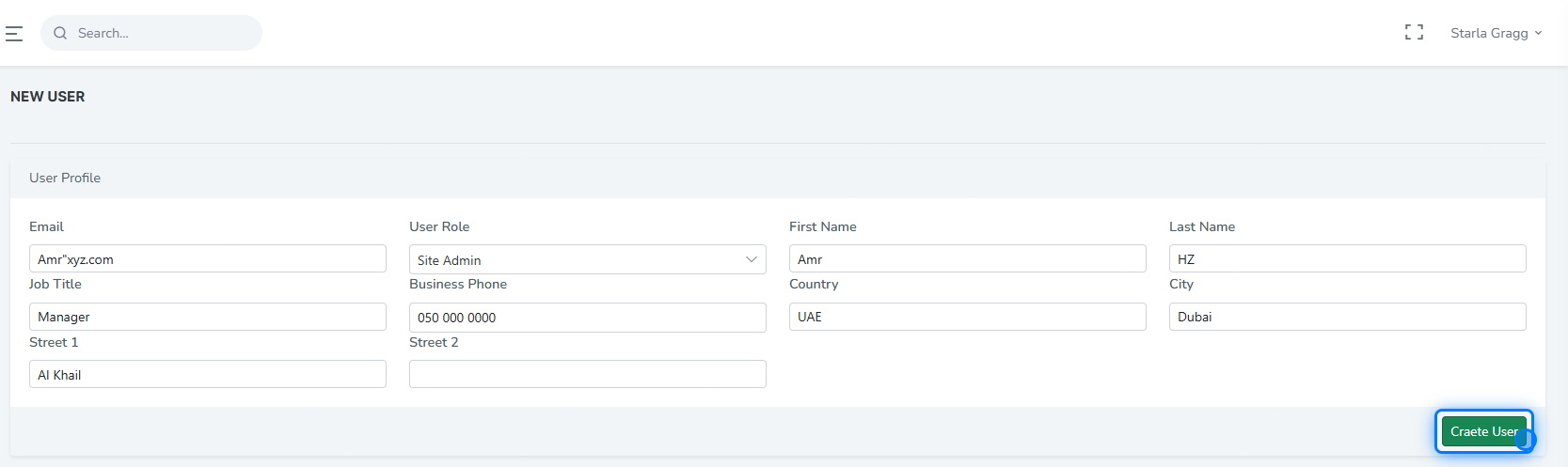
Once you click on Add User , you need to enter all the details related to the new user, including:
-
Email
-
Role
-
First Name
-
Last Name
-
Job Title
-
Business Phone
-
Country
-
City
-
Street
Then, click Create User to submit the form.
4. Roles
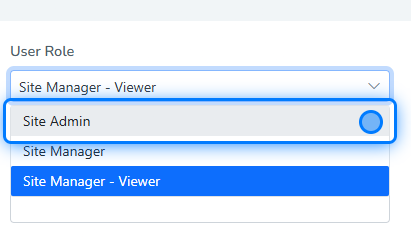
There are three user roles available:
-
Site Admin : Allows the user to view and manage all data across all service locations and creating new users.
-
Site Manager : Allows the user to view and manage data for a specific service location.
-
Site Manager - Viewer : Allows the user to view data only for a specific service location (read-only access).
 �����������������������