> ## Documentation Index
> Fetch the complete documentation index at: https://docs.fieldiu.com/llms.txt
> Use this file to discover all available pages before exploring further.
# Inventory Reorder Point
The **Inventory Reorder Point** helps you configure reorder levels from vendors. A new purchase order will be created automatically when the inventory quantity reaches the predefined level.
### 1. Creating new point
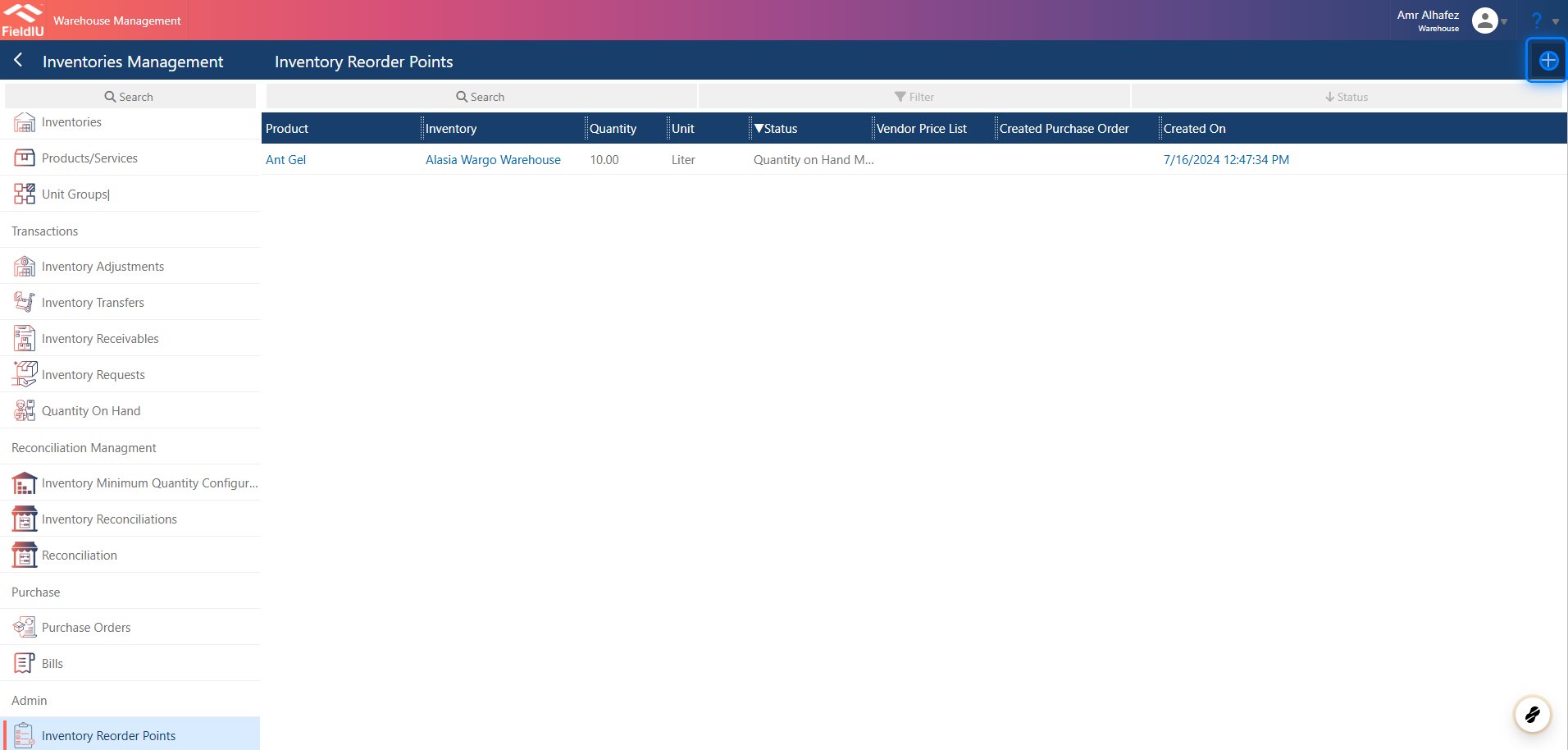
You can access it from the **Warehouse** app. From the side menu bar, click on **Inventory Management** —you will find it at the bottom of the same menu.
You can create a new point by clicking the **+** button, or edit any existing record by clicking on it.
 ### 2. Fill in the details
Just select the inventory, product, quantity unit, and vendor, then save.
### 2. Fill in the details
Just select the inventory, product, quantity unit, and vendor, then save.
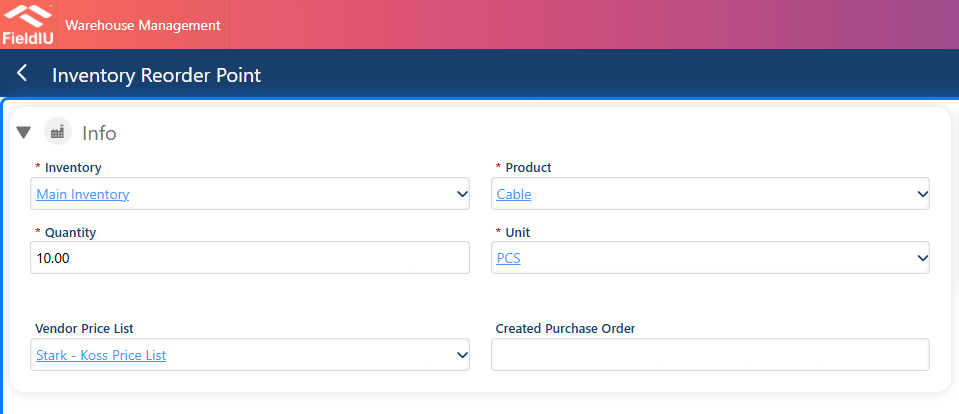 > ### 💡 The created purchase order will be filled automatically once the system generates it.�����������������������