> ## Documentation Index
> Fetch the complete documentation index at: https://docs.fieldiu.com/llms.txt
> Use this file to discover all available pages before exploring further.
# Inventory Minimum Quantities
**Inventory Minimum Quantities** is used to set the minimum quantities for linked inventories.
### 1. Minimum Quantity Configurations
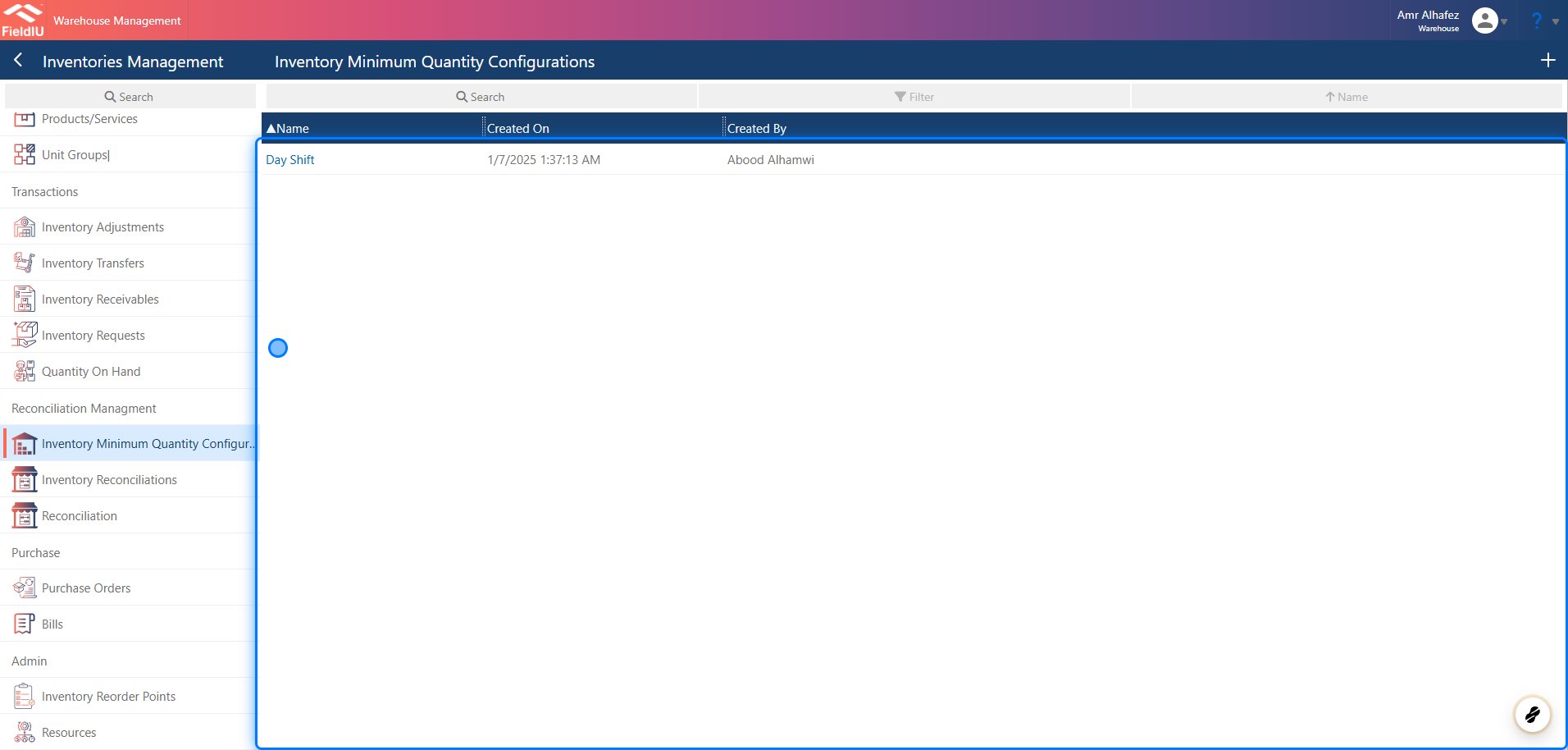
You can find the **Inventory Minimum Quantities** configuration in the **Warehouse** app. From the side menu, click on **Inventory Management** —it is located within the same menu.
You can create a new configuration by clicking the **+** button, or edit any existing record by clicking on it.
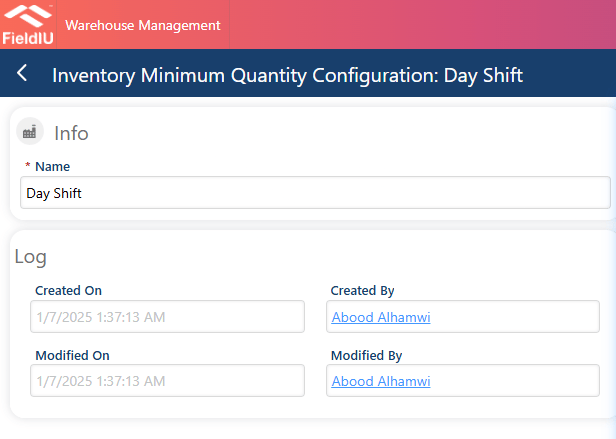
 ### 2. Enter a configuration name and save.
 ### 3. Setting it up
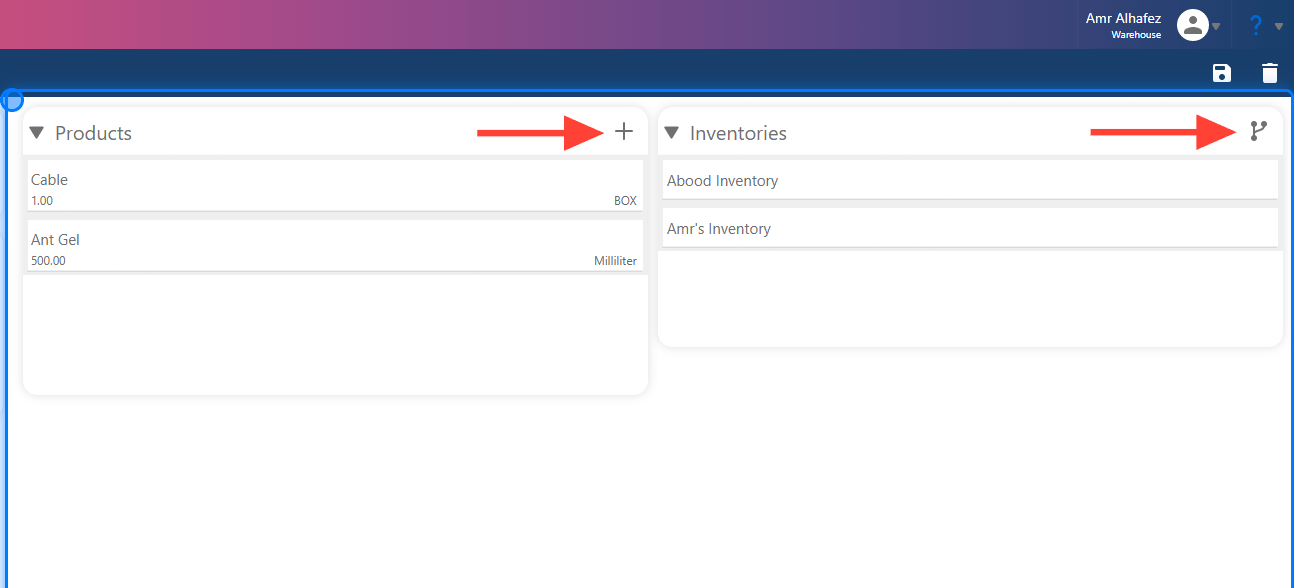
Once you save, you can add products and their quantities in the **Products** section, and link inventories in the **Inventories** section.
### 3. Setting it up
Once you save, you can add products and their quantities in the **Products** section, and link inventories in the **Inventories** section.
 ### 4. Adding Product
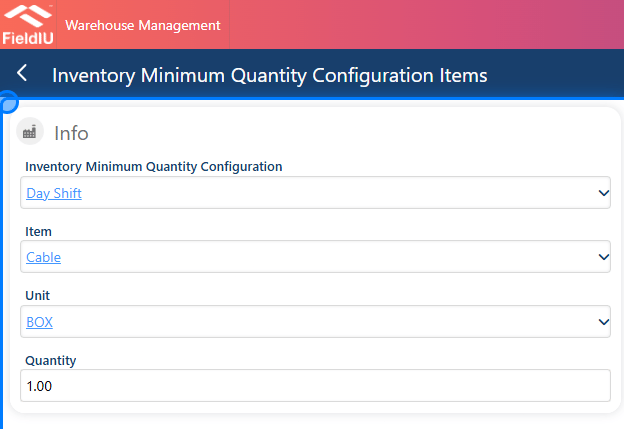
Simply fill in the details and save.
### 4. Adding Product
Simply fill in the details and save.
 ### 5. Link Inventories
Select the inventory, go back, and then save.
### 5. Link Inventories
Select the inventory, go back, and then save.
 �����������������������