> ## Documentation Index
> Fetch the complete documentation index at: https://docs.fieldiu.com/llms.txt
> Use this file to discover all available pages before exploring further.
# Contact Line
### 1. Contract Lines
The **Contract Line** is used to manage a single location within a contract.\
It allows you to manage frequencies, monitoring point definitions, services, related work orders, portal contacts, etc.
*The Contract Line is generated automatically when the contract is created.*
 ### 2. Main Details
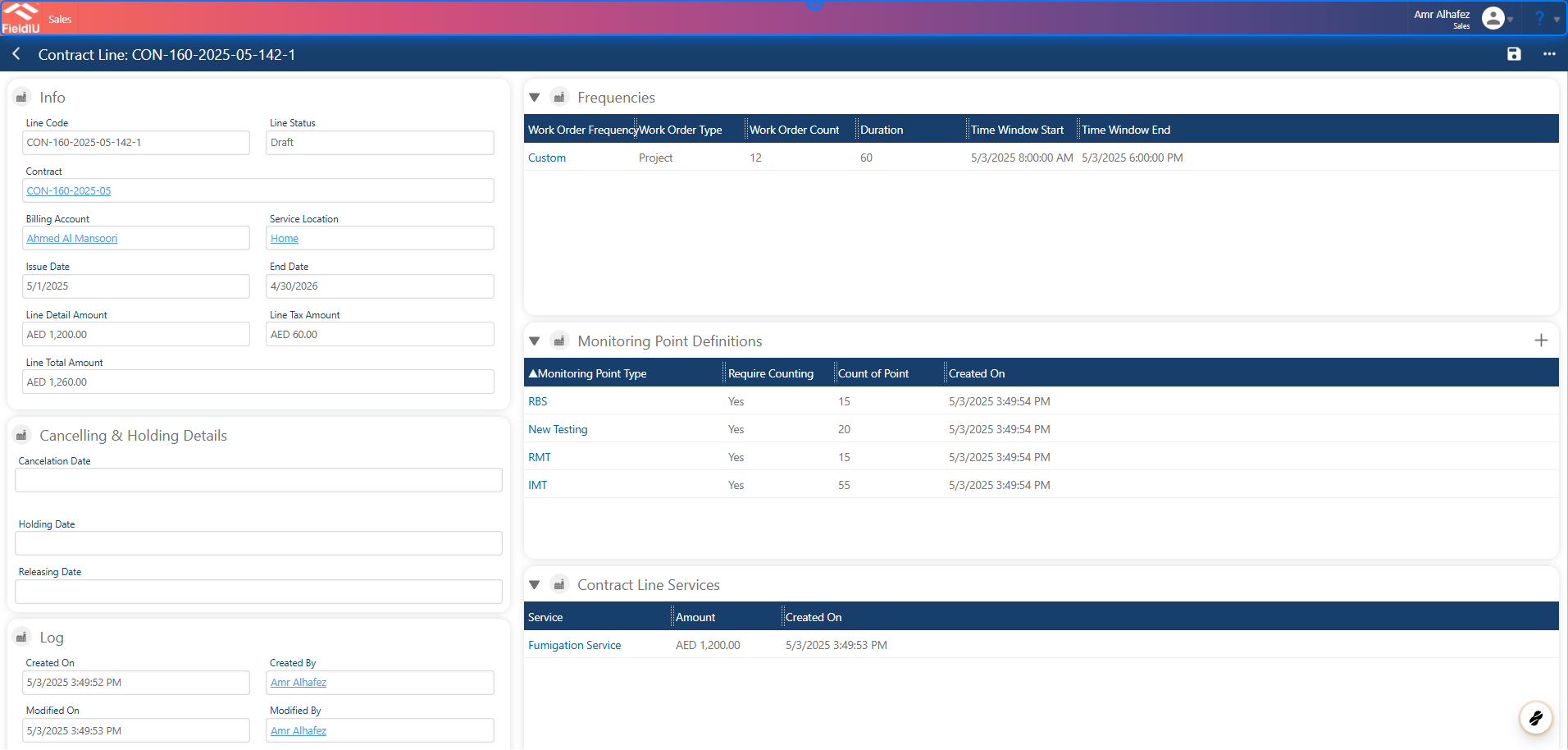
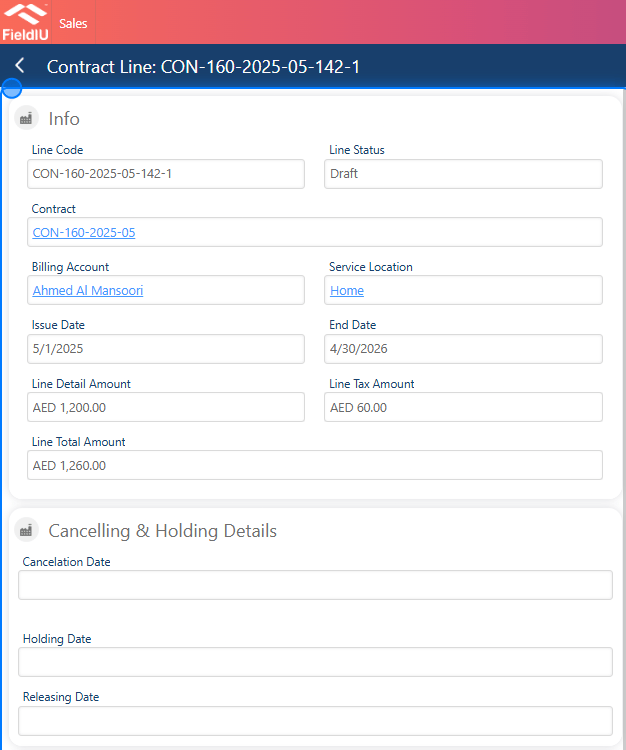
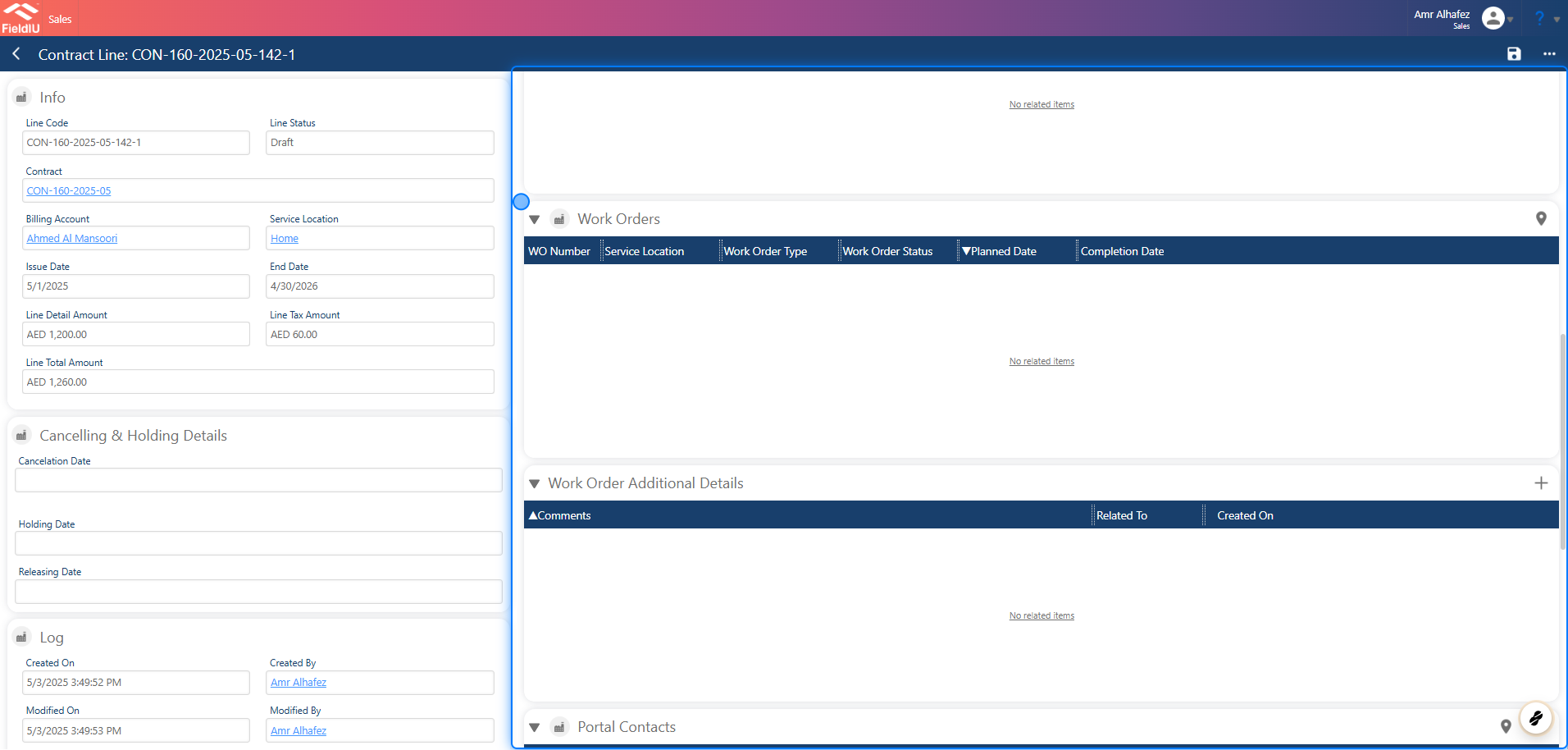
In the **Info** section, you will find the main details for the line, including:\
Line Code, Contract Number, Billing Account, Issue Date, End Date, Line Detail Amount, Total Amount, and Tax Amount.
### 2. Main Details
In the **Info** section, you will find the main details for the line, including:\
Line Code, Contract Number, Billing Account, Issue Date, End Date, Line Detail Amount, Total Amount, and Tax Amount.
 ### 3. Frequencies
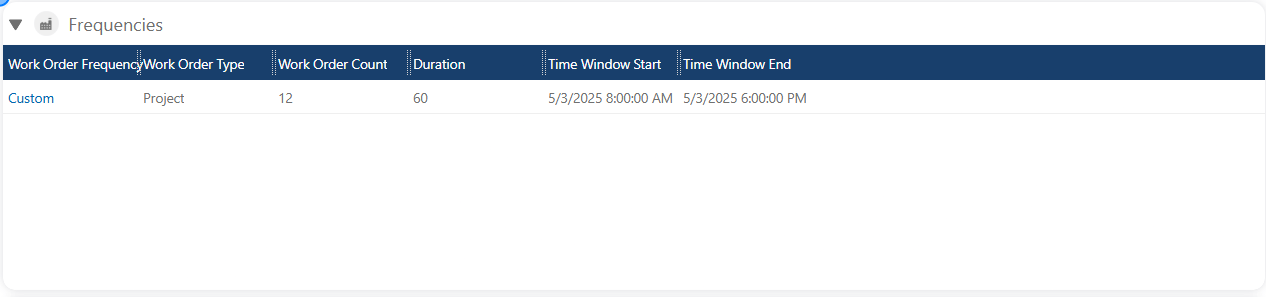
In **Frequencies** , you can manage the frequencies for each service at the same location.\
For more information, [see the **Frequencies** documentation.](https://docs.fieldiu.com/knowledgebase/frequency/)
### 3. Frequencies
In **Frequencies** , you can manage the frequencies for each service at the same location.\
For more information, [see the **Frequencies** documentation.](https://docs.fieldiu.com/knowledgebase/frequency/)
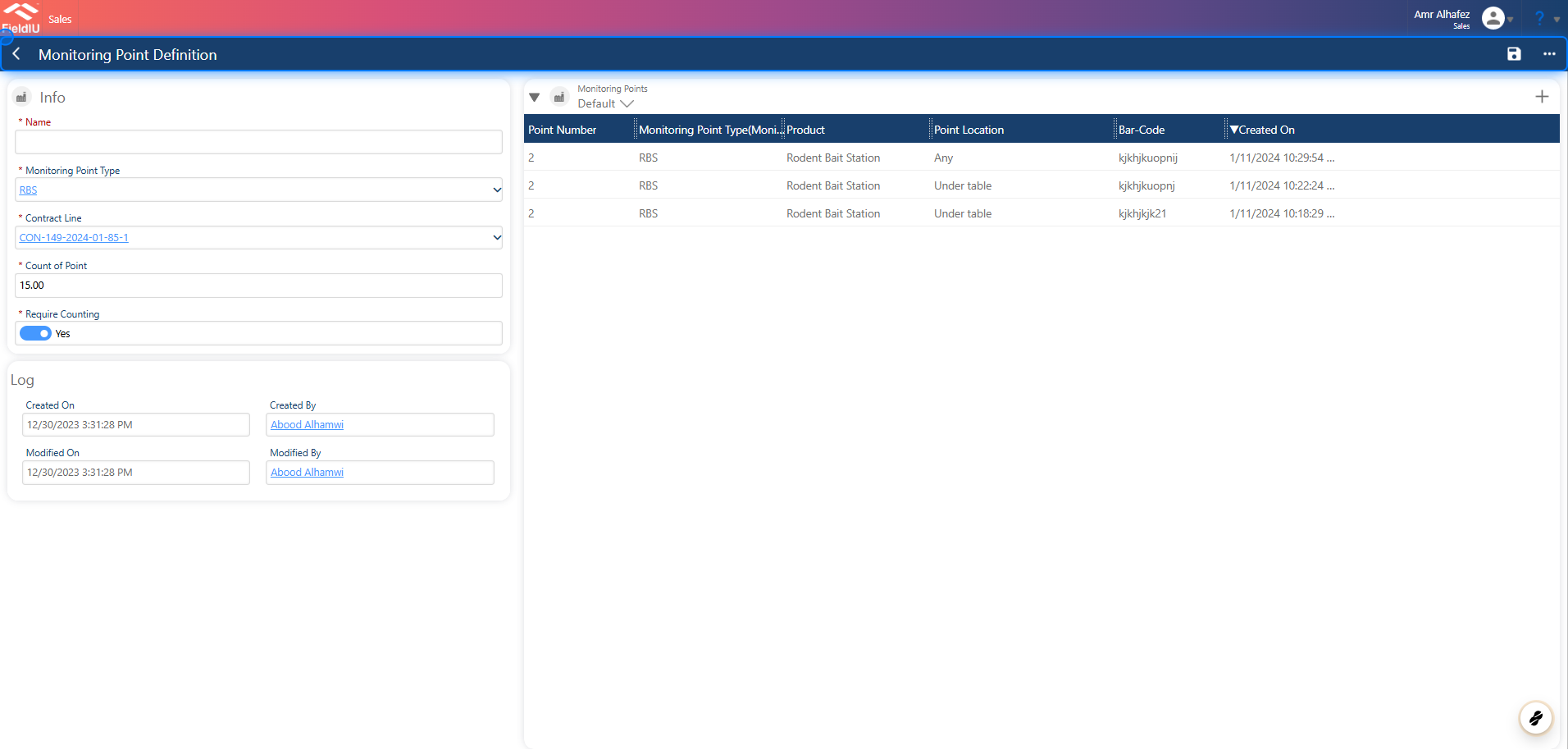
 ### 4. Monitoring Points Definition
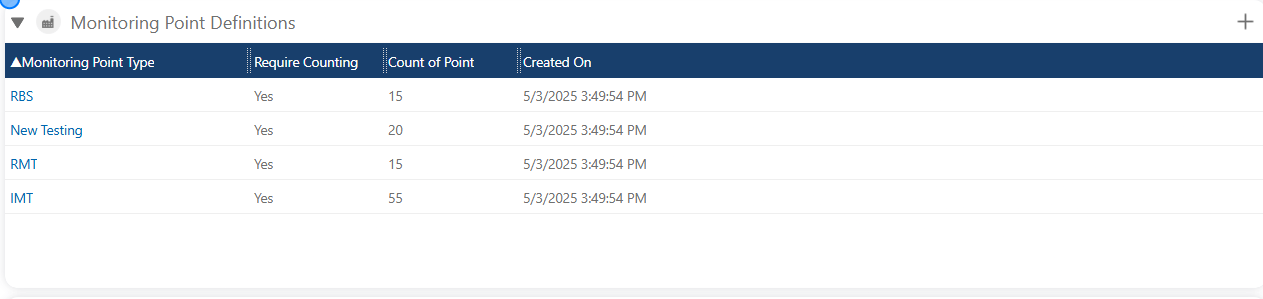
The Monitoring Points Definition section displays the monitoring points that were defined during contract creation.\
You can manage these monitoring points or review the already defined points.
### 4. Monitoring Points Definition
The Monitoring Points Definition section displays the monitoring points that were defined during contract creation.\
You can manage these monitoring points or review the already defined points.
 ### 5.
 ### 6. Contract Line Service
This panel displays the services for the location and their details.
### 6. Contract Line Service
This panel displays the services for the location and their details.
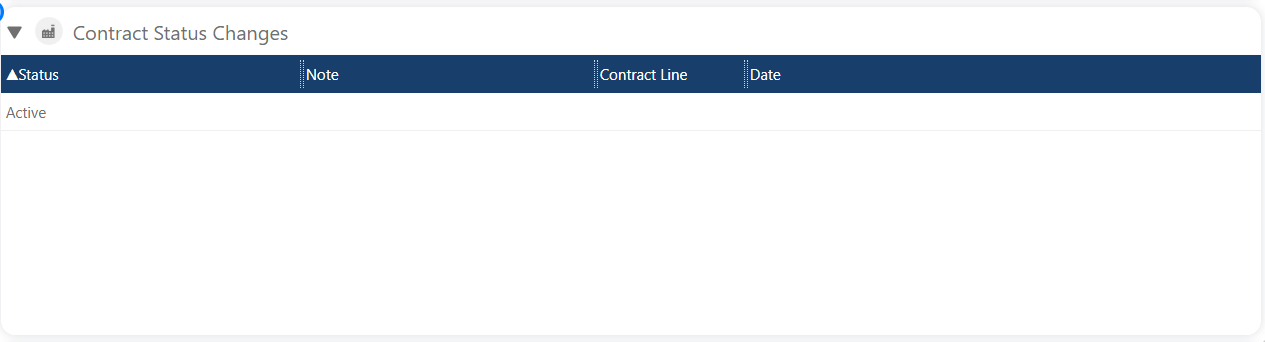
 ### 7. Contract Status Changes
This section displays the history of status changes for the contract.
### 7. Contract Status Changes
This section displays the history of status changes for the contract.
 ### 8. Work Orders
 ### 9. Portal Contacts
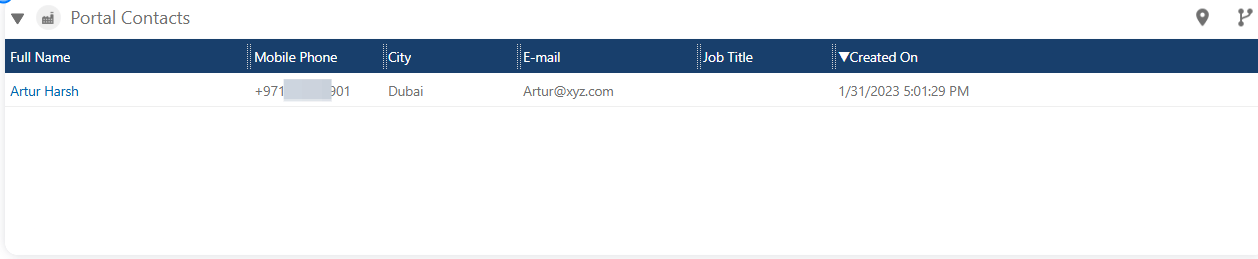
In this section, you can manage the contract line manager in the portal.\
For more information, see the **Portal** documentations.
### 9. Portal Contacts
In this section, you can manage the contract line manager in the portal.\
For more information, see the **Portal** documentations.
 ### 10. Invoices
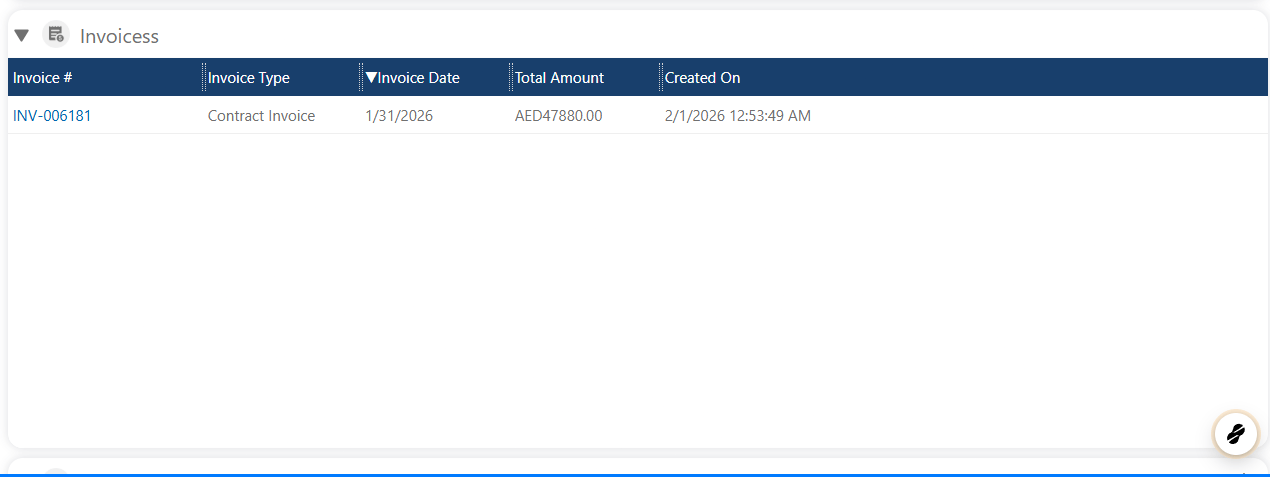
In this section, you will find all invoices related to the contract line.
### 10. Invoices
In this section, you will find all invoices related to the contract line.
 ### 11. Required Questionnaires
This section allows you to link and manage questionnaires associated with the contract line.
### 11. Required Questionnaires
This section allows you to link and manage questionnaires associated with the contract line.
 �����������������������