> ## Documentation Index
> Fetch the complete documentation index at: https://docs.fieldiu.com/llms.txt
> Use this file to discover all available pages before exploring further.
# Customer Portal Work Orders
The Work Order Displays detailed information about all work orders.
### 1. WORK ORDERS
 ### 2. Main Window
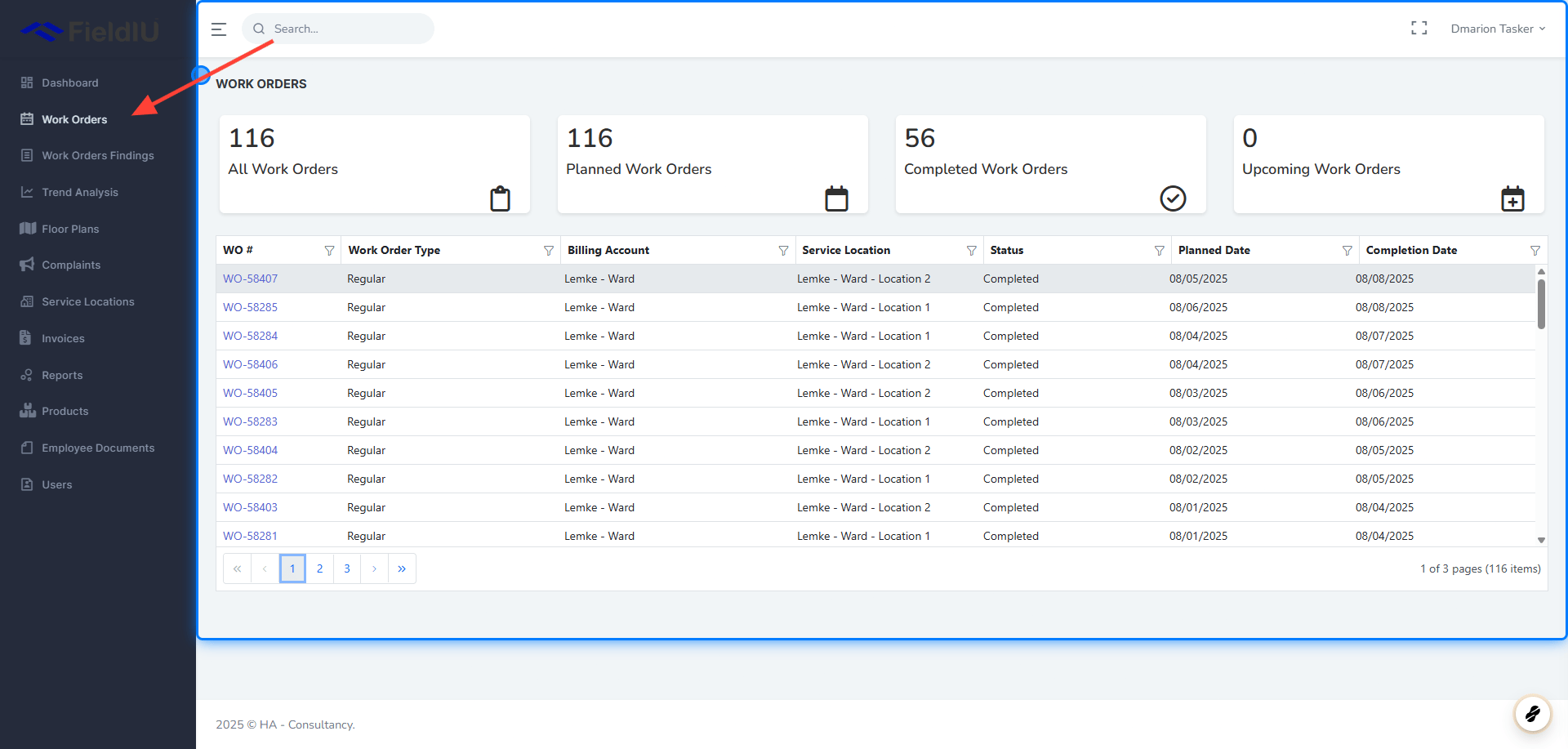
In the Work Orders main window, you can view all work orders created for the customer. At the top, summary cards display key metrics, including:
* Total Work Orders
* Planned Work Orders
* Completed Work Orders
* Upcoming Work Orders
### 2. Main Window
In the Work Orders main window, you can view all work orders created for the customer. At the top, summary cards display key metrics, including:
* Total Work Orders
* Planned Work Orders
* Completed Work Orders
* Upcoming Work Orders
 ### 3. View Work Order
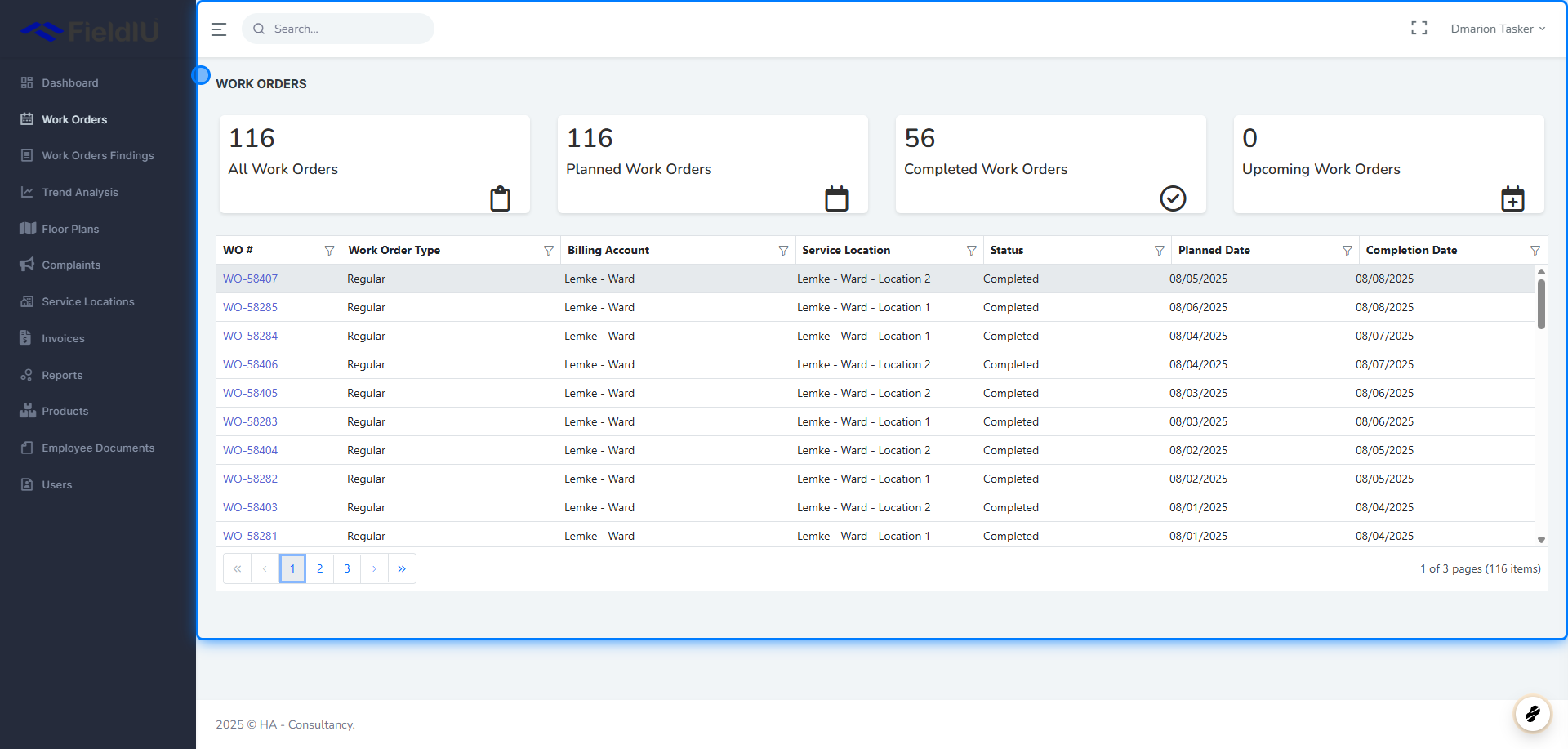
You can view the details of a selected work order by clicking on its work order number.
### 3. View Work Order
You can view the details of a selected work order by clicking on its work order number.
 ### 4. Work Order Details
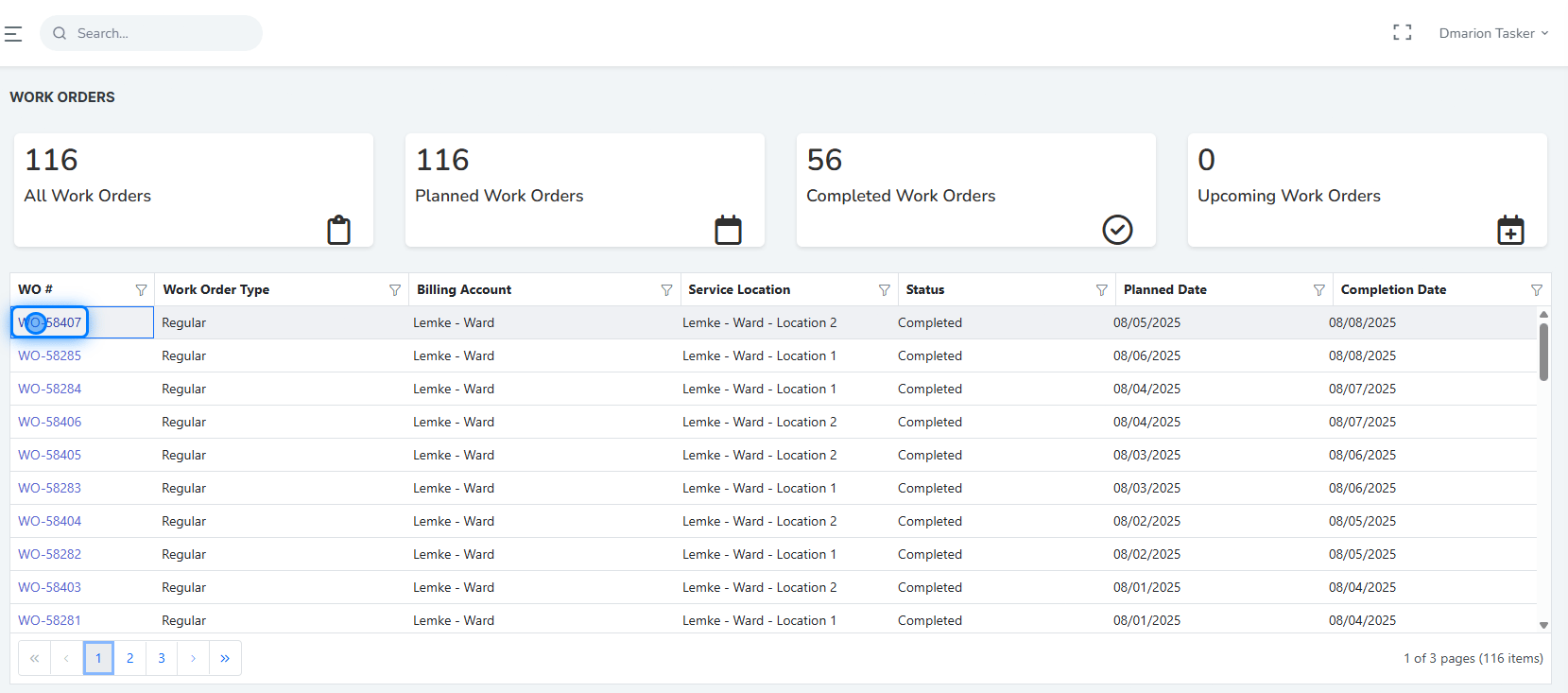
Inside the work order details view, you will find all information related to the selected work order, including:
* **Service Location**
* **Status**
* **Planned Date**
* **Completion Date**
* **Bookings**
* **Consumables** (products used in the work order)
* **Findings**
* **Readings**
* **Reports**
### 4. Work Order Details
Inside the work order details view, you will find all information related to the selected work order, including:
* **Service Location**
* **Status**
* **Planned Date**
* **Completion Date**
* **Bookings**
* **Consumables** (products used in the work order)
* **Findings**
* **Readings**
* **Reports**
 ### 5. Findings
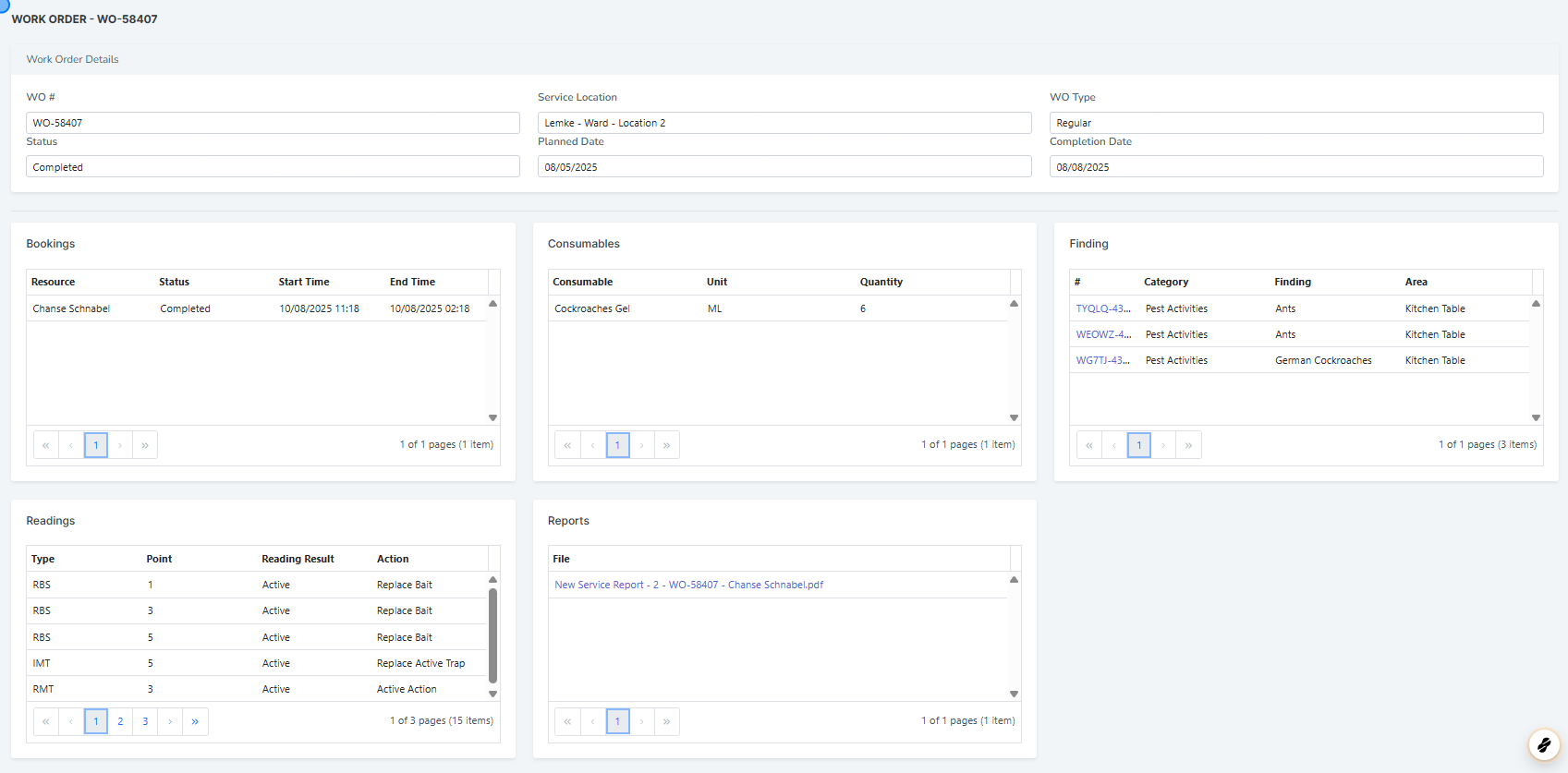
You can click on the finding number to view detailed information about that specific finding.
### 5. Findings
You can click on the finding number to view detailed information about that specific finding.
 �����������������������